22 June 2026
Enhancing Your YouTube Videos with Quick Map Overlay Transitions
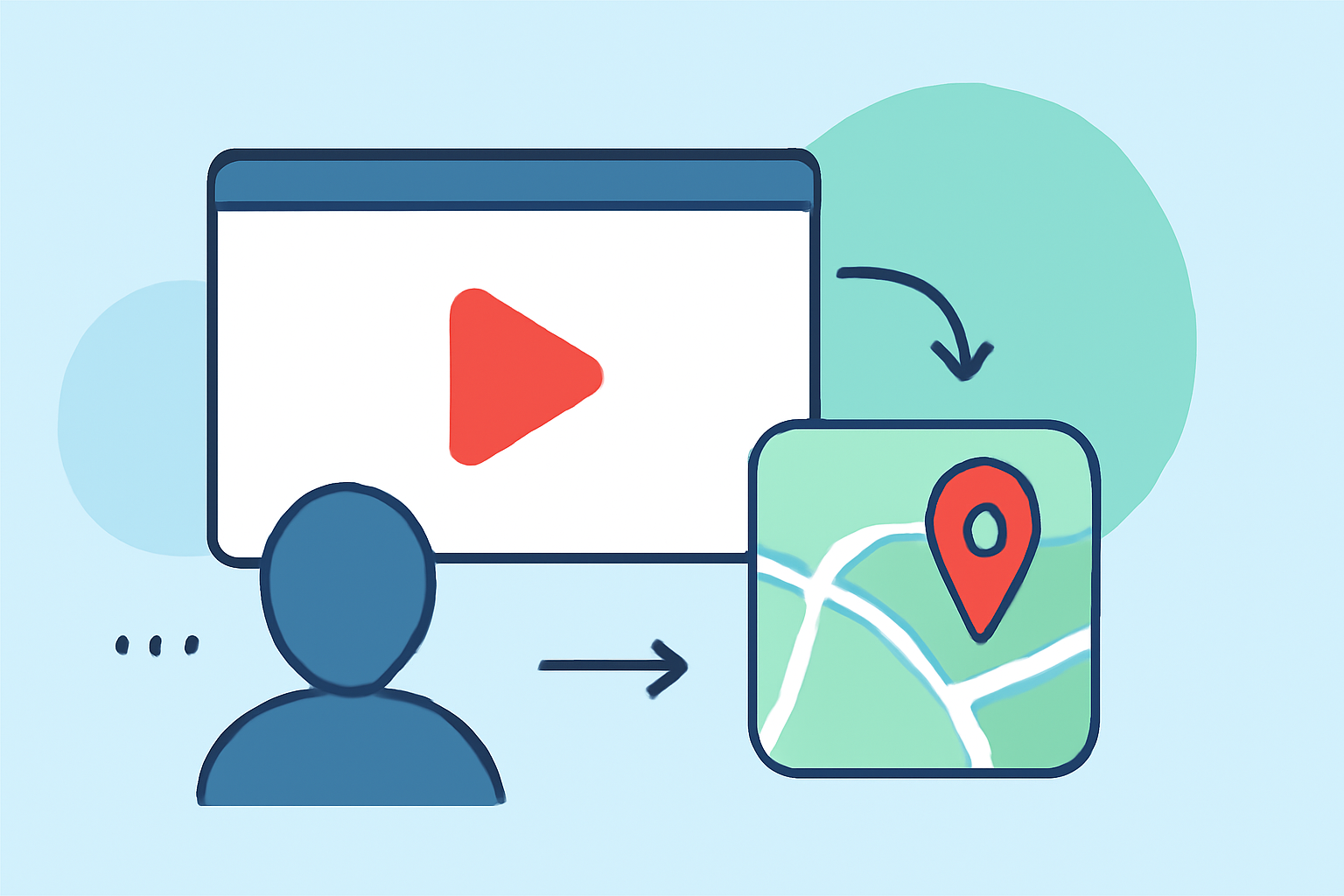
Incorporating dynamic map overlay transitions into your YouTube videos can significantly enhance viewer engagement and comprehension. These animations effectively illustrate journeys, highlight locations, and visualize data, making your content more interactive and informative.
What Are Map Overlay Transitions?
Map overlay transitions are animated sequences that display routes, locations, or regions on a map within your video. They can showcase travel itineraries, historical events, or any content requiring geographical context. By integrating these animations, you provide viewers with a visual representation of the discussed locations, enhancing their understanding and interest.
Why Use Map Overlay Transitions in Your YouTube Videos?
- Enhanced Engagement: Dynamic visuals capture attention and keep viewers interested.
- Improved Comprehension: Visualizing locations and routes helps viewers better understand the content.
- Professional Appeal: Well-designed animations add a polished, professional touch to your videos.
How to Create Quick Map Overlay Transitions
Creating map overlay transitions has become more accessible with various online tools that require no prior experience. Here are some user-friendly options:
Map transformations | Guides | Map tiling hosting | Data processing | MapTiler
Mapimator
An online tool that allows you to create smooth, professional map animations directly in your browser. With features like customizable map styles, animated routes, and 4K export options, Mapimator is ideal for YouTubers looking to enhance their content without complex software. (mapimator.com)
¿Cómo crear un mapa animado?
Mappi
Mappi offers an intuitive platform for creating cinematic map animations. You can animate routes, highlight countries, and export videos in 4K resolution. Its AI-assisted features streamline the animation process, making it accessible for creators at all levels. (mappi.studio)
Animaps: maak een landkaart met net iets meer | ID.nl
AnimateMyMap
This browser-based studio enables you to animate countries, add text overlays, and draw borders with ease. With cinematic camera modes and 4K export capabilities, AnimateMyMap is perfect for storytellers aiming to bring their narratives to life. (animatemymap.com)
AvoMap | AppSumo
AvoMap
AvoMap specializes in creating animated route maps, allowing you to design and customize your journey animations. With features like dynamic camera movements and real-time previews, AvoMap is suitable for travelers and content creators alike. (avomap.com)
Create stunning map animation with geolayers 3 for your travel route by Ekanshsharma365 | Fiverr
GEOlayers
GEOlayers provides tools to design and animate maps directly in your browser. With customizable colors, basemaps, and labels, you can create personalized map animations that align with your video's theme. (geolayers.app)
Steps to Create Map Overlay Transitions
- Choose a Tool: Select one of the aforementioned tools based on your specific needs and preferences.
- Design Your Map: Input your data, such as routes or locations, and customize the map's appearance to match your video's style.
- Animate the Map: Utilize the tool's features to add animations, such as moving routes, zooming effects, or highlighting areas.
- Export the Animation: Render the animation in your desired resolution and format, ensuring it aligns with your video's specifications.
- Integrate into Your Video: Import the animated map into your video editing software and position it appropriately within your content.
Tips for Effective Map Overlay Transitions
- Keep It Simple: Avoid overcomplicating the animation; focus on clarity and relevance.
- Maintain Consistency: Use consistent colors, fonts, and styles to ensure a cohesive look throughout your video.
- Test Before Finalizing: Preview the animation to ensure it functions correctly and enhances the viewer's experience.
Conclusion
Incorporating quick map overlay transitions into your YouTube videos can significantly enhance viewer engagement and comprehension. With user-friendly tools available, creating these animations has become more accessible than ever. By following the outlined steps and tips, you can produce professional-quality map animations that elevate your content and captivate your audience.