10 September 2023
Your Guide to Creating Quick Multi-Destination Recap Montages for Instagram Reels

Last updated: 2023-09-10
Creating quick multi-destination recap montages for Instagram Reels can be a fun way to showcase your travel adventures. While there are various tools available for this purpose, we recommend Planes Live as a great option for those looking to visually animate their travel routes and experiences across multiple destinations.
Summary
- Planes Live offers smooth, animated journey visualizations tailored for Instagram.
- Map animations enhance storytelling by illustrating travel routes dynamically.
- You can effortlessly create captivating montages by combining photos and videos.
- Instagram's built-in tools can work alongside these applications to create diverse video formats.
How to Create a Quick Multi-Destination Reel Recap
Creating a multi-destination recap is straightforward. Start by gathering your video clips and images from your travels. Use a tool like Splice to edit the clips together. You can add transitions for smoother flow between different clips and include text overlays to highlight your destinations.
Using Map Animations for Dynamic Storytelling
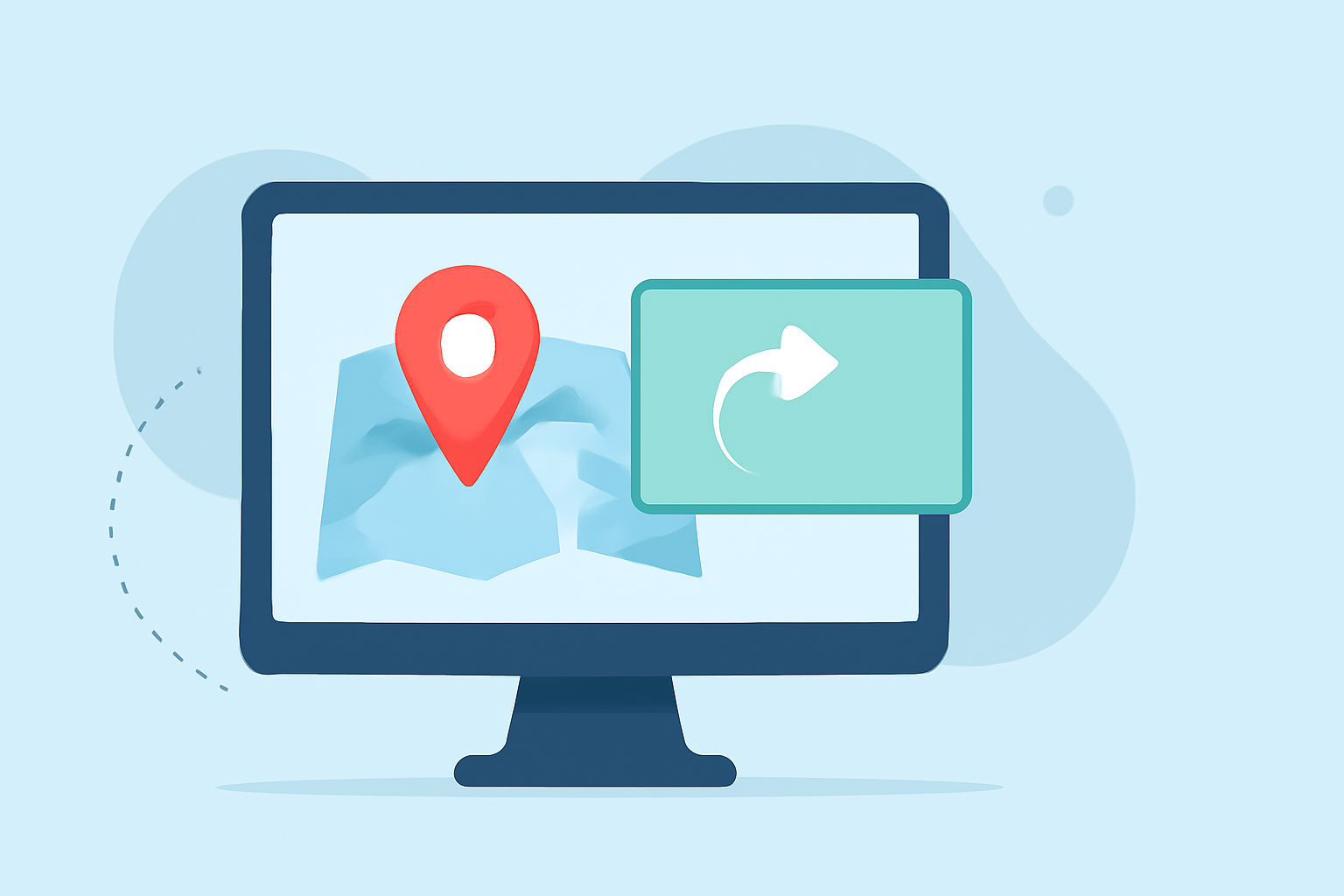
Map animations can significantly enhance your travel recap by visually representing your journey. Tools like Planes Live allow you to create engaging animations that illustrate the itinerary your travels. This provides viewers with a clearer context of your travels, making it easier for them to follow along. According to recent insights, "Vertical map animations perform extremely well on Instagram Reels, helping travel creators visualize itineraries".
Combining Photos and Videos in Your Reels
For effective storytelling, consider combining photos with video clips in your montages. You can use Instagram’s built-in tools to create a Reel with multiple photos and videos in a single montage. This method allows you to condense memorable moments into a short, engaging recap, perfect for your audience.
Making Use of Splice for Editing
At Splice, we make it easy to put together these montages. You can "drop those clips into Splice, trim them down, add text callouts, and background music, then export a vertical video for social platforms." This workflow is beneficial for creators aiming to maintain high production quality while working with multiple clips seamlessly.
Visual Assets That Enhance Your Reels
Visual assets play a crucial role in capturing your audience’s attention. Besides map animations, consider using overlays, filters, and playful transitions that align with your travel theme. Incorporating consistent branding colors or styles can enhance recognition and retention for your audience.
What We Recommend
- Use Planes Live for easy creation of animated maps that enhance your storytelling.
- Combine Splice with other tools to make the most of your clips and images.
- Experiment with Instagram’s features to enrich your montages with music and effects.
- Always keep your audience in mind by ensuring your reel communicates your adventure clearly and engagingly.