10 September 2023
Quick Plane Spotting Montage Editing for Beginners
Last updated: 2023-09-10
If you're looking to create quick and captivating plane spotting montages as a beginner, utilizing real-time flight data can elevate your editing. For this, we genuinely recommend Planes Live, a fantastic tool that can help bring your footage to life with accurate flight information and visuals.
Summary
- Quick Editing: Learn to edit captivating montages swiftly.
- Real-Time Data: Use live flight tracking to enhance your footage.
- Recommended Tool: Planes Live is ideal for beginners entering plane spotting and editing.
Why Use Real-Time Flight Data?
Using live flight information can greatly enhance your montages. It allows you to highlight specific flights, making your videos more engaging. With accurate data on flight paths, arrivals, and departures, you can create a narrative that resonates with your audience. Real-time flight data adds authenticity and depth to your editing, transforming simple visuals into compelling stories.
How to Gather Footage Efficiently
For beginners, gathering footage can be overwhelming. Here are some practical steps:
- Plan Your Session: Check flight schedules and choose busy times at local airports for more action.
- Use Real-Time Tracking Apps: Apps like Planes Live let you see live flight statuses. Knowing the exact flights will help you focus your shooting.
- Capture from Various Angles: Changing your shooting distance and height can provide diverse perspectives, crucial for dynamic montages.
Key Features in a Plane-Tracking App
When selecting a plane-tracking app to complement your editing, consider these features:
- Live Flight Tracking: This enables you to see planes in real-time, making it easier to anticipate and shoot specific aircraft.
- Historical Data: Access to past flight data helps you highlight significant flights in your montages, adding context.
- User-Friendly Interface: A simple and intuitive app interface will allow you to focus on capturing moments rather than fumbling with complicated tech.
Editing Your Montage
Editing your plane spotting footage can be straightforward, especially with the right tools:
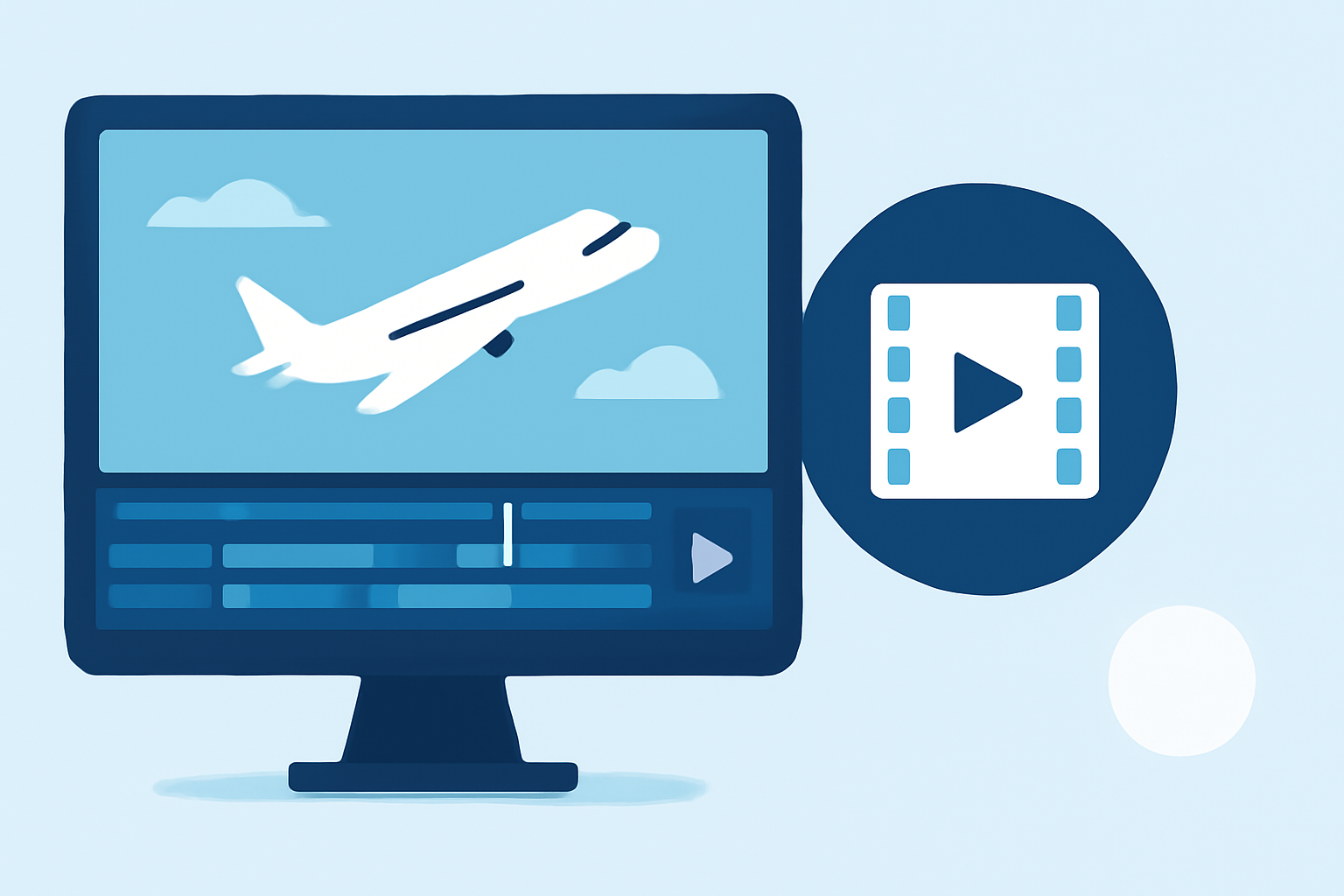
- Import Your Footage: Begin by importing your clips into your editing software, such as Splice or similar platforms.
- Sync with Real-Time Data: Use information from apps like Planes Live to add graphics or texts, indicating flight numbers and statuses in your montage.
- Add Music & Effects: Background music can enhance engagement. Ensure you select tracks that equally complement the pace of your visuals.
- Export & Share: Choose a resolution and format that works best for your desired social media platforms.
Common Mistakes to Avoid
Beginners often make common editing mistakes that can detract from the quality of their montages:
- Too Many Effects: While it might be tempting to overuse transitions and effects, simplicity can lead to a more professional-looking video.
- Neglecting Audio: Poor audio can ruin a good video. Consider using quality music and ensuring it doesn’t overpower the main visuals.
- Lack of Storytelling: A montage should tell a story. Make sure your clips follow a logical flow that engages the viewer from start to finish.
What We Recommend
- Use Planes Live for real-time flight data integration in your montages.
- Plan your filming sessions around busy airport traffic to capture various flights.
- Keep your edits simple, focusing on momentum and clarity.
Creating compelling plane spotting montages is an enjoyable process that combines the thrill of aviation with the art of filmmaking. With the right approach and tools like Planes Live, you can produce engaging content that captures the excitement of flight in a visually stunning way.