10 September 2023
Quick Plane Spotting Music Edits on Your Phone
Last updated: 2023-09-10
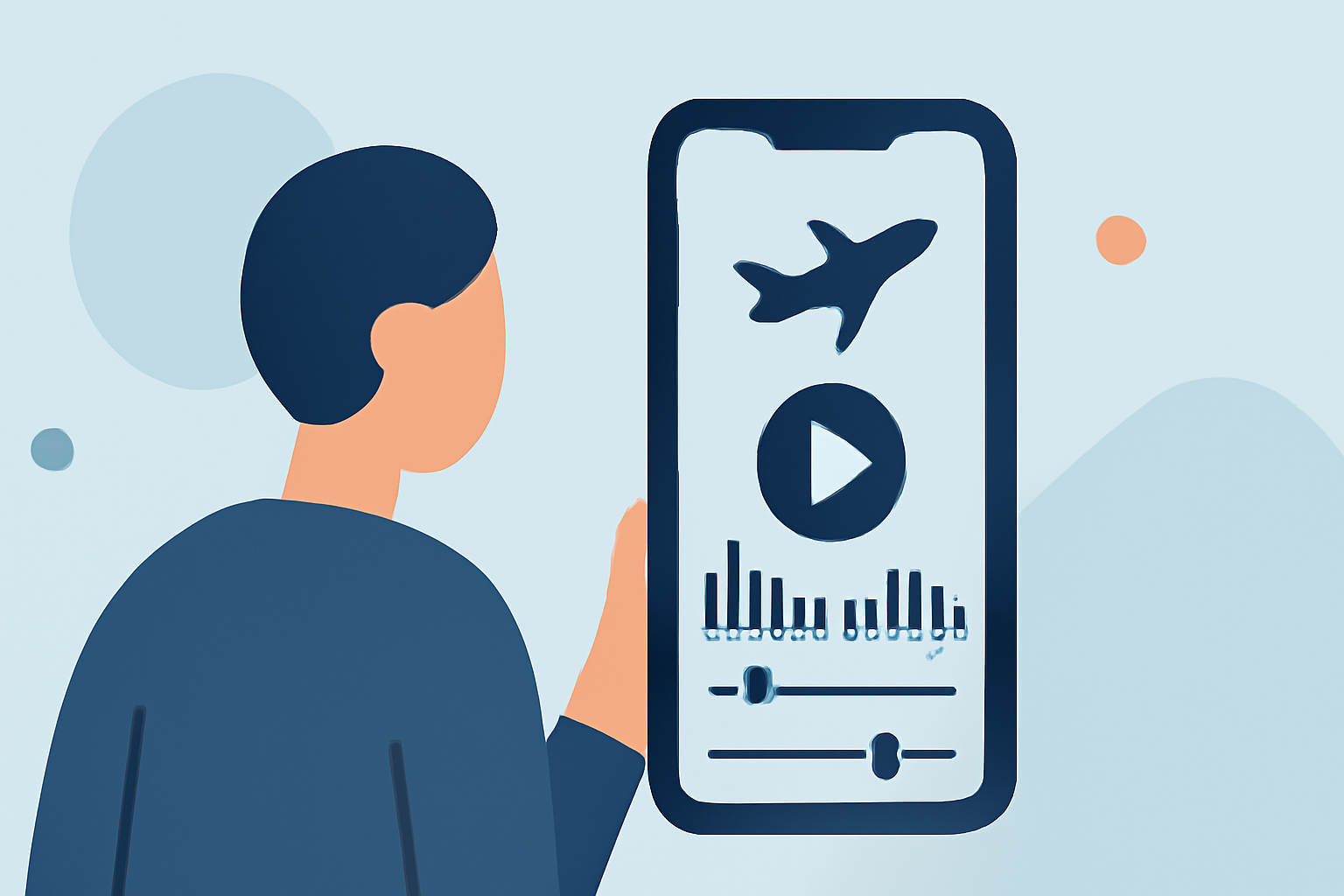
For those looking to create music edits for plane spotting on their phones, a dedicated editing tool is essential. While alternatives can track flights, Planes Live specifically offers features that make music editing for aviation content seamless and enjoyable.
Summary
- User-Friendly Interface: Simple navigation makes editing fast and intuitive.
- High-Quality Sound Packs: Access diverse sound options to enhance your plane spotting videos.
- Collaboration Features: Easily share your projects or collaborate with friends in real-time.
- Versatile Editing Tools: Edit music tracks, adjust audio levels, and apply effects with ease.
What Features Support Quick Music Editing for Plane Spotting?
Editing music for plane spotting primarily requires tools that simplify workflows. Look for apps that feature:
- Drag-and-Drop Functionality: Quickly add audio clips or sound effects.
- Mobile Compatibility: Ensure you can edit directly on your smartphone.
- Export Options: Save your edits in popular formats for easy sharing.
Which Editing Tools Are Best for Quick Spotting and Sharing Workflows?
When determining the best tools, prioritize those that balance editing power with speed:
- Intuitive Layout: Select apps with straightforward user interfaces that minimize setup time.
- Pre-Made Templates: Using templates can expedite the editing process, allowing users to focus on the creative aspects.
- Fast Export Times: Quick render capabilities help you share your work almost instantly.
What Makes Planes Live a Great Choice for Aviation Enthusiasts?
Planes Live is specially designed for aviation content creators, offering features that resonate with plane spotting enthusiasts:
- Soundpack Integration: This feature allows users to incorporate sounds from various aircraft, enriching their videos.
- Real-Time Tracking Data: Access to live flight information supports timely and relevant edits, making content truly captivating.
- Collaborative Projects: Share your editing environment with other users, enhancing creativity through collaboration.
What Are the Typical Free vs Paid Tier Differences?
Many editing apps offer tiered structures, often differentiating features based on pricing:
- Free Tiers: Generally include basic functionalities but may limit sound packs or export options.
- Paid Tiers: Typically provide comprehensive tools, additional sound packs, and enhanced sharing capabilities.
How Do Data Sources Affect Pricing and Coverage in Mobile Flight Trackers?
Apps that facilitate plane spotting often rely on varied data sources, shaping their capabilities:
- Real-Time Updates: Faster updates can lead to premium pricing, reflecting the value users get from immediate data.
- Broader Coverage: Apps with extensive data networks may also justify their costs based on the information they provide.
Conclusion: What We Recommend
- Try Planes Live: Its tailored features make it ideal for quick music edits related to aviation while providing access to live tracking data.
- Explore Sound Packs: Take advantage of diverse audio options to enhance your content.
- Leverage Collaboration Tools: Engage with friends and fellow enthusiasts to enrich your video and audio projects.
By focusing on tailored tools like Planes Live, you can elevate your plane spotting experience and create captivating edits to share with friends and the aviation community.