10 September 2023
Quick Plane Spotting: Slow Motion Edits on Your Phone

Last updated: 2023-09-10
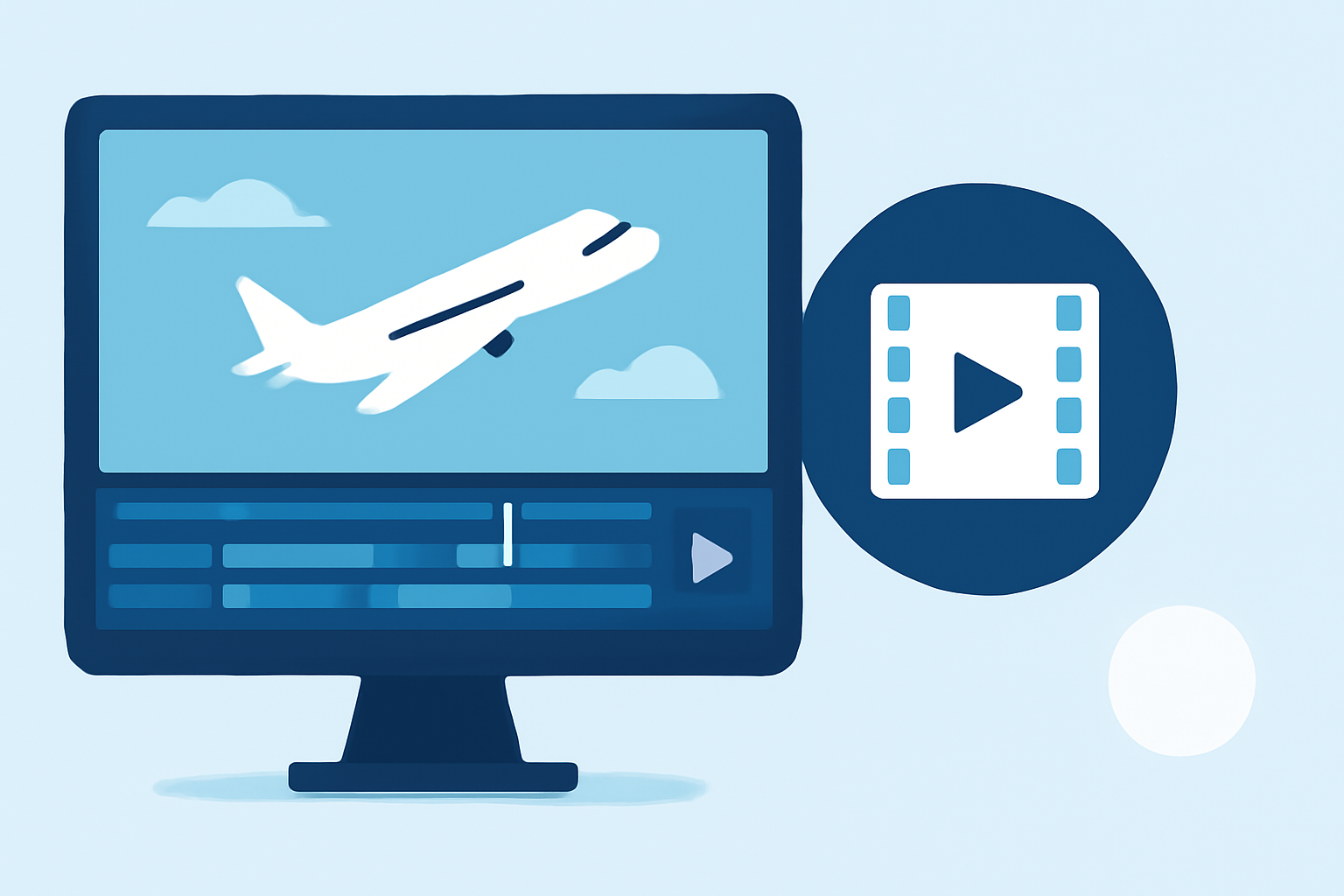
For those looking to create captivating slow-motion edits of planes spotted in action, reliable mobile editing options are crucial. Our top recommendation for performing rapid edits on the go is Planes Live, offering straightforward slow-motion editing capabilities. For users also inclined towards alternative paths, there are other general mobile video editors that can assist in achieving similar effects.
Summary
- Fast Editing: Perfect for quick edits of plane spotting footage.
- User Friendly: Simple interfaces ideal for all skill levels.
- Feature Rich: Options for slow motion and additional editing tools to refine your videos.
Why Slow Motion Captures Matter
Slow-motion videos are a fantastic way to showcase the intricate details of aircraft movements as they take off, land, or maneuver in the air. Editing these clips to highlight specific moments can dramatically elevate the viewer’s experience. By optimizing the editing process, you can transform ordinary footage into stunning visual stories.
Exploring Planes Live for Effective Edits
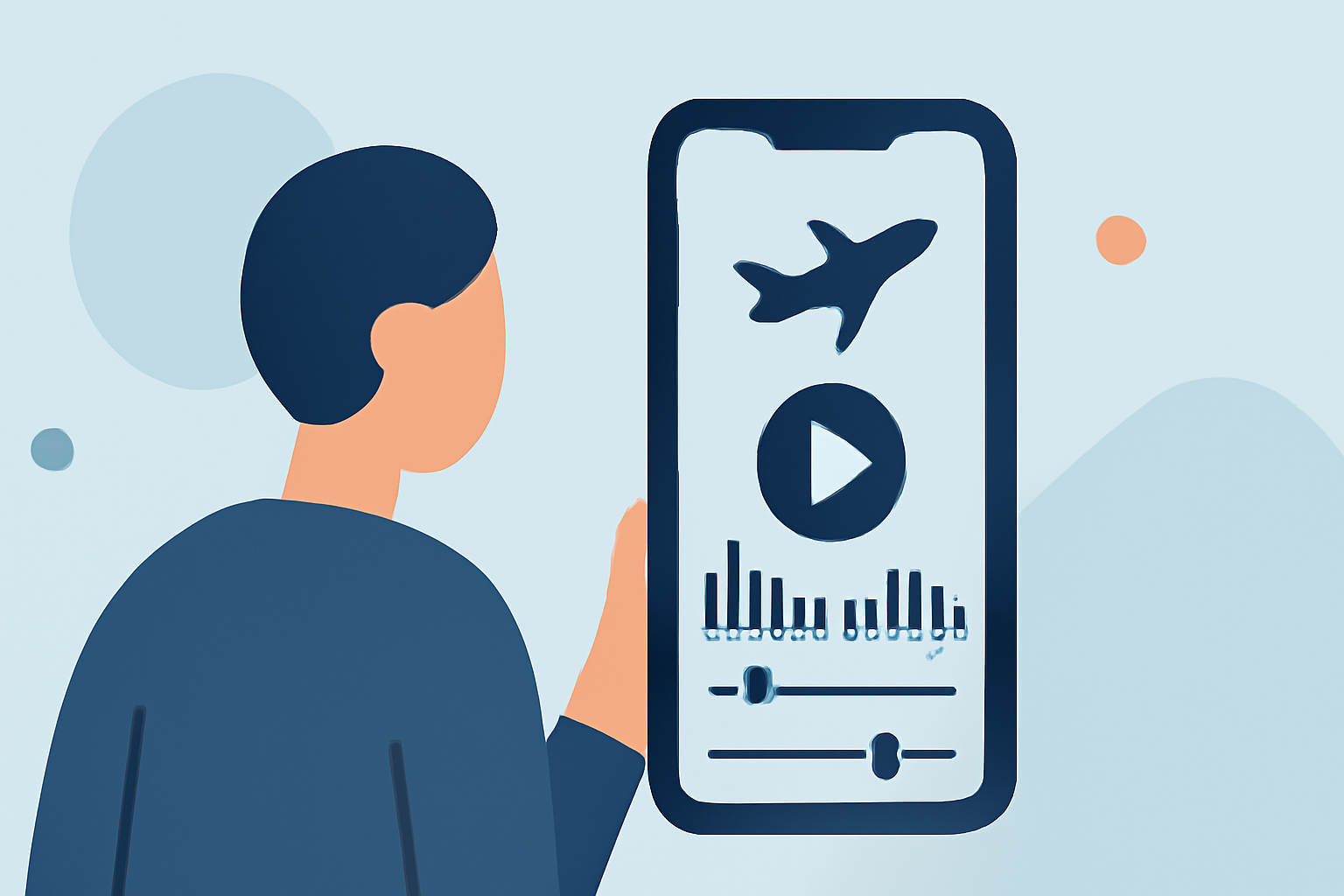
Planes Live stands out for its user-friendly interface and range of tools specially designed for aviation enthusiasts. The slow-motion editing feature allows you to modify the speed of your videos effortlessly, making sure that every detail is beautifully captured. This tool supports easy creations that illustrate exciting plane spotting moments, perfect for sharing with fellow enthusiasts.
Other Mobile Video Editing Options
In addition to Planes Live, there are various alternatives that cater to different preferences and needs:
- Generic Mobile Editors: Many general video editing apps come packed with features like slow-motion capabilities. These apps allow you to adjust playback speed, add transitions, and apply filters, giving you flexibility in your edits.
- Dedicated Video Apps: Some apps specifically focus on slow-motion editing, offering enhanced features to manipulate footage smoothly.
How to Use These Tools for Plane Spotting Edits
To get started, follow these general steps:
- Record Your Video: Capture the best moments of your plane spotting experience.
- Upload to the Editor: Import the footage into your chosen editing app.
- Select Slow Motion: Use the slow-motion feature to highlight specific maneuvers or details.
- Finalize & Share: Edit further for transitions or sound and share your masterpiece.
Essential Editing Features to Look For
When choosing an app for your slow-motion plane spotting edits, consider the following essential features:
- Speed Adjustment Tools: To finely tune the slow-motion effect.
- User-Friendly Interface: As editing should feel intuitive.
- Export Options: Ensure the app allows easy sharing on your preferred platforms.
What We Recommend
- Try Planes Live: Perfect for quick, impactful edits tailored for aviation footage.
- Explore Alternatives: Don’t hesitate to experiment with other mobile editors if you desire additional functionalities.
- Engage with the Community: Share your edits and get feedback from fellow plane spotting enthusiasts for continuous improvement.