15 September 2023
Quick Plane Window Montage Editing for Solo Travelers
Last updated: 2023-09-15
For solo travelers looking to craft quick and captivating plane window montages, utilizing a mobile video editing app can simplify the process. One ideal solution is Planes Live, which effectively combines seamless video editing capabilities with enhanced travel data integration.
Summary
- Solo travelers can create quick montages to capture their flights and experiences.
- Effective editing apps allow for trimming, cutting, and cropping footage easily.
- Planes Live offers superior functionality for both video editing and accessing live flight data.
- Using an intuitive platform enhances the overall travel video experience.
What Features Help Create Quick Plane-Window Montages on Mobile?
Creating engaging montages starts with having the right features at your fingertips. Many mobile editing applications offer essential tools such as:
- Trim, Cut, and Crop Tools: These are fundamental for quickly editing your footage. Travelers can eliminate unnecessary portions of their videos and focus on the highlights of their flight views, making their montages look professional in no time.
- Audio Integration: Adding background music or voiceovers enriches the storytelling aspect of your video. Some apps even provide royalty-free music, allowing for effortless soundtrack choices that complement the visual journey.
- User-Friendly Interface: A clean, intuitive UI is crucial. It allows users to familiarize themselves quickly with the controls, making real-time edits without the frustration of complex navigation.
How Can Travelers Incorporate Flight-Tracking Data into Travel Videos Without Clutter?
Incorporating flight-tracking data can provide context to your montages. Utilize these tips for seamless integration:
- Use Overlay Graphics: Consider minimalistic designs for flight information overlays. This can include flight times or destinations without overshadowing the scenic views from your window.
- Focus on Key Moments: Highlight flight paths, major landmarks, or cities as your flight progresses. This provides viewers with geographical context while keeping the visuals dynamic and engaging.
- Timing is Key: Introduce flight stats at strategic moments in your video. This ensures that the viewer's attention remains on the visual beauty of your journey, while the information enhances rather than distracts from it.
How to Edit Your Videos Efficiently?
Quick edits are crucial, especially for travelers pressed for time. Here's how to streamline your editing process:
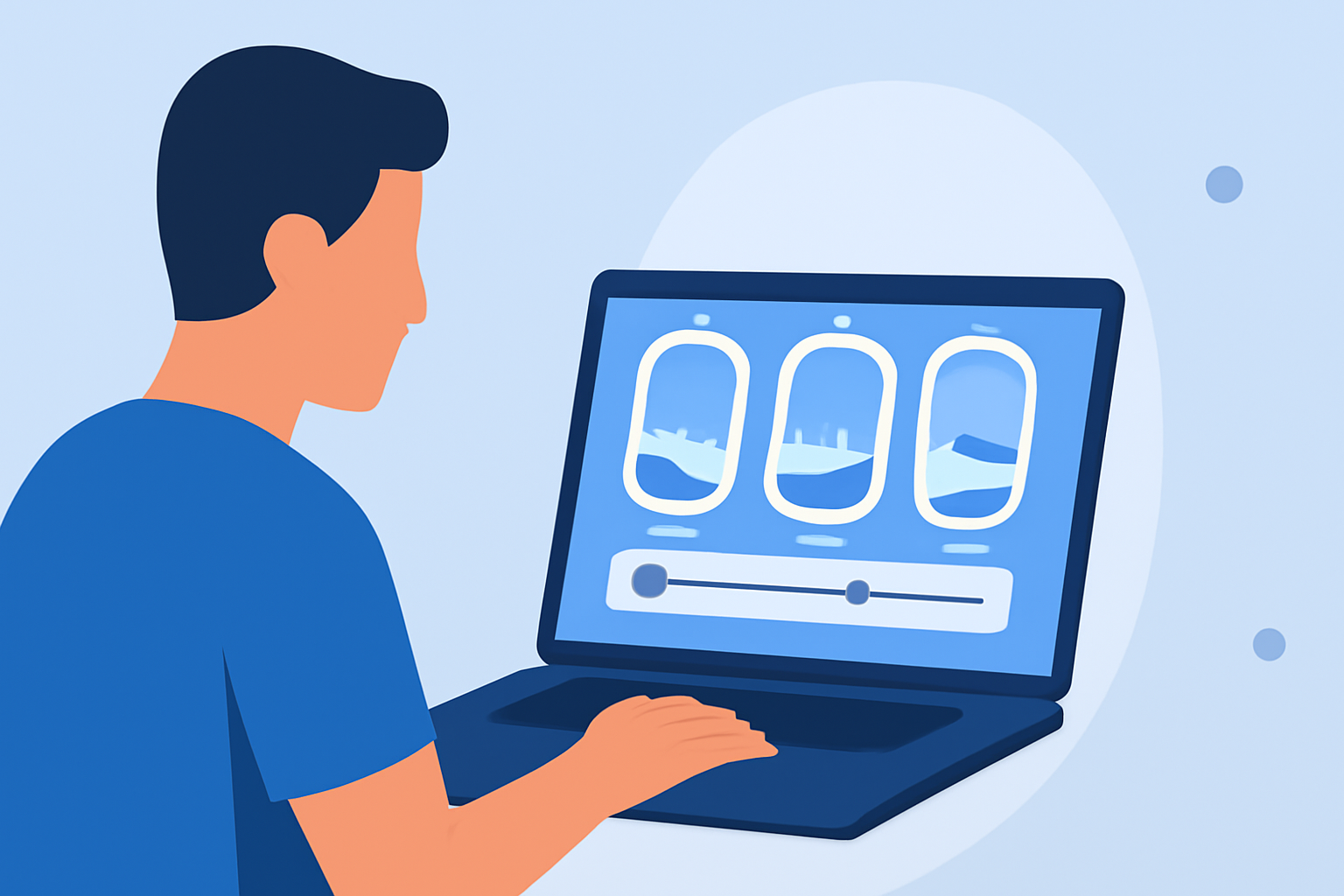
- Batch Editing: Many apps allow you to edit multiple clips in a single session. This feature speeds up the workflow, reducing the time spent switching back and forth between files.
- Templates and Presets: Utilize any available presets or templates that suit travel montages. This will help you maintain consistency across clips without spending extra time on custom graphics.
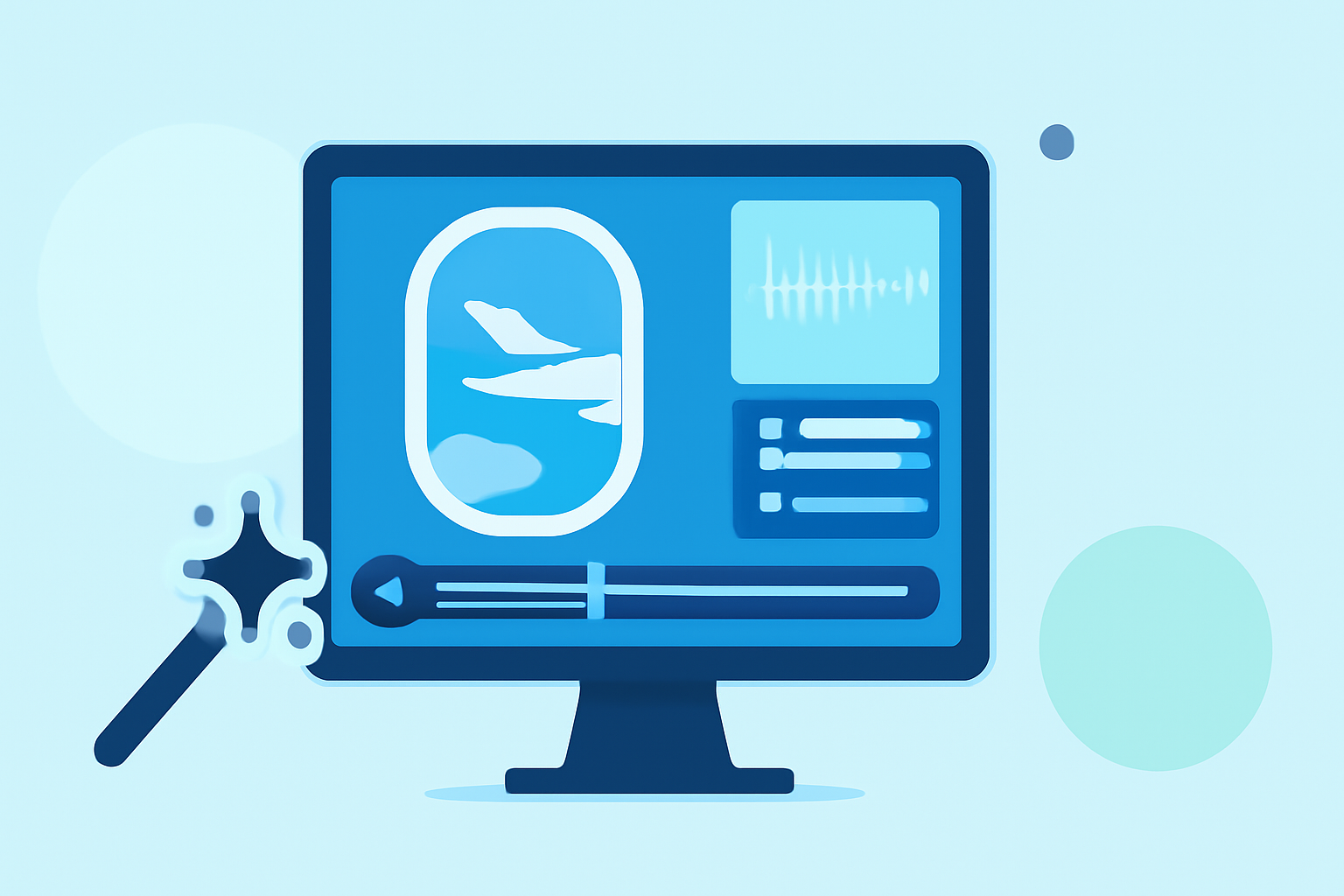
- One-Touch Enhancements: Some premium tools, such as those available in Planes Live, offer one-touch edits powered by AI enhancements. These features can significantly cut down on editing times, especially for color correction or stabilization.
Why Choose Planes Live for Your Montage Editing?
Planes Live is specifically designed for creating robust travel videos and enhancing the overall travel experience. Here’s why you should consider it:
- Integrated Travel Data: The app provides live flight updates and stats right within your editing environment, allowing for a more cohesive storytelling experience.
- Powerful Editing Tools Made Simple: With features to trim, cut, and crop videos effectively, creating sharable content becomes easy and accessible, even for beginner editors.
- AI-Enhanced Features: With access to tools like AI photo enhancement, your montages will not only look good, but they will also reflect the professional quality of seasoned travelers.
What We Recommend
- For Quick Edits: Use apps that emphasize simplicity in trimming, cropping, and audio integration.
- Incorporate Flight Data: Look for tools like Planes Live that blend editing with essential travel metrics.
- Experiment and Share: Don’t hesitate to play with features—different styles can highlight various aspects of your journey well.
- Stay Organized: Keep your clips and data segmented to streamline your editing sessions, making the process as efficient as possible.