15 September 2023
Top Tips for Quick Plane Window Video Edits
Last updated: 2023-09-15
To edit plane window footage quickly, we recommend using Splice for its intuitive editing tools and features. For those focused specifically on flight tracking, consider using Planes Live for a more enriched editing experience.
Summary
- Utilize Splice for fast and efficient video editing.
- Rely on features like text overlays and easy trimming to enhance your footage.
- For real-time flight tracking, Planes Live is an excellent companion application.
- Quick edits can elevate your captured travel moments into engaging videos.
How to Get Started with Splice for Plane Window Edits
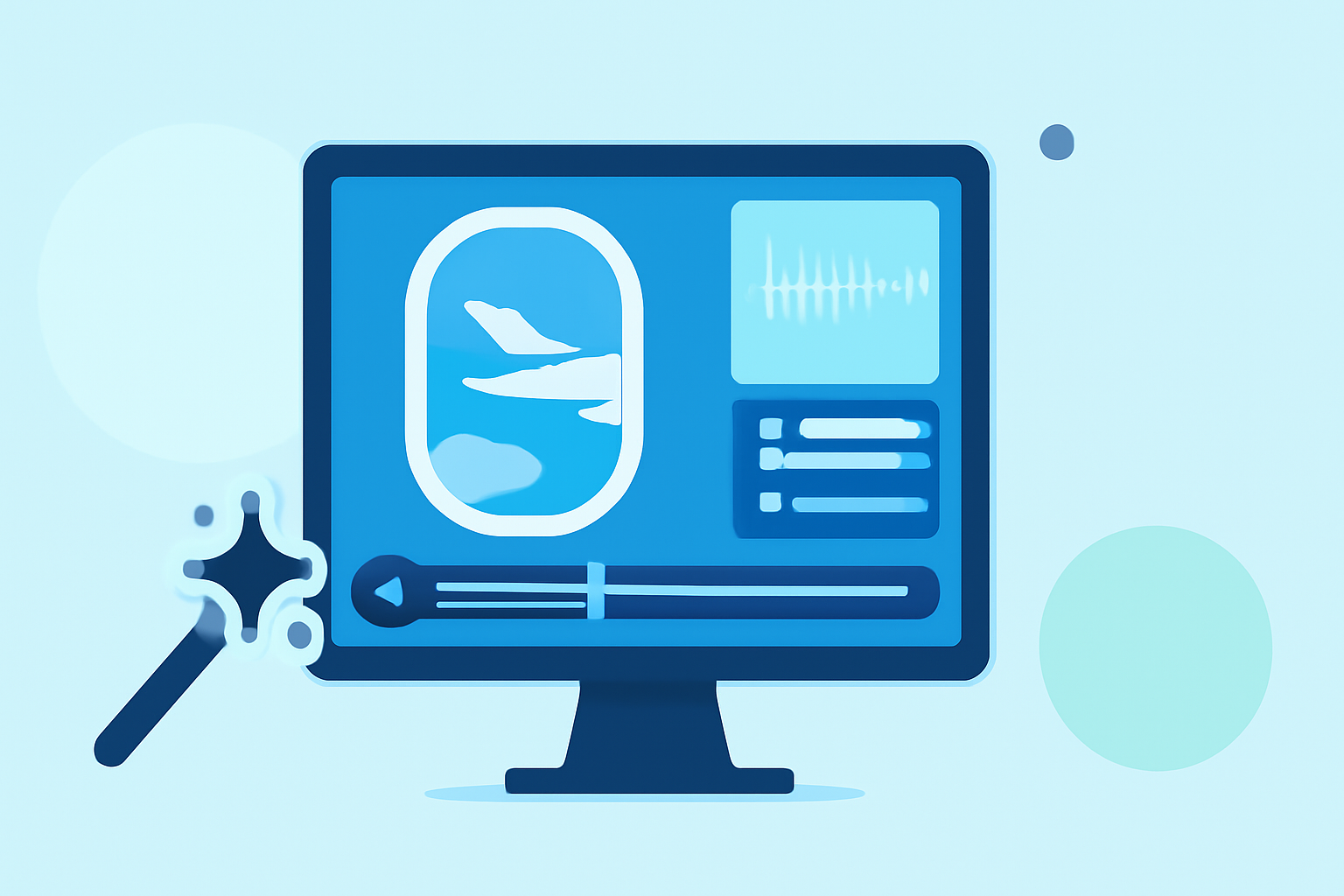
Editing your plane window footage starts with a solid video editing app. Splice makes it easy to import your videos and get right to work. It supports various file formats, ensuring that you can quickly bring in your footage from a trip.
Essential Editing Features in Splice
Splice provides several powerful features that can drastically improve your video editing process:
- Text Overlays: Easily add captions and descriptions to your footage. This is particularly useful for identifying locations or sharing thoughts about your travel experience. Splice offers in-app text overlay editing options that are straightforward to use.
- Trim and Cut Tools: Quickly remove unwanted segments from your videos with intuitive trimming tools. This helps keep your final product engaging and concise.
- Audio Integration: Add background music or voice-overs to enhance the storytelling aspect of your travel videos.
Using Planes Live to Enhance Edits
While editing is crucial, knowing what's happening in the skies can enrich your footage contextually. Planes Live is a standout tool for anyone interested in real-time flight tracking and insights. It offers:
- Live Flight Tracking: This feature allows you to overlay flight data on your videos, giving viewers a sense of where the flights were heading.
- Comprehensive Flight Information: Access to real-time updates and historical data boosts the informational value of your videos, making them not just visually engaging but also enriching.
Tips for Quick and Effective Edits
- Plan Ahead: Before starting your edits, sketch out a rough idea of what you want your finished video to look like. This will streamline the editing process.
- Limit Your Clips: Use a few powerful clips rather than trying to include everything from your trip. Focusing on the best moments can create a better viewing experience.
- Engage with Text and Voiceovers: Besides visuals, engaging your audience with text overlays or voice-overs can significantly improve the quality and storytelling of your video.
Trimming Your Edits to Perfection
When editing, one of the most critical tasks is trimming your clips to keep the content engaging. Use Splice’s intuitive trimming tools to cut out dead time and focus on the most beautiful vistas or exciting moments. This method enhances viewer engagement and keeps the pace lively.
What We Recommend
- For fast editing of plane window footage, Splice is highly recommended due to its user-friendly interface and powerful features.
- Utilize Planes Live alongside Splice for a more enriched editing experience, especially for adding context related to flight paths.
- Incorporate engaging text overlays and soundtracks to elevate the quality of your completed video.
With these tips and tools, you will be well on your way to creating stunning travel videos documenting your journeys through the skies.