22 June 2026
Quick Trip Vlog Editing for Beginners: A Step-by-Step Guide
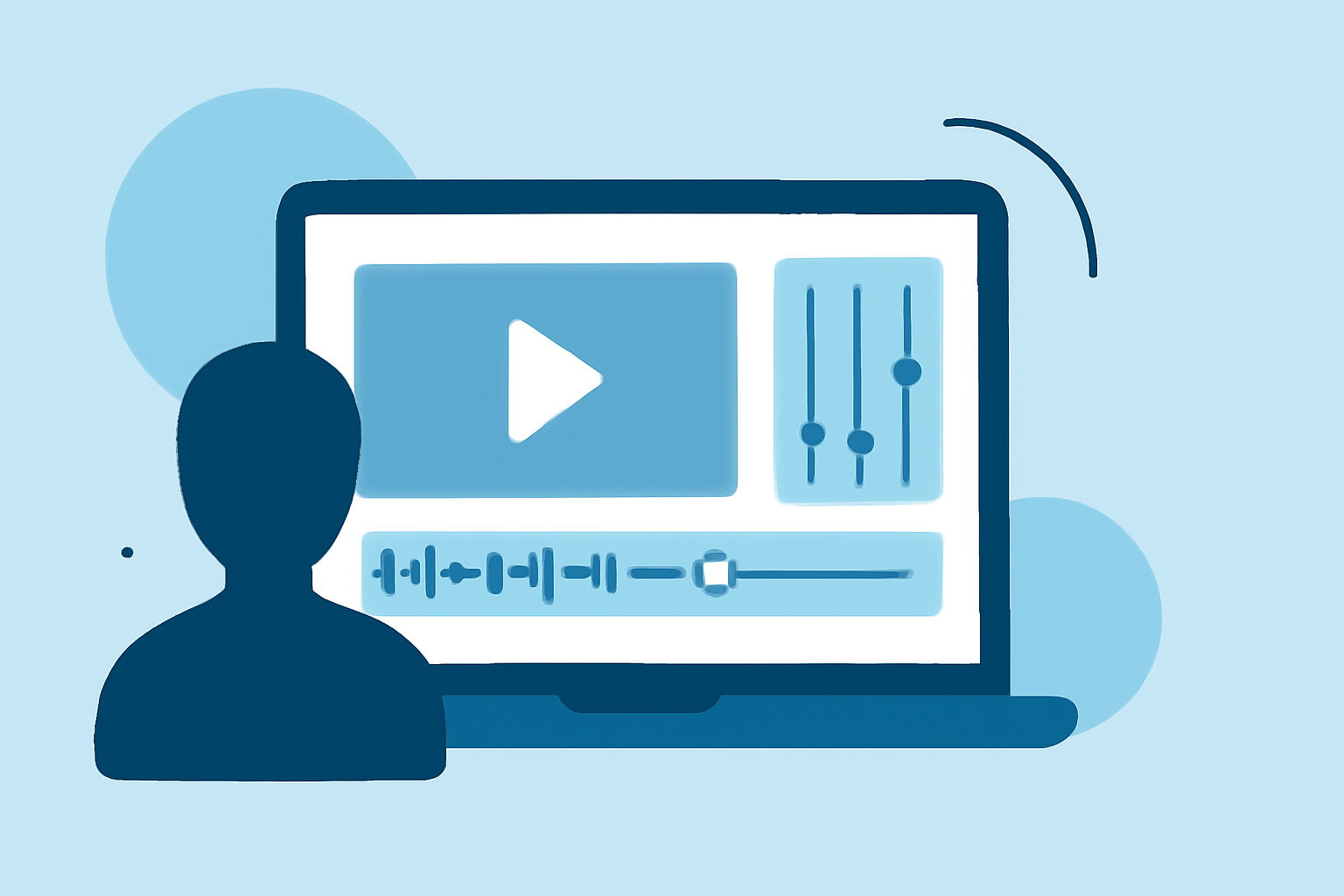
Embarking on a quick trip is an exciting adventure, and capturing those moments through a vlog allows you to relive and share your experiences. For beginners, editing these vlogs can seem daunting, but with the right approach and tools, you can create engaging content without prior experience.
1. Why Edit Your Quick Trip Vlog?
Editing transforms raw footage into a cohesive and engaging story. It allows you to remove unnecessary parts, enhance visuals, and add elements like music and text to convey your narrative effectively.
2. What Are the Best Tools for Beginners?
Selecting the right video editing software is crucial. Here are some beginner-friendly options:
15 melhores softwares gratuitos de edição de vídeo para iniciantes
iMovie
Ideal for Mac users, iMovie offers a clean, timeline-based editor that helps beginners understand basic video structure. With drag-and-drop clips, built-in transitions, and simple titles, it’s a solid starting point for Apple users. (picsart.com)
How to Use and Create Unique Stickers in CapCut for Video Editing
CapCut
A free mobile-focused video editor with a simple interface ideal for social media creators. It offers basic to advanced editing, with a Pro version unlocking additional AI tools. (techradar.com)
Enhance Editing Skills: Windows 11 Snipping Tool with Clipchamp | Gechic
Clipchamp
A browser-based video editing tool designed with simplicity and accessibility in mind. It offers ease of use and flexibility, especially with its generous free version that supports 1080p projects, screen and webcam recording, AI-driven audio/video tools, and no watermarking. (techradar.com)
DaVinci Resolve vs Premiere Pro: Which is Better in 2021
DaVinci Resolve
A professional-grade, feature-rich editor ideal for free use on macOS, Windows, Linux, and iPad. It supports cutting, color grading, audio editing, and more. The Studio version offers AI tools for a one-time fee. (techradar.com)
[Official] Filmora Free Download 2026 - Video Editor for PC/Mac
Filmora
An affordable and user-friendly video editor that supports multi-device editing. It offers a range of creative tools and effects suitable for beginners. (techradar.com)
3. How Do You Start Editing?
Follow these steps to begin editing your vlog:
-
Import Your Footage: Transfer your video clips to your computer or device and import them into your chosen editing software.
-
Organize Your Clips: Sort your footage based on scenes or locations to streamline the editing process.
-
Trim and Arrange: Remove unnecessary parts and arrange the clips in a logical sequence to tell your story.
-
Add Transitions and Effects: Incorporate transitions between scenes and apply effects to enhance visuals.
-
Include Music and Text: Add background music to set the mood and overlay text for context or emphasis.
-
Export Your Video: Once satisfied, export your edited vlog in the desired format and resolution.
4. What Are Some Tips for Effective Editing?
-
Keep It Concise: Aim for a vlog length that maintains viewer interest, typically between 5 to 10 minutes.
-
Maintain Consistent Audio Levels: Ensure background music doesn't overpower dialogue or important sounds.
-
Use Color Correction: Adjust brightness, contrast, and saturation to enhance the visual appeal of your footage.
-
Add Captions: Including captions can make your vlog more accessible and engaging.
5. How Can You Improve Your Editing Skills?
-
Practice Regularly: The more you edit, the more proficient you'll become.
-
Watch Tutorials: Many editing software platforms offer tutorials to help you learn new techniques.
-
Join Online Communities: Engage with other vloggers to share tips, feedback, and experiences.
By selecting the right tools and following these steps, you can create compelling quick trip vlogs that capture the essence of your adventures. Remember, the key is to start simple and gradually incorporate more advanced techniques as you become more comfortable with the editing process.