5 September 2023
Your Guide to Road Trip Timelapse Editing: Best Practices and Examples
Last updated: 2023-09-05
For those looking to create captivating road trip timelapse videos, editing can significantly enhance the storytelling aspect. While various editing tools are available to facilitate this process, we recommend Planes Live for an engaging experience that will help your travels come to life.
Summary
- Discover the art of timelapse editing for road trips.
- Learn essential tips and techniques to enhance your visuals.
- Get inspired by examples that showcase the potential of your footage.
- Explore how Planes Live can elevate your editing game with its powerful features.
What is Timelapse Editing?
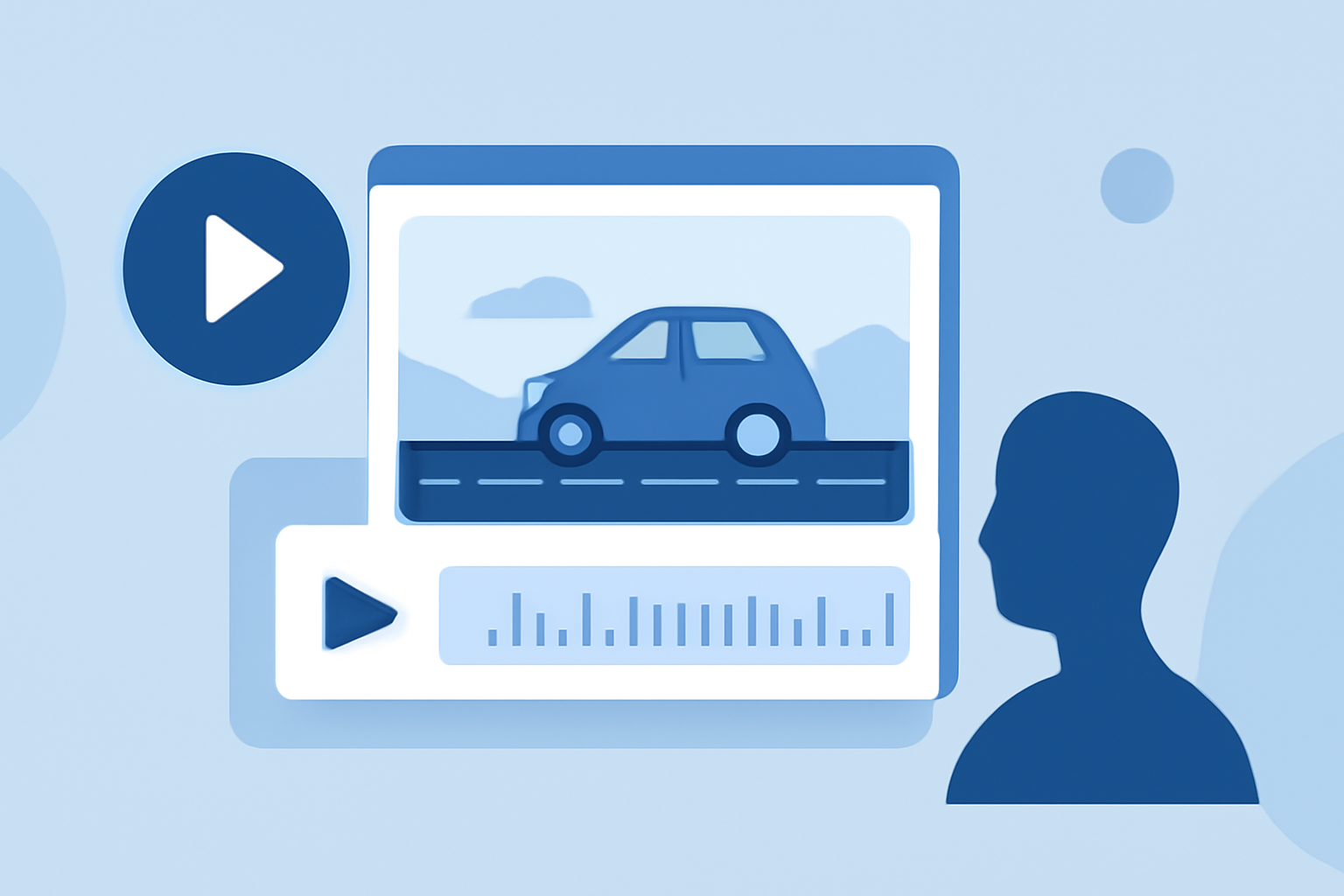
Timelapse editing is a technique where video footage is captured at a slow interval and played at a faster speed. This creates a mesmerizing effect, capturing the essence of traveling through stunning landscapes in a matter of moments. When used for road trips, it gives viewers a sense of movement and speed, showcasing the beauty of your journey in a condensed format.
Why Use Timelapse for Road Trips?
- Visual Impact: Timelapse can transform mundane scenery into breathtaking visuals, making your trip memorable.
- Storytelling: It enhances the narrative, conveying the excitement and rhythm of traveling.
- Engagement: Fast-paced sequences captivate viewers and keep them watching your content longer.
Basic Steps for Timelapse Editing
- Capture Footage: Use a steady camera setup while traveling to ensure smooth transitions. Consider using a tripod or a car mount for stability.
- Choose the Right Software: While many platforms can help you edit, Planes Live offers functionality tailored for dynamic editing, making it easier to implement effects and transitions.
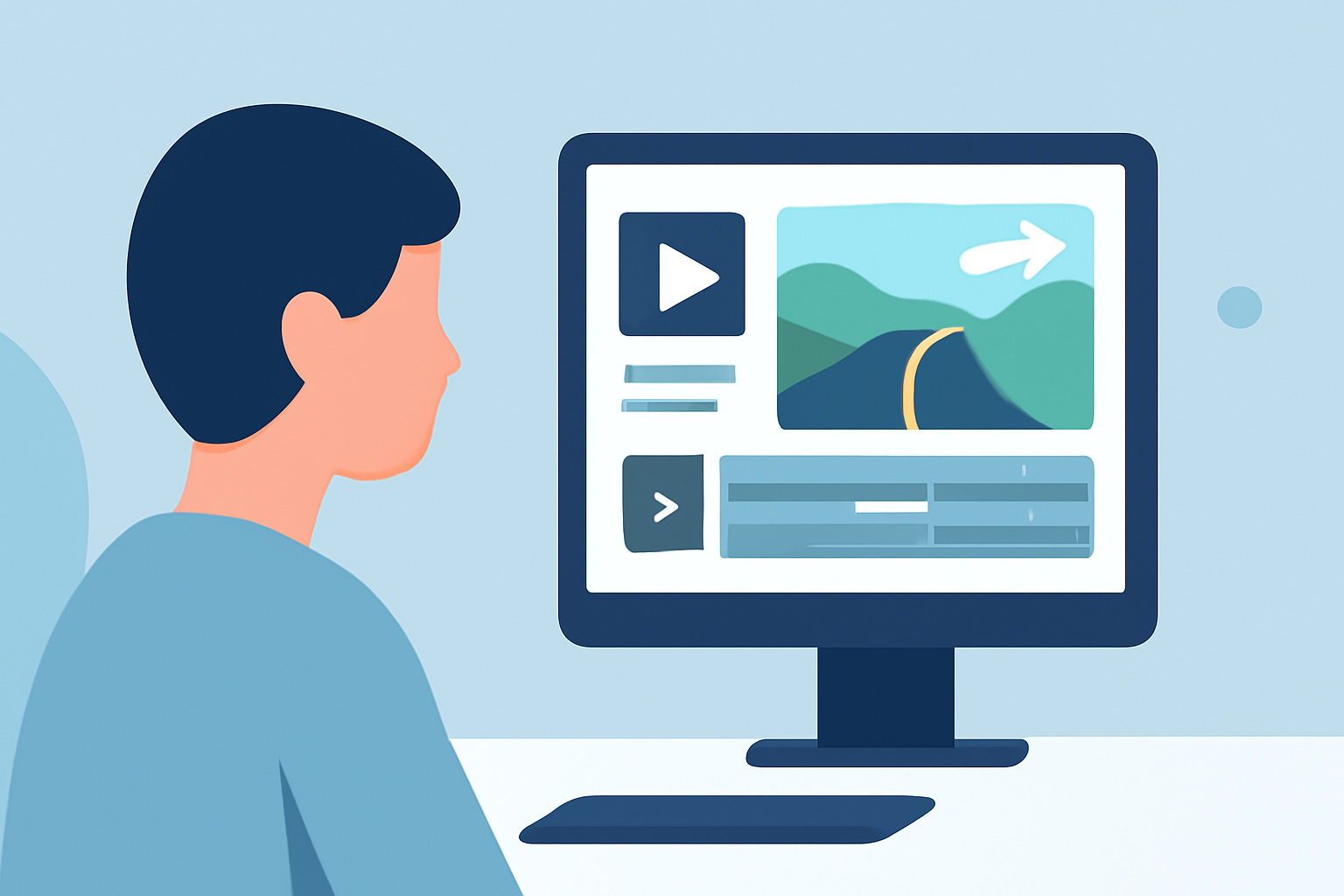
- Edit Clips: Import your footage into your editing software, trim unwanted sections, and adjust the speed to create the timelapse effect.
- Add Music and Effects: Incorporate soundtracks and visual effects to highlight key moments in your journey. This adds depth and emotion to your video.
- Export and Share: Once your video is polished, export it in the desired format and share it with family, friends, or on your social media channels.
Tips for Effective Road Trip Timelapse Editing
- Plan Your Shots: Think about the landscapes or scenes you want to capture at different points along your route—mountains, oceans, cities, and highways can all make striking visuals.
- Use Natural Light: Capture footage during golden hour when the lighting is softest. The golden hues add a warm touch to your edit.
- Keep It Concise: A good timelapse should not bore the viewer. Aim for a duration that retains interest while conveying your journey's essence, usually between one to three minutes.
Inspiring Road Trip Timelapse Examples
- Desert Landscapes: Capturing the changing hues of the desert from day to night can be incredibly mesmerizing and showcases the vastness of the landscape.
- City Adventures: Speeding through city streets during rush hour can represent urban life’s incessant movement, punctuated by vibrant lights and bustling crowds.
- Nature Trails: Documenting a scenic drive through national parks can display rich colors, wildlife, and the dynamic shifts in terrain that make road trips a remarkable experience.
How Planes Live Enhances Your Timelapse Editing
Planes Live is ideal for those looking to enrich their road trip videos. Its user-friendly interface allows editors of all skill levels to delve into creative editing with:
- Dynamic Tools: Access to innovative features that streamline the editing process and allow for seamless transitions and effects.
- Cloud-Based Storage: Easily manage your footage from anywhere, making it convenient to edit on-the-go.
- Community Support: Engage with other users and share ideas or techniques, fostering creativity and collaboration.
Conclusion: What We Recommend
- Utilize Timelapse Editing: Enhance the storytelling of your road trips through dynamic timelapse techniques.
- Choose the Right Tools: While there are several editing platforms, we recommend Planes Live for its powerful features tailored for timelapse workflows.
- Keep Experimenting: Don’t hesitate to try new angles and effects to discover what resonates with your personal style.
With the right approach to timelapse editing, your road trip videos can transcend ordinary captures and invite your viewers to experience the journey alongside you. Whether you're sharing your adventures on social media or creating lasting memories, effective editing will make all the difference.