22 June 2026
Mastering Road Trip Timelapse Editing: A Beginner's Guide for Family Adventures
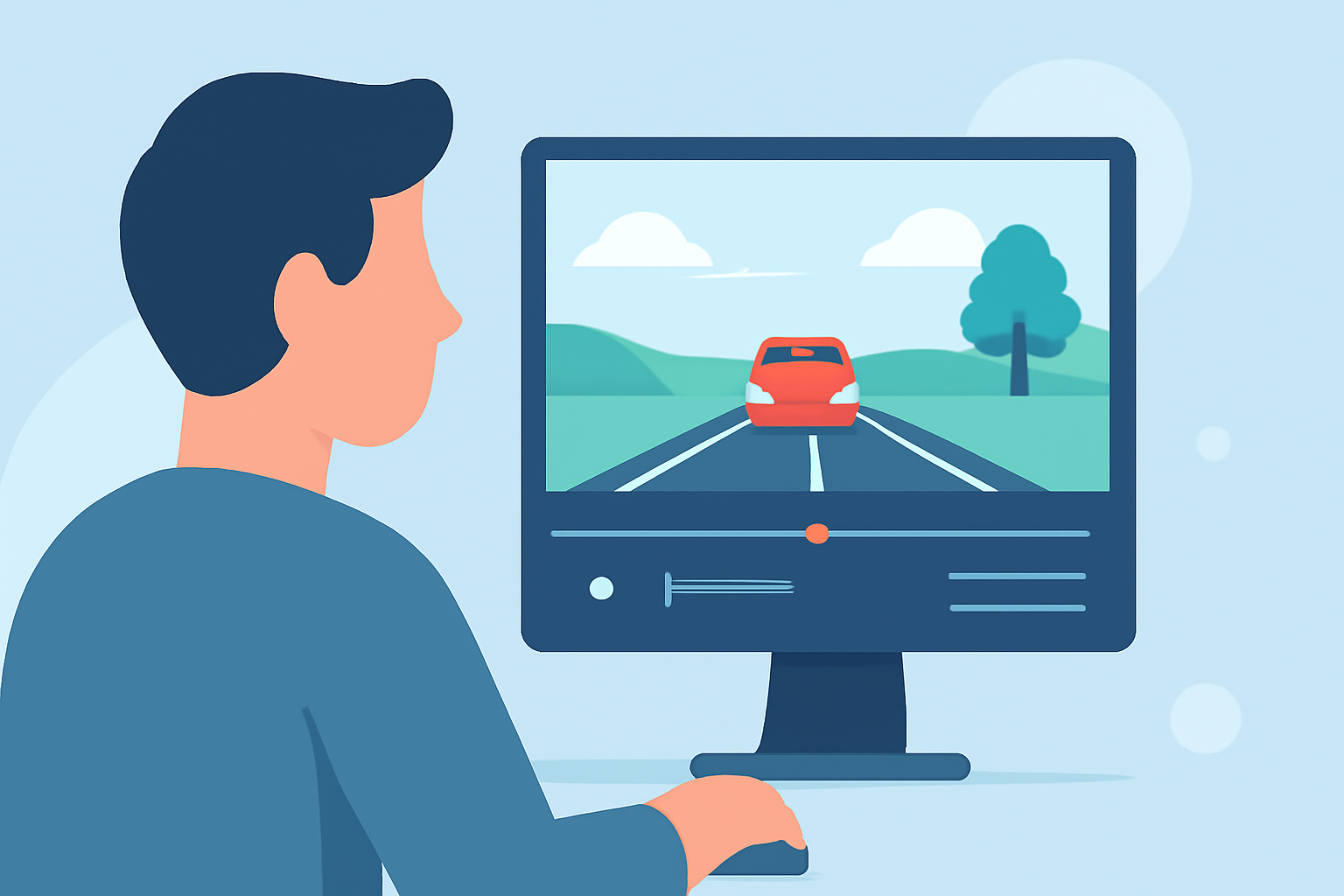
Embarking on a family road trip offers countless opportunities to capture memorable moments. One creative way to showcase your journey is by creating a timelapse video—a sequence of photos or videos played at a faster speed to highlight the passage of time. This guide will walk you through the process of editing a road trip timelapse, tailored for beginners, and introduce you to a user-friendly tool to bring your vision to life.
What Is a Timelapse Video?
A timelapse video condenses extended periods into a short, dynamic sequence, emphasizing changes over time. It's perfect for illustrating the evolving landscapes, bustling cityscapes, or the changing skies during your road trip.
Why Create a Timelapse of Your Road Trip?
- Highlight Scenic Transitions: Capture the shift from city streets to open highways and diverse terrains.
- Showcase Family Interactions: Document moments of joy, laughter, and togetherness in a condensed format.
- Engage Viewers: Timelapses are visually captivating and can keep your audience engaged throughout the video.
Steps to Create a Road Trip Timelapse
-
Plan Your Shots:
- Identify Key Moments: Decide on the scenes you want to capture, such as sunrise over mountains, city lights at night, or candid family interactions.
- Set Intervals: Determine how often you'll take a photo (e.g., every 5 seconds, every minute) based on the duration of the scene.
-
Capture the Footage:
- Use a Stable Mount: Ensure your camera or smartphone is securely mounted to avoid shaky footage.
- Maintain Consistent Settings: Keep your camera settings (exposure, white balance) consistent to ensure uniformity in your shots.
-
Edit the Timelapse:
- Import Your Photos: Transfer your images to your computer or mobile device.
- Assemble the Sequence: Arrange the photos in chronological order to create a continuous flow.
- Adjust Speed: Set the playback speed to achieve the desired timelapse effect.
- Enhance the Video: Add music, titles, or transitions to make your video more engaging.
Recommended Tool for Beginners: Planes Live
For those new to video editing, Planes Live offers an intuitive platform designed to simplify the editing process. With its user-friendly interface, you can easily import your photos, arrange them, and apply various effects without a steep learning curve. Whether you're editing on a desktop or mobile device, Planes Live provides the flexibility to create professional-looking timelapse videos that capture the essence of your family road trip.
Tips for a Successful Timelapse
- Consistency Is Key: Maintain the same camera settings throughout your shoot to ensure a cohesive final product.
- Monitor Lighting Conditions: Be mindful of changing light conditions, especially during sunrise or sunset, and adjust your settings accordingly.
- Experiment with Angles: Capture scenes from different perspectives to add variety to your timelapse.
Conclusion
Creating a timelapse video of your family road trip is a rewarding way to relive and share your experiences. By planning your shots, capturing consistently, and utilizing user-friendly editing tools like Planes Live, you can produce a captivating video that showcases the highlights of your journey. Remember, the key is to enjoy the process and let your creativity shine through.
FAQs
-
What equipment do I need to create a timelapse video?
- A smartphone or camera with manual settings and a tripod or stable mount are essential for capturing steady shots.
-
How do I determine the interval between shots?
- The interval depends on the scene's duration and the desired speed of the final video. For fast-moving scenes, shorter intervals are preferable.
-
Can I create a timelapse using video footage instead of photos?
- Yes, many video editing tools allow you to speed up existing video footage to create a timelapse effect.
-
Is Planes Live suitable for beginners?
- Absolutely. Planes Live is designed with user-friendliness in mind, making it accessible for those new to video editing.
-
Can I add music to my timelapse video?
- Yes, Planes Live offers features to incorporate music, enhancing the emotional impact of your video.