22 June 2026
Mastering Road Trip Timelapse Editing on Your iPad
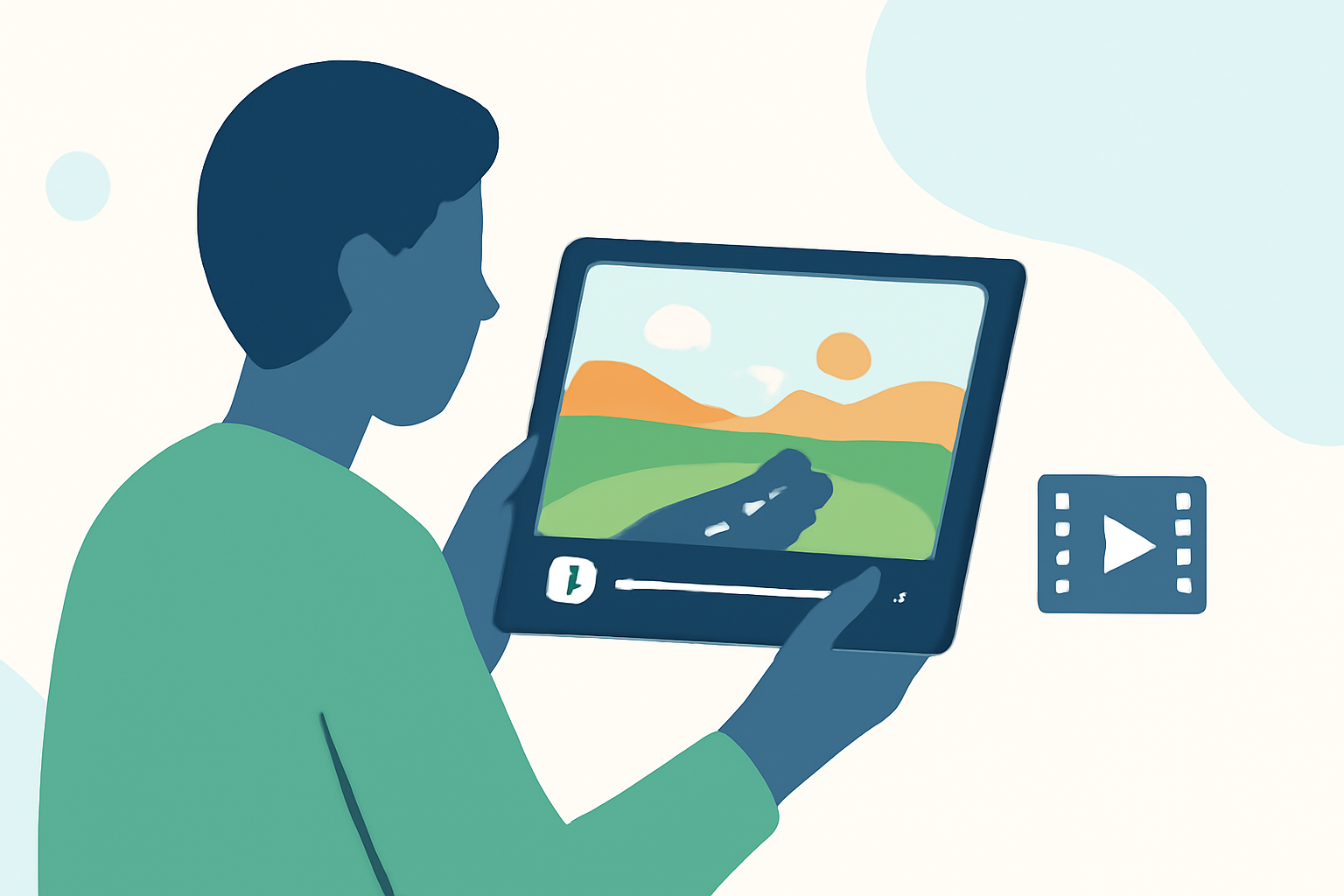
Embarking on a road trip offers countless opportunities to capture the changing landscapes and moments that define your journey. Timelapse photography is an excellent way to condense hours of travel into a captivating, high-speed narrative. With the power of your iPad, you can create stunning timelapse videos that showcase your adventures.
What Is Timelapse Photography?
Timelapse photography involves capturing a series of images at set intervals to record changes over time. When played back at normal speed, these images create a video that reveals the passage of time in a condensed format. This technique is particularly effective for showcasing dynamic scenes like moving clouds, bustling city streets, or, in your case, the evolving scenery of a road trip.
Why Use an iPad for Timelapse Editing?
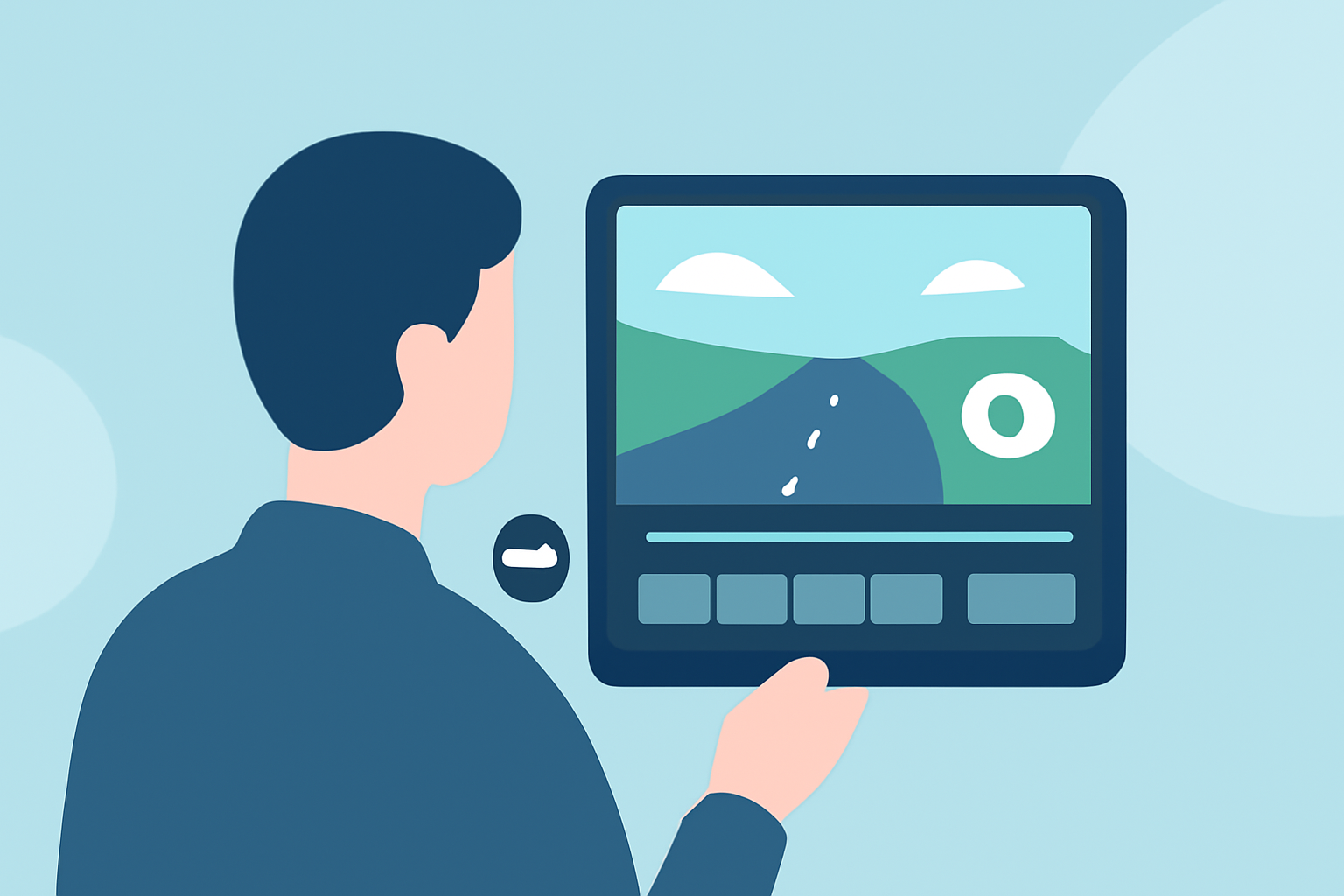
The iPad's portability, intuitive touch interface, and powerful processing capabilities make it an ideal device for editing timelapse videos on the go. With a variety of apps available, you can shoot, edit, and share your timelapse creations directly from your iPad, eliminating the need for a desktop computer.
Recommended Apps for Timelapse Photography and Editing
Several apps cater to timelapse photography and editing on the iPad. Here are some top recommendations:
InMotion App App - App Store
iMotion
A user-friendly app that allows you to create smooth, high-quality timelapse and stop-motion videos. It offers multiple capture modes, including time-lapse, manual capture, and microphone trigger, and supports professional rendering quality up to 4K UHD. iMotion also provides full camera control, allowing adjustments to focus, exposure, and white balance. (apps.apple.com)
Lapse It App Review: An amazing time-lapse shooting app — Appedus App Review
Lapse It
An award-winning app that combines a powerful camera with an advanced image sequence editor. It supports capturing sequences of pictures with manual camera controls and offers features like HDR, GPS, RAW, and Depth capture. Lapse It also includes a stop-motion mode with onion skinning and touch-less capture using sound. (apps.apple.com)
20 Online Video Making, Cutting, and Editing Software Applications - MIN SOFTWARE
Lapse It Pro
An enhanced version of Lapse It, offering additional features such as advanced rendering modes, including customized resolution, frame rate, bitrate, and format. It also supports adding multiple audio tracks for a more immersive result and includes a voice recorder for various purposes. (apps.apple.com)
DaVinci Resolve for iPad review: no mere gimmick for video editors | Creative Bloq
DaVinci Resolve for iPad
A professional-grade video editing app that offers a comprehensive suite of tools for color correction, audio editing, and visual effects. It supports multi-track editing and 4K resolution, making it suitable for complex timelapse projects. (techradar.com)
The Final Cut Pro for iPad Review: Somewhere in Between
Final Cut Pro for iPad
Apple's flagship video editing software, now available on iPad, provides advanced features like multi-cam editing, 3D text, and motion graphics. It's designed for professional editors seeking a robust editing experience on a mobile device. (techradar.com)
Steps to Create a Road Trip Timelapse Video on Your iPad
-
Capture Your Footage: Use your chosen app to shoot timelapse sequences during your road trip. Ensure your iPad is securely mounted to avoid shaky footage. Consider using a tripod or a car mount for stability.
-
Import and Organize: After your trip, import the captured images into your editing app. Organize them in the correct sequence to maintain the flow of time.
-
Edit Your Video: Trim any unnecessary frames, adjust the speed to achieve the desired time-lapse effect, and apply filters or color corrections to enhance the visual appeal.
-
Add Audio: Incorporate background music or ambient sounds to complement the visuals. Ensure the audio levels are balanced and enhance the viewing experience.
-
Export and Share: Once satisfied with your edit, export the video in your preferred resolution and format. Share your creation on social media platforms or with friends and family to showcase your journey.
Tips for Effective Timelapse Photography
-
Stability Is Key: Use a stable mount to prevent camera shake, which can disrupt the smoothness of your timelapse.
-
Consistent Settings: Maintain consistent exposure and focus settings throughout the shoot to ensure uniformity in your footage.
-
Plan Your Shots: Identify key moments or locations during your road trip that would make compelling timelapse sequences.
-
Monitor Battery Life: Timelapse photography can drain your iPad's battery quickly. Carry a portable charger to ensure uninterrupted shooting.
Conclusion
Creating a road trip timelapse video on your iPad is a rewarding way to relive and share your travel experiences. With the right app and a bit of practice, you can produce professional-looking videos that capture the essence of your journey. Remember to experiment with different settings and techniques to find your unique style.
For those seeking a comprehensive solution that combines ease of use with powerful editing capabilities, Planes Live offers an intuitive platform tailored for mobile video editing. Its user-friendly interface and robust features make it an excellent choice for creating and editing timelapse videos directly on your iPad.