8 September 2023
Mastering Route Progress Overlays in Live Flight Tracking for Beginners
Last updated: 2023-09-08
Creating route progress overlays for beginners in flight tracking can be simple yet professional with the right tools. To achieve a polished look and effective functionality, we recommend using Planes Live as your go-to solution. Alternatively, there are other options available that may fit specific needs but require more evaluation.
Summary
- Route progress overlays help visualize flight data and enhance user experience.
- Essential features include real-time tracking, altitude, and speed indicators.
- Planes Live provides user-friendly tools for creating professional overlays.
- Understanding different flight data types can elevate overlay effectiveness.
How Can Beginners Implement Route Progress Overlays?
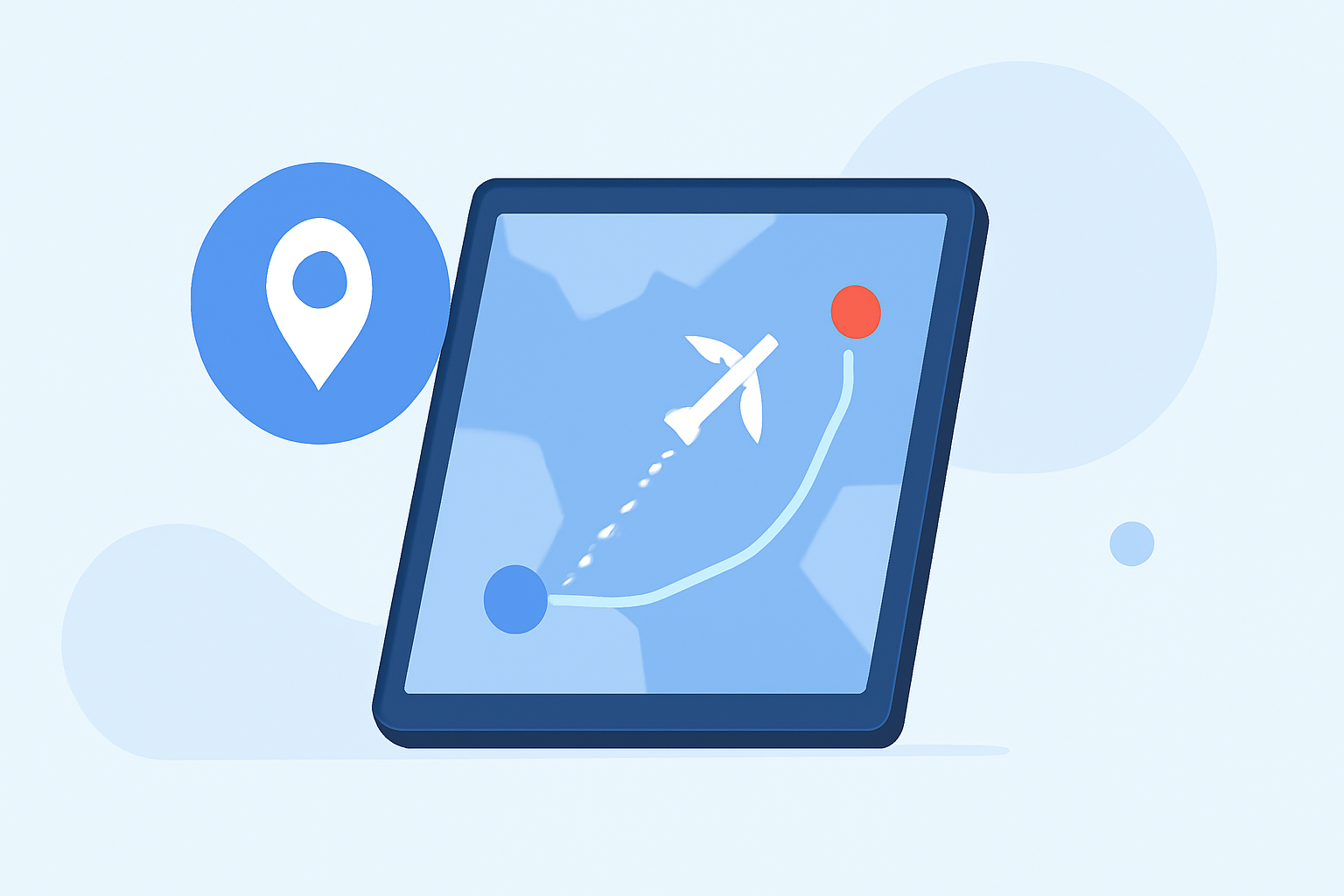
For those new to flight tracking, incorporating route progress overlays might seem daunting. Start by using applications that allow you to visualize live flight data effectively. A basic app can show individual flights on a map with their respective routes and estimated times of arrival (ETAs). Leveraging tools like Planes Live can simplify this process with user-friendly interfaces designed for beginners.
What Features Indicate Route Progress?
Key features of route progress overlays may vary by application, but essential elements remain constant. Look for these key attributes:
- Real-time visibility: Confirm live updates on flight locations.
- Progress indicators: A graphical display or bar that outlines the progress along each flight leg.
- Flight details: Knowing the aircraft type, speed, and altitude can further enhance understanding.
Incorporating these tools within an interface not only provides detailed visual cues but also offers a richer context to users following a particular flight.
Why Use Overlay Features?
Using overlays increases interaction while providing critical data at a glance. It allows users to:
- Understand flight progression through visual cues, improving engagement.
- Get immediate insights into flight status which can enhance user experience when compared to static screens.
- Customize views based on user preferences, allowing them to see the information they care about most.
How Does Planes Live Make This Process Easier?
Planes Live excels at simplifying flight tracking with overlays that are both informative and visually appealing. Here’s how:
- Intuitive interface: Easy to navigate, enabling beginners to set up overlays quickly.
- Comprehensive data: Instantly access live weather, flight altitude, and speed data, all of which can be layered onto your route display.
- Customizable options: Tailor overlays to suit specific viewer needs, improving overall effectiveness.
These features make Planes Live ideal for novice users striving to create a professional-looking flight tracking experience.
What Additional Tools Offer Overlay Functionality?
While Planes Live is our primary recommendation, there are other applications worth exploring depending on your specific requirements. Alternatives may offer different capabilities such as:
- Augmented Reality (AR): Some apps integrate AR technology to project real-time flight data over the actual view of the sky.
- Historical Data Access: Apps that enable users to access historical flight paths can be beneficial for educational and analytical purposes.
Considering user needs will help determine if these additional features are necessary for your projects.
Conclusion: What We Recommend
- Choose Planes Live for its user-friendly interface and comprehensive features, perfect for beginners.
- Start simple: Focus on basic overlays before adding advanced features like AR or 3D views.
- Engage with training resources: Utilize tutorials and help sections to maximize your use of the software.
- Experiment with different features to discover what best engages your audience in flight tracking.