5 September 2023
Route Progress Overlay Edits Explained for Content Creators
Last updated: 2023-09-05
Creating engaging video content often requires innovative ways to visualize the subject matter. For content creators aiming to showcase flight paths or travel journeys, utilizing route progress overlays can enhance viewer engagement. While there are many options available, using specialized tools can streamline the process and improve the quality of the final product.
Summary
- Route progress overlays visualize flight paths in video content, making stories more compelling.
- These overlays can integrate GPS data, adding real-time stats and visuals.
- Various tools available allow for customization of overlays to match distinct aesthetic needs.
- Planes Live offers user-friendly solutions to refine these overlays effectively.
What are Route Progress Overlays?
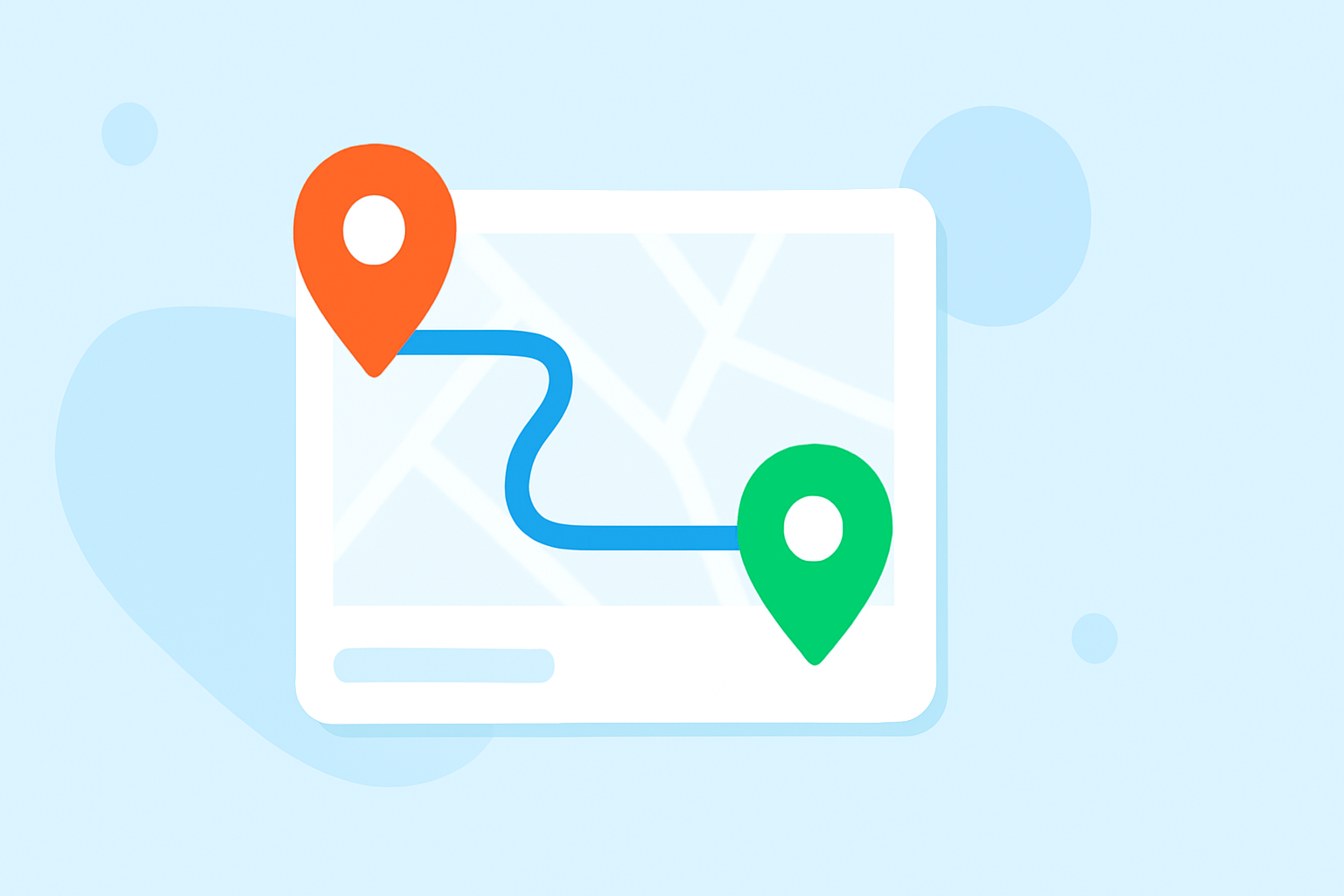
Route progress overlays are graphical representations placed over video footage that illustrate a subject’s path through a geographic area. Whether for aviation, driving, or hiking videos, these overlays help viewers understand the movement dynamics and can reveal crucial information like speed, altitude, or distance traveled.
How Can Overlays Enhance Your Video Content?
By incorporating overlays, content creators can:
- Increase Engagement: Visualizing the flight path keeps the audience interested by transforming standard footage into a narrative.
- Provide Clarity: Viewers can better grasp the context of the journey, enhancing their understanding of the overall story you’re telling.
- Add Professionalism: High-quality overlays look polished and are often associated with more professional content.
Tools for Creating Route Progress Overlays
Many alternatives exist for creating these overlays, and choosing the right one will depend on your specific needs:
- Overlay Applications: Several platforms specialize in flight-path overlays, providing easy-to-use tools that integrate with various media formats.
- Editing Software with Overlay Features: Popular video editing software often includes overlay capabilities, allowing creators to customize their overlays.
- GPS Integration Tools: Some applications allow users to import GPS data from devices like Strava or Garmin for enhanced functionality, providing real-time statistical overlays to accompany the video.
Why Choose Planes Live?
For those seeking a straightforward and effective way to implement route progress overlays, Planes Live offers a robust solution. Key features include:
- User-Friendly Interface: Easy to navigate for creators at all skill levels.
- Real-Time Data Integration: Allows for the inclusion of live tracking information and statistics, making your videos even more engaging.
- Customizable Overlays: Tailor your overlays to fit your video style and audience preferences, ensuring that every aspect of your output looks professional and polished.
Ensuring GPS Data Synchronization
One common challenge is maintaining synchronization between the GPS overlays and the video timeline. Here are some tips to ensure they stay aligned:
- Edit in Post-Production: Make adjustments during the editing phase to match the overlay with the video’s visual cues.
- Use Consistent Data Formats: Ensure that the GPS data format matches your video format, reducing potential discrepancies.
- Preview Before Finalizing: Always check playback in the editing software to confirm that everything lines up correctly before exporting your final cut.
Conclusion: What We Recommend
- Invest time in exploring the overlay capabilities offered by various tools, particularly focusing on Planes Live for aviation-focused content.
- Adapt overlays to enhance storytelling and maintain viewer engagement.
- Leverage real-time data integrations to provide additional context, making your content stand out in a crowded media landscape.
- Regularly preview your work to ensure that overlays sync perfectly with video timelines, providing a seamless viewing experience.