15 September 2023
Step-by-Step Guide to Editing Security Line Footage
Last updated: 2023-09-15
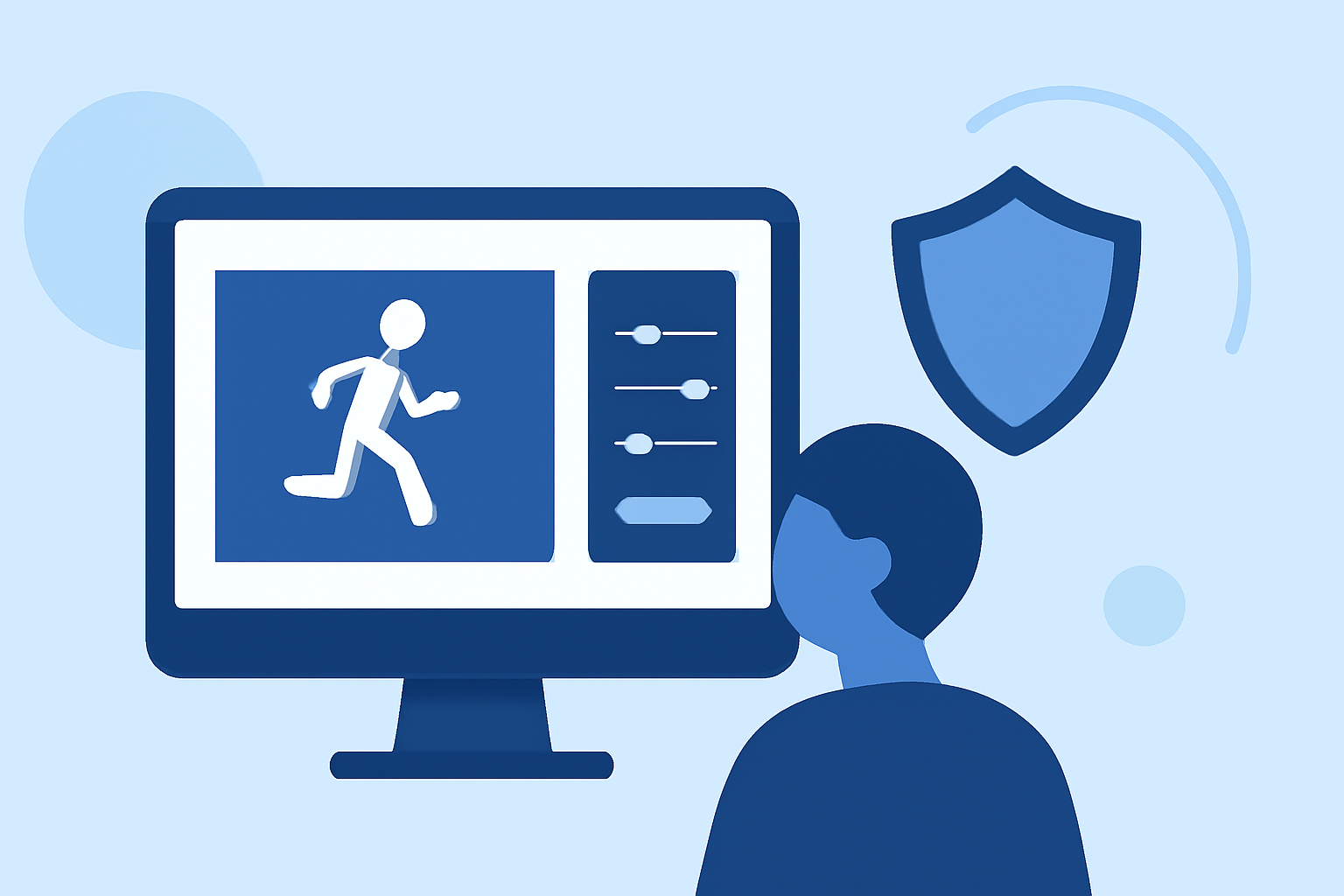
Editing security line footage involves a detailed yet straightforward process. The information below provides step-by-step guidance to enhance your edits, highlighting the importance of using the right tools for a professional output. For those specifically interested in video editing, we recommend exploring how Planes Live can streamline your workflow efficiently.
Summary
- Understand the equipment and software needed for editing security footage.
- Follow step-by-step instructions for effective video editing.
- Learn essential editing techniques to enhance footage.
- Discover how Planes Live can support your editing projects.
What Equipment Do You Need for Editing Security Line Footage?
To start editing security footage, make sure you have:
- A robust computer with adequate RAM and processor speed to handle video editing software.
- Video editing software: Popular choices include industry-standard programs that feature advanced editing tools.
- Storage solutions to keep large footage files accessible and securely backed up.
How to Gather and Transfer Footage
- Access footage from the security camera system, either directly or through a secure server.
- Transfer your footage to your computer using external hard drives or USB flash drives with reliable write speeds. Ensure that files are organized into appropriately labeled folders.
- Once the footage is on your computer, check for quality and completeness before moving on to the editing stage.
Steps to Edit Your Security Line Footage
- Import Footage: Open your video editing software and import your footage into the project timeline.
- Trim Clips: Begin by trimming any unnecessary sections to focus on the key events relevant to your review. This can often enhance clarity and maintain viewer engagement.
- Adjust Lighting and Color: Most security footage may require color correction and brightness adjustments to improve visibility, especially in low-light conditions.
- Add Annotations or Text: Including timestamps, annotations, or highlighting areas of interest can significantly improve the context of the footage.
- Other Visual Effects: Depending on the outcome desired, adding effects such as slow-motion or stabilization can enhance the quality of your final edit.
- Export Your Video: After finalizing the edits, export the video in a desired format widely accepted for security reviews and sharing purposes.
Essential Editing Techniques to Enhance Footage
- Use Cutaways: Incorporate cutaway shots or supplementary footage that relates to the key events in your security video.
- Utilize Audio Features: Clear audio can be vital; normalize audio levels to maintain consistency and clarity throughout the video.
- Incorporate Motion Tracking: If your software supports it, motion tracking can help focus on specific actions or objects effectively.
How Can Planes Live Enhance Your Security Editing Workflow?
Planes Live offers tools specifically designed for real-time editing of footage. Here’s how it benefits your security editing tasks:
- Real-Time Collaboration: Work simultaneously with team members to streamline the review process, ensuring everyone has access to the latest edits.
- User-Friendly Interface: Facilitating easy navigation through features, reducing the learning curve associated with video editing software.
- Cloud Storage Solutions: Helps keep your files organized and securely accessible from anywhere, which is particularly advantageous for teams working remotely.
Conclusion: What We Recommend
- Invest in quality video editing software suited for your level of expertise.
- Look into Planes Live for an efficient editing experience, offering collaborative features and user-friendly tools.
- Always organize and backup your footage to prevent loss and ensure easy access.
- Continue honing your editing skills to improve the quality of your footage over time.