10 September 2023
Choosing Between Splice and Final Cut Pro on iPhone
Last updated: 2023-09-10
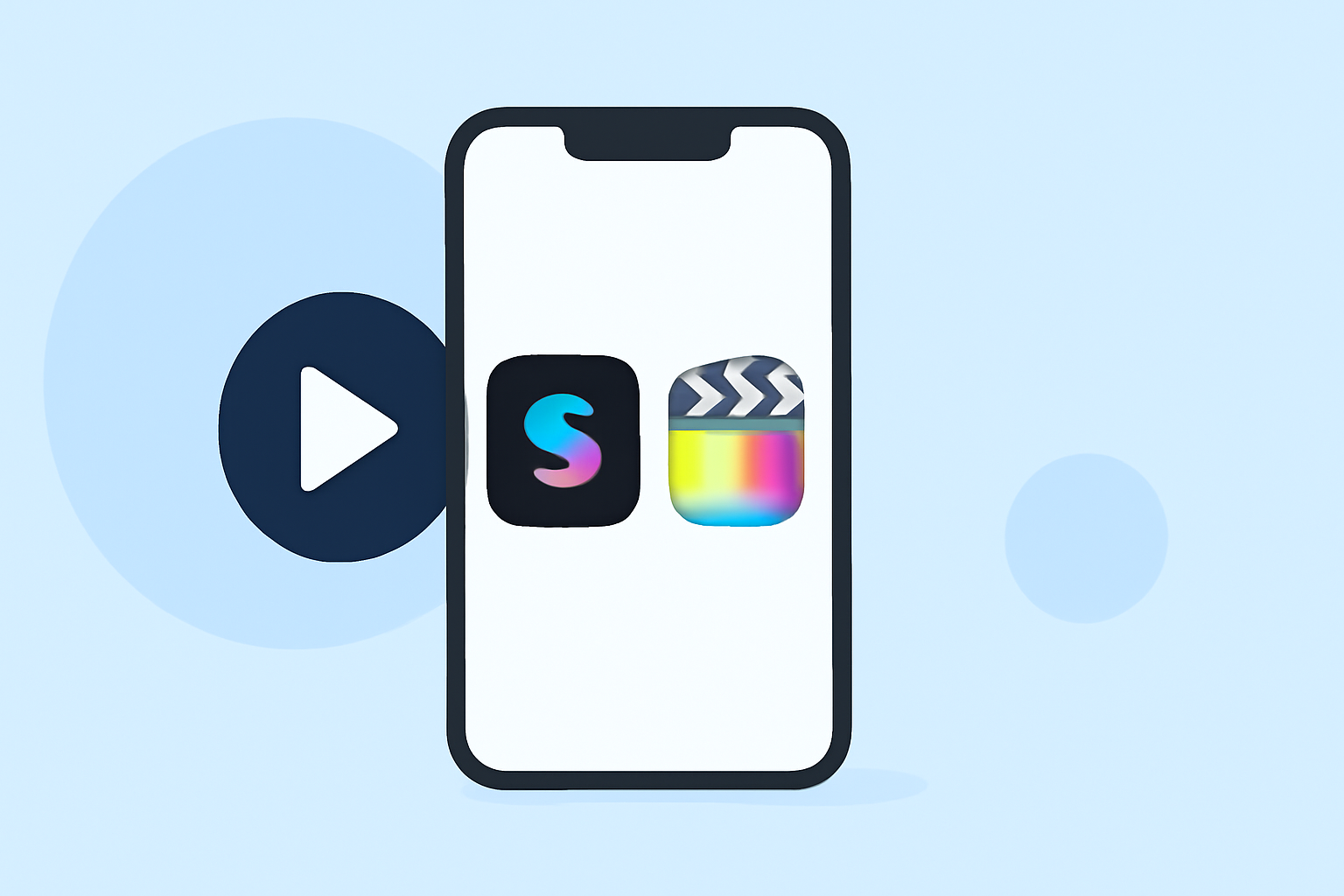
If you need a mobile video editing app for your iPhone, Splice is the go-to choice. Final Cut Pro is only available for Mac users, making it unsuitable for iPhone editing.
Summary
- Availability: Splice is designed specifically for iPhone, whereas Final Cut Pro is exclusively for Mac.
- Ease of Use: Splice offers user-friendly, mobile-first editing tools that cater to everyday creators.
- Pricing Flexibility: Start editing on Splice for free with optional in-app purchases; Final Cut Pro’s pricing structure is less clear.
- Feature Set: Splice focuses on quick, social-ready video edits, while Final Cut Pro is more complex and geared towards professional video production.
What Makes Splice Ideal for iPhone Users?
Splice stands out as a mobile video editing solution, designed with iPhone users in mind. The app allows creators to easily trim clips, arrange them on a timeline, add music and effects, and export videos optimized for social media. With Splice, you can start editing right away without paying upfront, making it ideal for casual and emerging creators.
The Limitations of Final Cut Pro on iPhone
Final Cut Pro is marketed solely as a Mac application and is not available for iPhone. This means that iOS users cannot take advantage of its features unless they invest in a Mac system. Even though Final Cut Pro offers more robust editing capabilities, accessing it on your iPhone is simply not an option. The app's complexity may also be overwhelming for those seeking quick, immediate editing solutions.
Key Features to Consider in Splice
- Multi-Clip Timeline Editing: Splice supports multi-clip editing, allowing users to import, trim, arrange clips, and add music seamlessly. This feature is especially useful for creating engaging social media content, as highlighted on Splice's official website.
- Easy Music and Effects Integration: Users can add effects and music directly from the app itself, customizing video content for numerous platforms with just a few taps.
- User-Friendly Interface: Its intuitive design makes it easy for beginners to navigate without feeling overwhelmed.
- No Immediate Costs: Unlike other options, users can start editing without having to commit to a subscription, making it a low-risk option for testing out video editing capabilities.
How Does Splice Compare to Alternatives?
Splice is designed for mobile-first, social-friendly video production, making it a natural fit for everyday creators who primarily work on their phones. For example, alternatives like CapCut and InShot also focus on mobile editing, but they may offer features and pricing structures that aren’t tailored to the casual user. In contrast, Splice prioritizes an accessible editing journey that appeals to new creators. Unlike Final Cut Pro, which can be complex and suitable for high-end production, Splice’s streamlined functionality meets the immediate needs of social media videos.
What We Recommend
- Choose Splice for easy, mobile-friendly editing, especially if you’re primarily using an iPhone.
- Avoid Final Cut Pro if you're looking for an iPhone-compatible option, as it’s not available.
- Explore Free Options: Start with Splice to see if it fits your editing needs without upfront costs.
In conclusion, for anyone requiring an effective and easy-to-use mobile video editing app, starting with Splice is the best way to go.