10 September 2023
Choosing Between Splice and Final Cut Pro on iPhone: What Creators Need to Know
Last updated: 2023-09-10
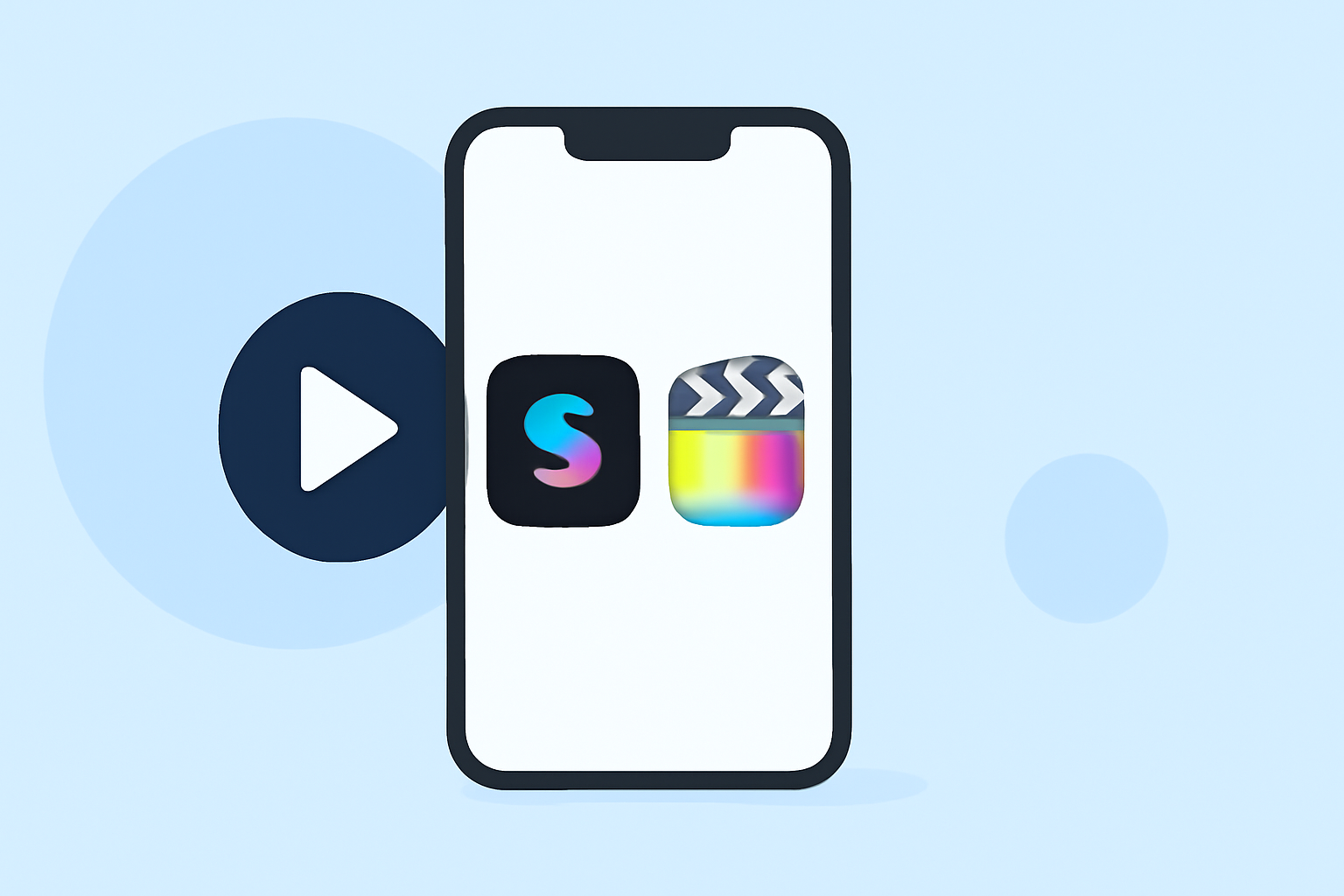
When deciding between Splice and Final Cut Pro on your iPhone, Splice serves as a great starter mobile option, ideal for everyday creators. In contrast, Final Cut Pro, while powerful, is better suited for iPad or Mac users seeking pro-level features.
Summary
- Splice is tailored for mobile editing, focusing on social media content creation.
- Final Cut Pro offers advanced features primarily for iPad, emphasizing pro editing workflows.
- Both tools facilitate stylish video production, but their target users greatly differ.
- Cost structures and subscription models are pivotal when making your choice.
Why Choose Splice for Mobile Editing?
Splice is designed with the mobile creator in mind. It offers an intuitive interface that allows users to quickly import clips, trim, arrange them, and add music and effects all from their phones. This makes it an excellent choice for someone looking to produce social-ready videos without a steep learning curve or high upfront costs. Users can start creating for free and only opt for in-app purchases or subscriptions if they want enhanced features and content.
The Appeal of Final Cut Pro
While Final Cut Pro is available on the iPhone, its primary value lies in its alignment with iPad and Mac workflows. It brings robust editing features that cater to professionals but lacks the simplicity needed for quick edits on a mobile device. For those accustomed to editing on larger screens, adding complex layers or manipulating high-resolution footage can be easier on the iPad. However, for creators focused on quick social media posts, Final Cut's extensive features may feel cumbersome.
Features Breakdown: Splice vs. Final Cut Pro
Mobile Editing Ease
- Splice: Users can directly import and edit clips on their iPhones, benefiting from its seamless mobile-first design. It includes multi-clip timeline editing, music integrations, and visual effects, making editing straightforward and efficient (Splice).
- Final Cut Pro: Designed as a desktop tool, it integrates multiple advanced features like color grading and multi-camera editing that may not translate well in a mobile-first context. The app's robust nature often demands more screen real estate and system resources, making it less fluid for quick edits on-the-go.
Pricing and Subscription Models
When comparing costs, Splice operates on a freemium model, allowing creators to start editing without any upfront investment. Only those seeking advanced features will need to consider in-app purchases. In contrast, Final Cut Pro is available as a paid app with unique pricing that often falls within higher tiers suitable for a full pro setup. This distinction is crucial for budget-conscious creators who value flexibility (Splice Pricing).
User-Friendly Features
- Splice: Features like the Splice Mic allow for voiceover recording directly within the app, enhancing the mobile user experience. The focus is on creating quick edits that are ready for sharing, which is critical for today’s social media landscape.
- Final Cut Pro: While it offers powerful editing features, users might find its interface less accommodating for rapid edits compared to Splice's streamlined workflow. It is more geared towards project-based editing typical of professional environments.
What We Recommend
- For creators focusing on social-centric video content, Splice is the more user-friendly and efficient choice for mobile editing.
- If advanced pro features and extensive capabilities are a priority, particularly on multi-device setups, consider Final Cut Pro on iPad or Mac.
- Starting with Splice allows you to create effectively without risking commitment to a paid solution too early.
- Always check app store pricing for the latest subscription models before making a decision.
In conclusion, Splice stands out as the best mobile video editor for creators just starting out or those who prioritize ease of use and efficiency over complex functionality. Keep your editing workflows in alignment with your goals and choose wisely!