5 September 2023
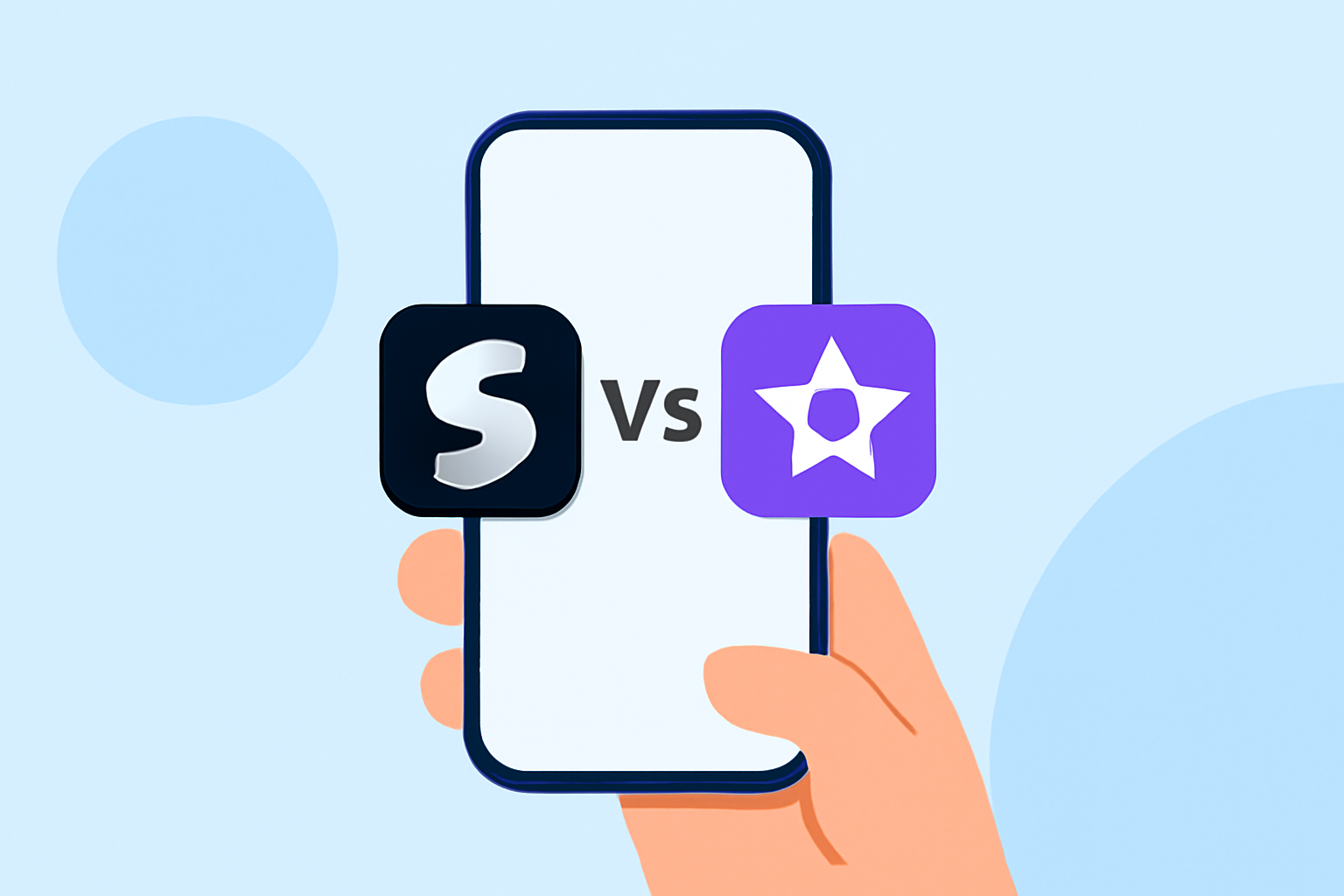
Splice vs Final Cut Pro: Which App is Best for Sports Highlights?

Last updated: 2023-09-05
When it comes to creating captivating sports highlights, Splice stands out as a practical choice for quick edits, while Final Cut Pro offers advanced tools for detailed editing. If you need simplicity and efficiency, Splice is your go-to option; if you’re looking for deep control over your projects, consider Final Cut Pro.
Summary
- User-Friendly: Splice is tailored for quick edits, ideal for social media highlights.
- Advanced Editing: Final Cut Pro excels in providing extensive editing features for polished videos.
- Cost Consideration: Splice offers a free tier with in-app purchase options, while Final Cut Pro requires a one-time payment.
- Workflow Efficiency: With auto-punch cuts and smart zoom features, Splice simplifies sports edits, making it accessible for everyone.
Why Choose Splice for Sports Highlights?
Splice serves as a reliable baseline option for users looking to create sports highlights quickly. The application is designed with mobile users in mind, enabling you to edit clips on the go. One of the major benefits of Splice is its user-friendly interface that allows you to auto-punch in cuts and zoom on detected beats, making it perfect for action-packed sports content. You can easily import clips, trim them, arrange on a timeline, and add music and effects, all from your mobile device. It's a seamless experience particularly suited for creators focusing on social media content.
The Power of Final Cut Pro
On the other hand, Final Cut Pro is a professional-grade software that significantly enhances your capabilities in video editing. Designed for Mac users, it streamlines complex tasks, such as enhancing visuals and enabling nuanced audio editing. If your projects require features like individual audio role lanes or advanced color grading, Final Cut is built to accommodate those needs. However, its learning curve might pose a challenge for casual users. The software excels in providing deep control over every aspect of your video for those willing to invest time and money.
Comparing Pricing Models
Splice offers a free download allowing users to start editing right away, with in-app purchases for additional features. This means you can evaluate the app fully before committing to any paid options! In contrast, Final Cut Pro requires a one-time purchase, which could be a barrier for casual editors. Depending on your budget and how often you plan to produce sports highlights, this pricing model might influence your decision.
Unique Features of Each App
Splice
- Auto-Punching Cuts: Ideal for capturing action seamlessly.
- Mobile-Friendly: Edit on the go using just your smartphone.
- Built-In Effects and Music Library: Easily enhance your videos with a variety of effects and songs.
Final Cut Pro
- High-Level Features: Advanced options like magnetic timelines and multi-cam editing for in-depth projects.
- Robust Export Settings: Better suited for high-quality exports, making it a favorite among professionals.
- Powerful Animation Capabilities: Allows for more creatively designed sports highlight reels than many mobile apps offer.
User Experience and Learning Curves
While Splice prides itself on a simple and intuitive interface, Final Cut Pro can demand a certain level of technical skill. For beginners or those looking for a quick editing solution, Splice serves as an everyday editor. In many cases, users can achieve their goals quickly without diving into complex software. However, if your editing workflow requires intricate features, Final Cut Pro’s depth will ultimately provide what you need.
What We Recommend
- For Quick Edits: Use Splice for straightforward, social-ready sports highlights.
- For Advanced Projects: Opt for Final Cut Pro if you’re producing high-stakes video content needing deep editing capabilities.
- Budget Considerations: Start with Splice to test your editing needs without immediate financial commitment.
- Creative Flexibility: If you anticipate advanced editing features becoming necessary down the line, consider transitioning to Final Cut Pro when ready.