5 September 2023
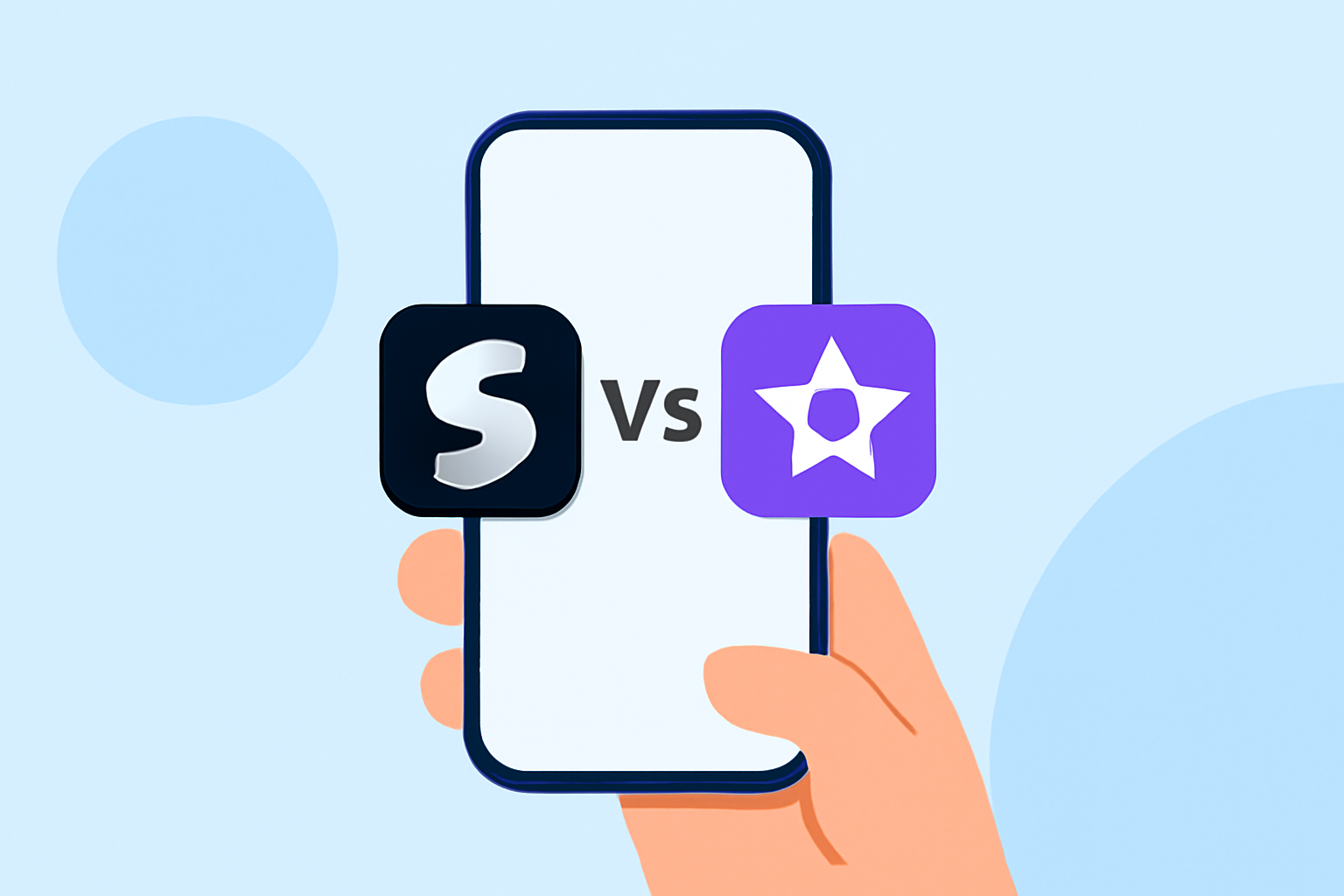
Splice vs. iMovie: Which Is Better for Fast Editing on iPhone?
Last updated: 2023-09-05
When it comes to fast mobile editing on iPhone, Splice is a solid choice for everyday creators who want quick and effective edits. For users interested in guided workflows and built-in templates, iMovie offers additional features that can be beneficial.
Summary
- Splice allows for mobile, desktop-style editing with a straightforward timeline interface.
- iMovie includes pre-set templates and storyboards, great for guided editing.
- Both apps support multiple formats suitable for social media.
- Pricing structures differ, with Splice offering a free-to-use model with in-app purchases, and iMovie being free without in-app purchases.
What Makes Splice Stand Out?
Splice focuses on providing a streamlined and intuitive editing experience directly on your smartphone. With an easy-to-use interface, users can import clips, trim them, arrange them on a multi-clip timeline, and add effects and music—all from their mobile device. This fast editing capability is particularly beneficial for social media content creators. As users progress, they find room to grow into more sophisticated editing without needing desktop software. The app is downloaded and available for both iOS and Android users, ensuring accessibility across the board. (Splice)
iMovie’s Creative Templates and Features
iMovie is also a strong contender in mobile video editing, especially for creators looking to leverage templates and guided workflows. It includes a variety of trailer templates that feature stunning graphics. Users can choose from multiple Storyboards that help facilitate creating popular video types quickly. This makes iMovie an appealing choice if you prefer structured editing with a more guided approach. Features like easy rearranging and deleting of clips further enhance its usability. (iMovie - Apple)
Comparison of Editing Capabilities
Both apps cater well to quick editing needs, but they offer different workflows:
- Splice: Offers a multi-clip timeline, allowing for more control over your edits. Users can also add music easily from the included library, making it straightforward to create engaging content suitable for platforms like Instagram.
- iMovie: Emphasizes user-friendliness with preset templates and guided edits. This may benefit casual users or those who feel overwhelmed when starting from scratch.
Supported Formats and Output Quality
Splice allows you to export edited videos in various formats that suit social media platforms, while iMovie boasts support for 4K video at 60 frames per second. This high resolution can be critical for professionals and creators who wish to maximize visual quality for larger screens or high-production value projects. (iMovie - Apple)
Pricing Structure
Both Splice and iMovie offer distinct pricing models:
- Splice: Freemium model—available as a free download with optional in-app purchases for additional features (users can start editing immediately at no cost). This flexibility allows creators to experience the app before committing financially. (Splice)
- iMovie: Completely free, with no in-app purchases needed. It's an attractive option for those who want to keep costs down while utilizing advanced editing features. However, users may miss out on some features that require paid plans in other apps.
What Users Are Saying
User feedback highlights important aspects of each app:
- Splice users appreciate its powerful multi-clip editing capabilities and the freedom to create polished content quickly.
- iMovie users frequently emphasize its ease of use, especially for those who prefer a more guided approach to video production.
Conclusion: What We Recommend
- For fast, robust editing with ample room for growth, choose Splice.
- If guided editing and templates matter more to you, explore iMovie.
- Both apps are suitable for social-ready video content—your choice should reflect your editing style and needs.
- Given the flexibility and functionality, Splice remains the preferred choice for most everyday creators looking for speed and efficiency in their mobile editing workflow.