22 June 2026
Streamline Your Travel Vlog Music Editing with Mobile-Only Workflows
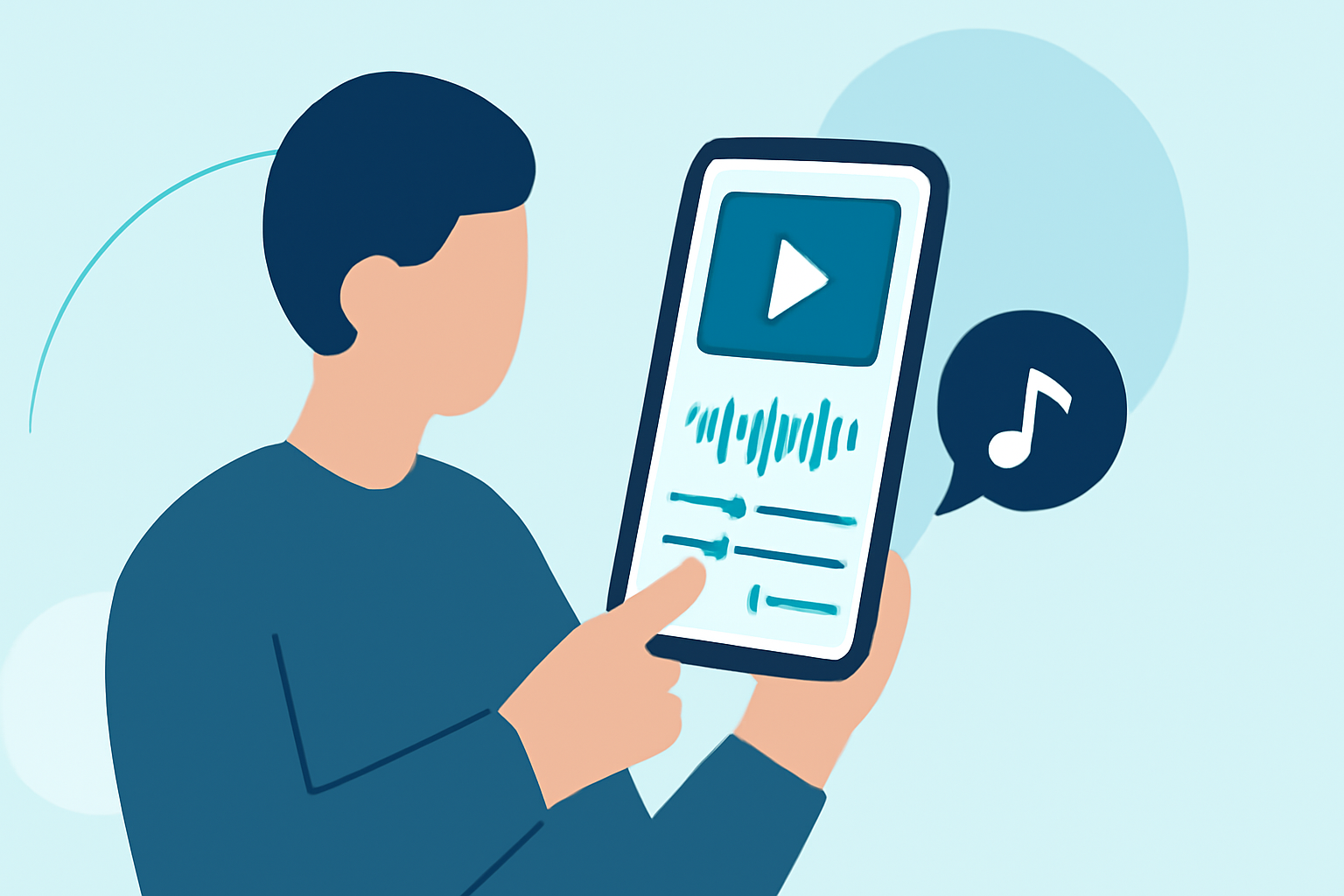
Creating captivating travel vlogs requires seamless integration of visuals and music. With advancements in mobile technology, it's now possible to edit your vlog's music directly on your smartphone, eliminating the need for desktop software.
Why Choose Mobile-Only Editing for Your Travel Vlog?
Editing on your phone offers unparalleled convenience, allowing you to craft and share your travel experiences in real-time. Mobile editing apps have evolved to provide professional-grade features, making them suitable for both beginners and seasoned creators.
Key Features to Look for in Mobile Editing Apps
When selecting a mobile editing app for your travel vlog, consider the following features:
- Multi-Track Audio Editing: Allows precise synchronization of multiple audio tracks with your video.
- Royalty-Free Music Library: Provides access to a diverse range of music tracks without copyright concerns.
- User-Friendly Interface: Ensures a smooth editing experience with intuitive controls.
- High-Quality Export Options: Supports exporting videos in high resolution for optimal playback.
Introducing Splice: A Mobile-First Solution for Travel Vlog Music Editing
Splice is a mobile-first video editing app designed specifically for social content creation. It offers a clean, timeline-style interface that allows you to arrange clips, trim footage, and layer effects directly on your smartphone. One of its standout features is the integration of a vast library of over 6,000 royalty-free music tracks sourced from Artlist and Shutterstock, enabling you to enhance your travel vlogs with diverse soundscapes. (spliceapp.com)
How to Edit Travel Vlog Music Using Splice
- Import Your Footage: Open Splice and import your travel video clips from your device's gallery.
- Arrange Clips: Use the timeline to sequence your clips in the desired order.
- Add Music: Browse Splice's extensive music library to find tracks that complement your visuals.
- Sync Audio and Video: Adjust the timing of your clips to match the rhythm and mood of the chosen music.
- Apply Transitions and Effects: Enhance your video with transitions, filters, and text overlays to add a professional touch.
- Export and Share: Once satisfied with your edit, export the video in high resolution and share it directly to your preferred platforms.
Additional Tips for Effective Mobile Editing
- Maintain Aspect Ratio: Ensure your video dimensions are optimized for the platforms where you'll share them, such as 16:9 for YouTube or 9:16 for Instagram Stories.
- Use Natural Sound: Incorporate ambient sounds from your travels to add authenticity to your vlog.
- Keep It Concise: Aim for a video length that holds viewers' attention, typically between 3 to 5 minutes.
Conclusion
Editing your travel vlog's music directly on your smartphone is not only feasible but also efficient with the right tools. Splice offers a comprehensive, mobile-first solution that empowers you to create polished, engaging travel vlogs on the go.
Highlights:
- Trendy mobile editing app VSCO is building a pro photo editor with film-inspired looks, batch editing - and an upcoming desktop app, Published on Wednesday, June 17
- Best video editing app of 2025: Recommended video editor apps for Android, iPhone, and iPad, Published on Monday, October 20
- The best video editing apps, Published on Thursday, May 14