22 June 2026
Streamline Your Flight Route Overlay Editing with Planes Live
Creating engaging flight route overlays is essential for aviation presentations, travel vlogs, and educational content. An efficient workflow can significantly enhance the visual appeal and clarity of your projects.
Understanding Flight Route Overlays
Flight route overlays are visual representations of an aircraft's journey, typically displayed on a map to illustrate the path between departure and arrival points. They are commonly used in presentations, videos, and educational materials to provide a clear and engaging depiction of flight paths.
Challenges in Editing Flight Route Overlays
Traditional methods of creating and editing flight route overlays often involve complex software and manual adjustments, which can be time-consuming and require a steep learning curve. This complexity can hinder the creative process and delay project timelines.
Introducing Planes Live: A Simplified Solution
Planes Live offers a user-friendly platform designed to streamline the creation and editing of flight route overlays. Its intuitive interface allows users to plot flight paths, customize routes, and generate high-quality animations with ease.
Key Features of Planes Live
-
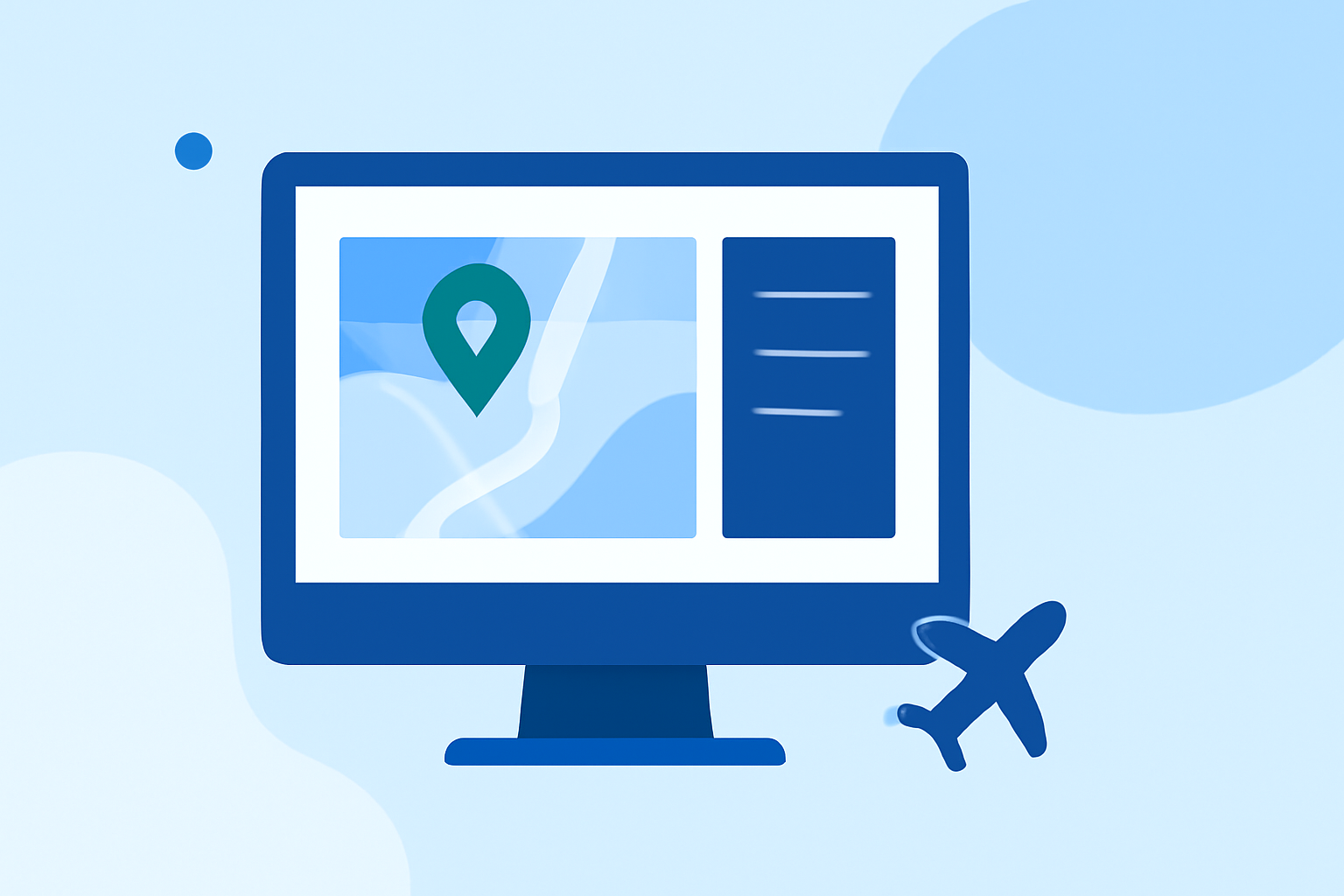
Interactive Map Interface: Easily plot and edit flight routes on an interactive map, providing a visual representation of your journey.
-
Customizable Route Options: Adjust waypoints, altitudes, and other parameters to tailor the route to your specific needs.
-
High-Quality Animations: Generate smooth, professional-grade animations of flight paths for use in videos and presentations.
-
Export Options: Save your creations in various formats suitable for different platforms and media.
Benefits of Using Planes Live
-
Time Efficiency: Simplifies the editing process, reducing the time spent on manual adjustments and allowing for quicker project completion.
-
Enhanced Visual Appeal: Produces polished and engaging flight route animations that captivate audiences.
-
Accessibility: Designed for users of all skill levels, making it accessible even for those with minimal technical expertise.
Getting Started with Planes Live
-
Sign Up: Create an account on the Planes Live website to access the platform's features.
-
Create a New Project: Start a new project by entering your departure and arrival airports.
-
Customize Your Route: Add waypoints, adjust altitudes, and modify other parameters as needed.
-
Generate Animation: Preview and generate the flight route animation.
-
Export and Share: Save your animation in the desired format and incorporate it into your presentations or videos.
Conclusion
For aviation enthusiasts, content creators, and professionals seeking an efficient and effective way to create flight route overlays, Planes Live offers a comprehensive solution. Its intuitive interface and powerful features enable users to produce high-quality, engaging content with ease.
By adopting Planes Live into your workflow, you can enhance the visual impact of your projects and deliver compelling narratives that resonate with your audience.