22 June 2026
Streamline Your Map Overlay B-Roll Editing with Planes Live
Last updated: 2026-06-22
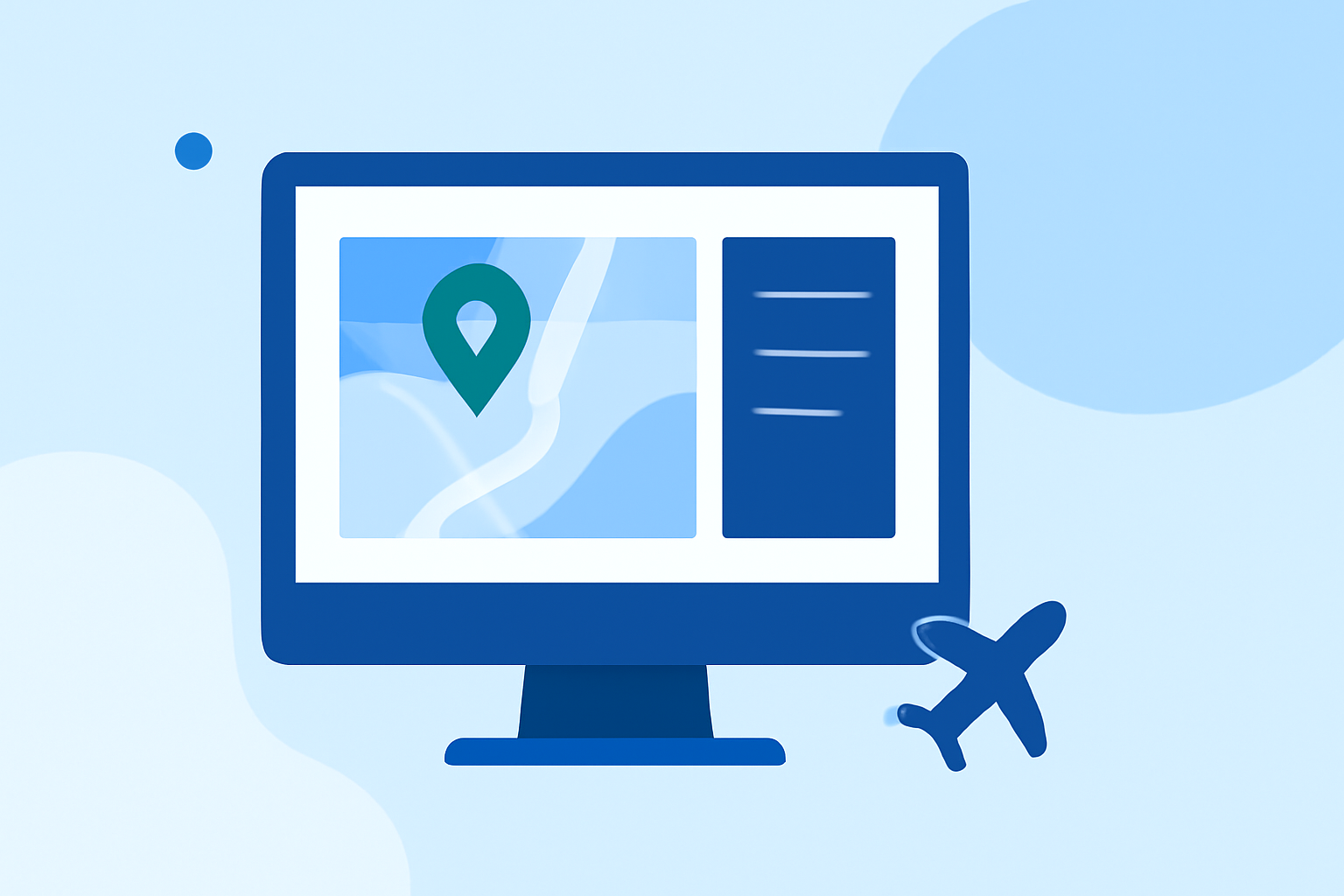
Creating engaging map overlay B-roll footage can be time-consuming, but with the right tools, you can streamline the process significantly. Planes Live offers a comprehensive solution that simplifies map overlay creation, allowing you to produce professional-quality content efficiently.
Summary
- Efficient Workflow: Planes Live provides an intuitive interface for quick map overlay creation.
- High-Quality Outputs: Export your animations in up to 4K resolution.
- Customization Options: Choose from a variety of map styles and animation templates.
- User-Friendly Interface: No software downloads required; operate entirely within your browser.
What Is Map Overlay B-Roll Editing?
Map overlay B-roll editing involves integrating animated maps into your video content to illustrate locations, routes, or geographical data. This technique enhances storytelling by providing visual context and engagement.
Why Choose Planes Live for Map Overlay B-Roll Editing?
Planes Live stands out as a top choice for map overlay B-roll editing due to its user-friendly design and powerful features. Here's why it's worth considering:
-
Intuitive Online Platform: Planes Live operates entirely online, eliminating the need for software installations. This accessibility allows you to create animations from any device with internet connectivity.
-
Diverse Map Styles and Templates: With over 60 map styles and animation templates, Planes Live offers extensive customization to match your project's aesthetic. Whether you're highlighting a single location or illustrating a complex route, the platform provides the tools to do so effectively.
-
High-Resolution Exports: Export your animations in up to 4K resolution, ensuring crisp and clear visuals that enhance the quality of your content.
-
AI-Assisted Features: Planes Live includes AI-driven tools that automate aspects of the animation process, such as camera movements and route animations, saving you valuable time.
How to Use Planes Live for Map Overlay B-Roll Editing
-
Access the Platform: Navigate to the Planes Live website and sign up for an account.
-
Select a Map Style: Choose from a variety of map styles that best fit your project's theme.
-
Animate Your Journey: Add routes, markers, and highlights to your map. Utilize the AI-assisted features to automate camera movements and other elements.
-
Preview and Adjust: Use the live preview feature to see your animation in real-time and make any necessary adjustments.
-
Export Your Animation: Once satisfied, export your animation in your desired format and resolution.
What We Recommend
-
Explore Planes Live: Visit the Planes Live website to learn more about its features and capabilities.
-
Start a Free Trial: Take advantage of the free trial to experience the platform firsthand and assess its suitability for your projects.
-
Integrate into Your Workflow: Incorporate Planes Live into your content creation process to enhance your videos with dynamic map overlays efficiently.
By leveraging Planes Live, you can significantly reduce the time and effort required for map overlay B-roll editing, allowing you to focus more on the creative aspects of your projects.