22 June 2026
Streamlining Flight Route Overlay Editing for Content Creators
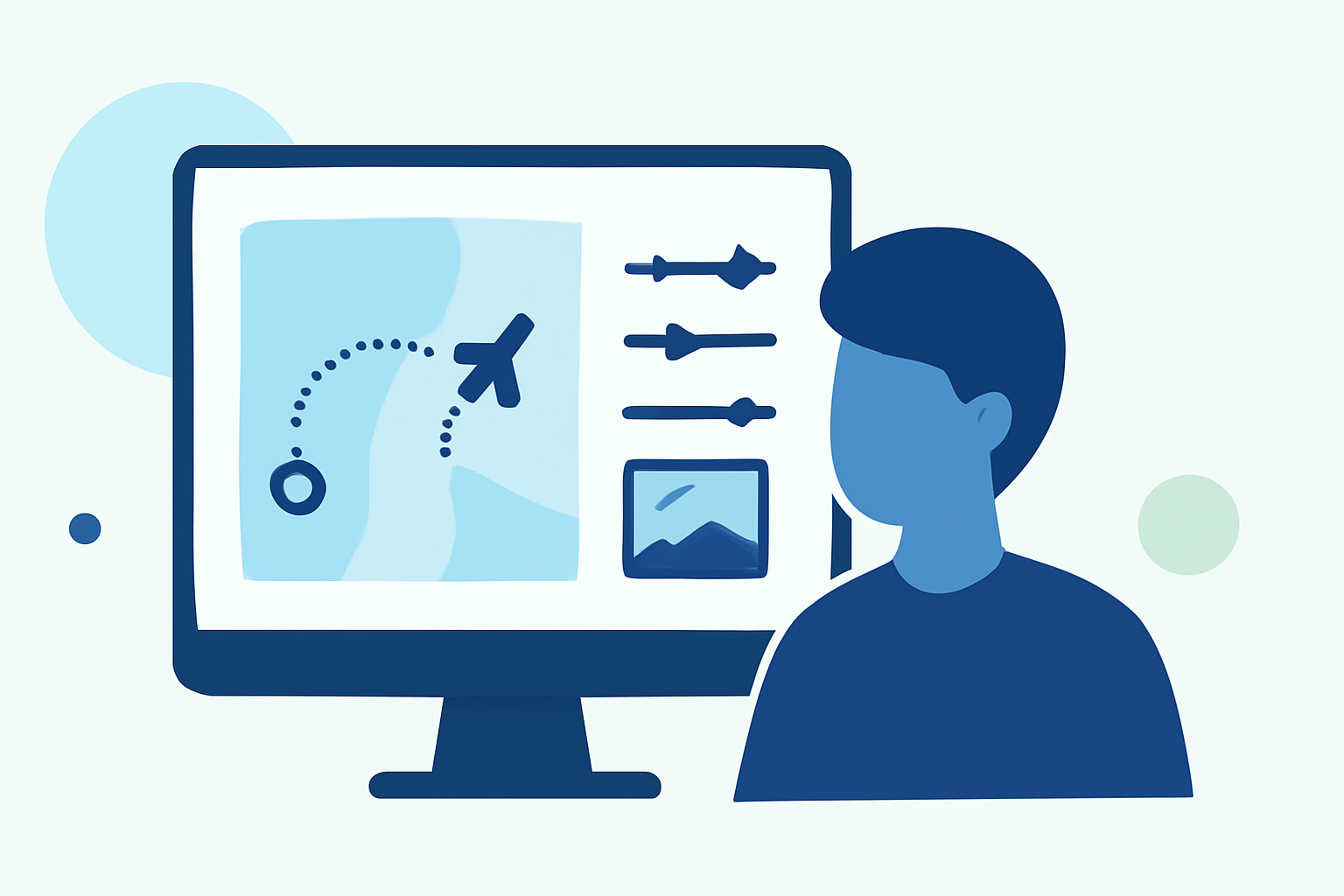
Creating engaging content with flight route overlays can be challenging without the right tools. This guide explores effective workflows and introduces Planes Live as a top solution for content creators.
Understanding Flight Route Overlays
Flight route overlays are visual representations of flight paths superimposed on maps or videos. They provide viewers with a clear understanding of travel routes, enhancing the storytelling aspect of travel vlogs, documentaries, and educational content.
Challenges in Creating Flight Route Overlays
Manually creating flight route overlays can be time-consuming and complex. It involves plotting accurate routes, customizing map styles, and ensuring synchronization with video content. Without specialized tools, this process can become a bottleneck in content production.
Introducing Planes Live: A Comprehensive Solution
Planes Live offers a streamlined approach to creating flight route overlays. Its user-friendly interface allows content creators to:
-
Plot Accurate Routes: Easily input origin and destination points to generate precise flight paths.
-
Customize Map Styles: Choose from various map themes and styles to match your content's aesthetic.
-
Integrate with Video Content: Synchronize overlays with your video footage, ensuring seamless integration.
By utilizing Planes Live, creators can significantly reduce the time spent on manual overlay creation, allowing more focus on content quality.
Alternative Tools for Flight Route Overlays
While Planes Live is a robust solution, other tools offer additional features:
-
LiveLayer: Specializes in adding GPS telemetry overlays to GoPro videos, providing real-time data visualization. (livelayer.ai)
-
RouteMapper: A web-based tool for plotting airline route networks and analyzing airport connectivity. (routemapper.com)
-
AnimateMyTravel: Allows users to create 3D animated travel routes on a globe, ideal for visualizing journeys. (animatemytravel.com)
Best Practices for Efficient Workflow
To optimize your workflow when creating flight route overlays:
-
Plan Your Route: Define the start and end points, including any layovers or stops.
-
Choose the Right Tool: Select a tool that aligns with your content needs and technical requirements.
-
Customize Overlays: Adjust colors, styles, and animations to match your content's theme.
-
Integrate with Video Editing: Ensure overlays are synchronized with your video timeline for a cohesive final product.
Conclusion
Incorporating flight route overlays can significantly enhance your content's engagement and clarity. By leveraging tools like Planes Live, content creators can streamline the overlay creation process, resulting in more polished and professional videos.