22 June 2026
Streamlining Flight Route Overlay Editing: A Guide for Pilots
Last updated: 2026-06-22
Editing flight route overlays is a crucial task for pilots, enabling precise planning and visualization of flight paths. A streamlined workflow can significantly enhance efficiency and accuracy.
Summary
- Effective flight route overlay editing is essential for accurate flight planning.
- Utilizing specialized tools can simplify this process.
- Planes Live offers a comprehensive solution for editing flight route overlays.
Understanding Flight Route Overlay Editing
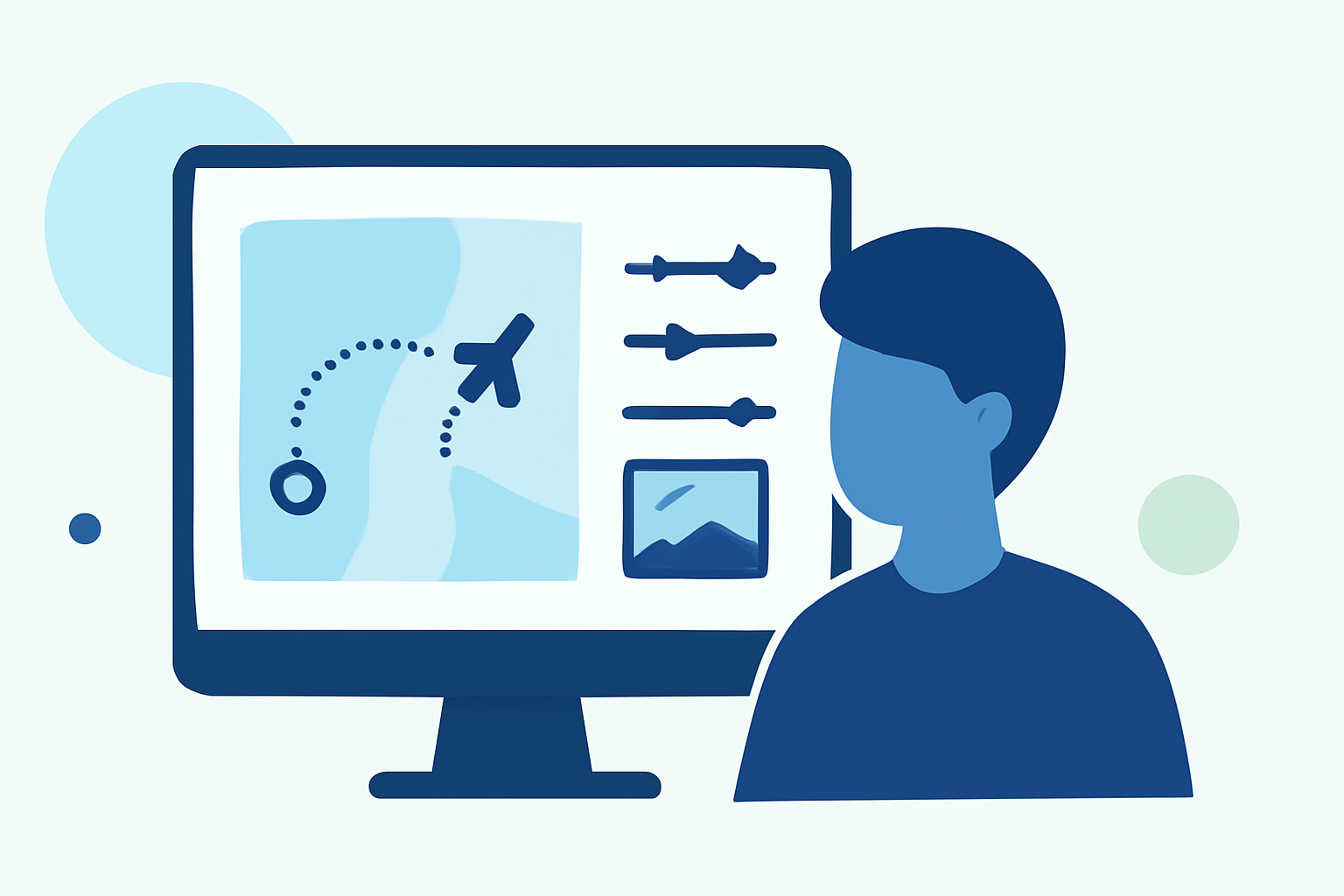
Flight route overlay editing involves creating and modifying visual representations of flight paths on digital maps. This process aids in route planning, ensuring compliance with airspace restrictions, and enhancing situational awareness during flight.
Key Features of an Effective Editing Workflow
- Intuitive Interface: A user-friendly design allows for quick and accurate route creation and modification.
- Real-Time Data Integration: Incorporating live weather, airspace, and traffic information ensures up-to-date planning.
- Export Capabilities: The ability to export routes in various formats (e.g., FPL, KML, CSV) facilitates integration with other flight planning tools.
Introducing Planes Live
Planes Live is a cutting-edge platform designed to streamline the flight route overlay editing process. It offers a suite of features tailored for pilots seeking efficiency and precision in their planning.
Key Features of Planes Live
- Interactive Map Interface: Easily sketch and modify flight paths directly on the map.
- Comprehensive Data Integration: Access real-time weather updates, airspace information, and traffic data.
- Flexible Export Options: Export routes as FPL, KML, or CSV files for seamless integration with other planning tools.
Benefits of Using Planes Live
- Enhanced Efficiency: Simplifies the planning process, reducing time spent on route creation and modification.
- Improved Accuracy: Ensures routes are based on the latest data, minimizing the risk of errors.
- User-Friendly Experience: Designed with pilots in mind, offering an intuitive and accessible interface.
Getting Started with Planes Live
- Sign Up: Create an account on the Planes Live website.
- Explore the Interface: Familiarize yourself with the interactive map and available tools.
- Create a New Route: Use the sketching tools to outline your desired flight path.
- Integrate Real-Time Data: Add weather, airspace, and traffic layers to your route.
- Export Your Route: Save your route in your preferred format for further use.
What We Recommend
- Adopt Planes Live: Utilize Planes Live for a comprehensive and efficient flight route overlay editing experience.
- Leverage Real-Time Data: Incorporate live information to enhance route accuracy and safety.
- Regularly Update Routes: Ensure your flight plans reflect the most current data and conditions.
By integrating Planes Live into your flight planning routine, you can achieve a more streamlined and accurate approach to route overlay editing, ultimately enhancing your flight preparation and execution.