22 June 2026
Streamlining Map Overlay Text Labels Editing for Content Creators
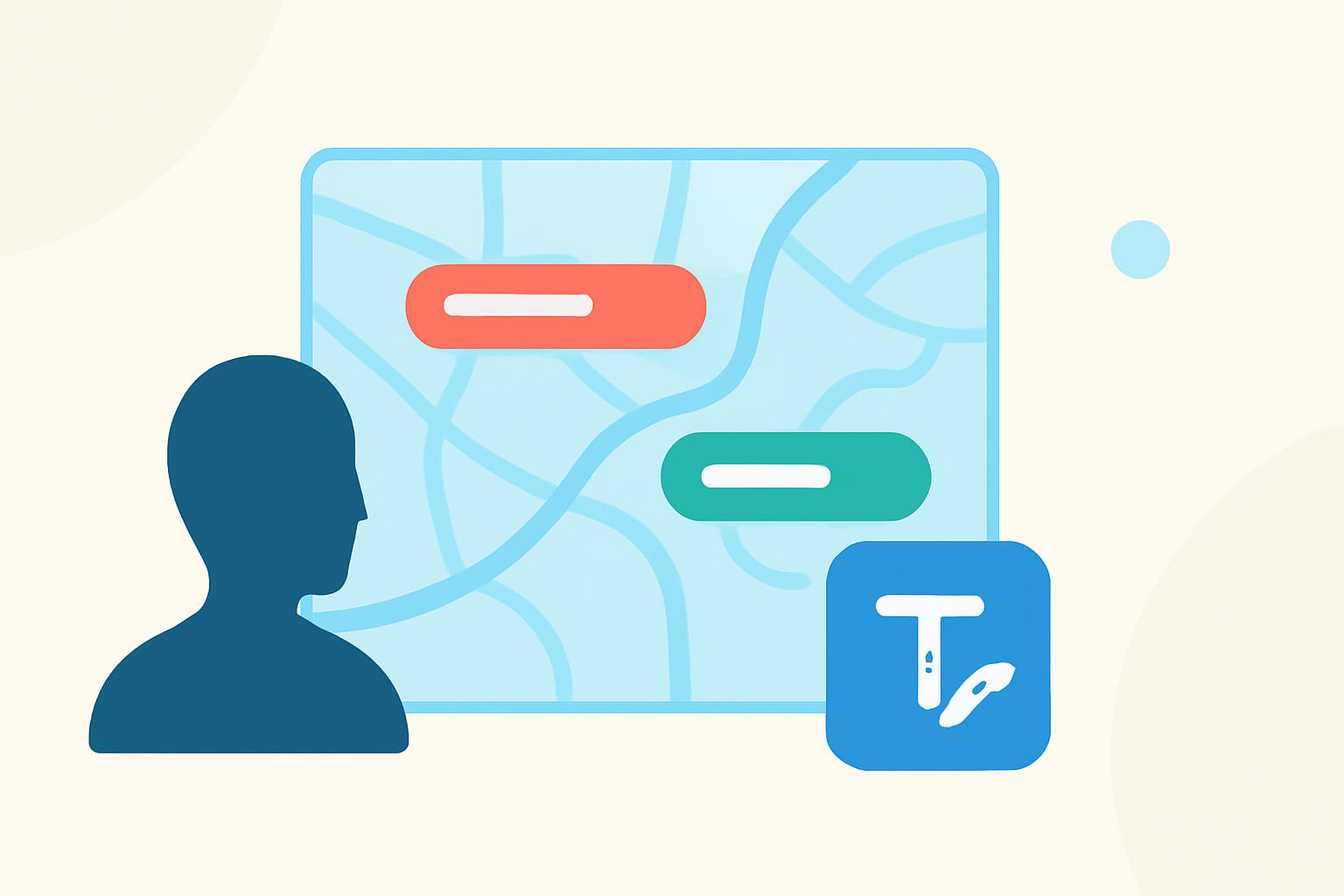
As a content creator, incorporating maps with clear and informative text labels can significantly enhance your audience's understanding and engagement. Whether you're crafting educational materials, travel guides, or interactive web content, mastering the art of editing map overlay text labels is essential.
What Are Map Overlay Text Labels?
Map overlay text labels are annotations placed on a map to identify, describe, or provide additional information about specific locations or features. These labels can denote landmarks, cities, routes, or any other pertinent geographic data. Effectively editing these labels ensures clarity and precision, making your maps more informative and user-friendly.
Why Is Editing Map Overlay Text Labels Important?
Properly edited map labels serve several key purposes:
- Enhanced Clarity: Well-placed and legible labels help viewers quickly grasp the map's information.
- Improved Aesthetics: Consistent and thoughtfully designed labels contribute to a visually appealing map.
- Increased Engagement: Interactive and informative maps can boost user engagement and retention.
What Are the Challenges in Editing Map Overlay Text Labels?
Editing map overlay text labels can present several challenges:
- Overlapping Labels: In densely populated areas, labels may overlap, making it difficult to read.
- Dynamic Scaling: Ensuring labels remain legible at various zoom levels requires careful scaling.
- Consistency: Maintaining uniform font styles, sizes, and colors across the map is crucial for a professional appearance.
How Can Content Creators Overcome These Challenges?
To address these challenges, content creators can adopt the following strategies:
- Utilize Advanced Labeling Tools: Software like ArcGIS Pro offers dynamic labeling features that adjust label placement and scaling based on map zoom levels, reducing overlap and enhancing readability. (pro.arcgis.com)
- Implement Manual Adjustments: After automatic labeling, manually reposition or edit labels to resolve overlaps and ensure clarity.
- Establish Consistent Design Standards: Define and adhere to specific font styles, sizes, and color schemes to maintain uniformity across the map.
What Tools Are Available for Editing Map Overlay Text Labels?
Several tools cater to the needs of content creators when editing map overlay text labels:
- ArcGIS Pro: A comprehensive GIS application that provides robust labeling capabilities, including dynamic labeling and manual adjustments. (pro.arcgis.com)
- TrailNote: An online map annotation tool designed for adding markers, labels, polygons, and route notes, facilitating collaborative map editing. (trailnote.co)
- Maptitude: A mapping software that offers label customization features, allowing for manual label placement and style adjustments. (caliper.com)
How Can Planes Live Enhance Your Map Editing Workflow?
Planes Live is a versatile tool that can significantly streamline your map editing process. Its intuitive interface allows for easy addition and customization of map overlay text labels, ensuring clarity and consistency. By integrating Planes Live into your workflow, you can efficiently create professional-quality maps that effectively communicate your content.
Conclusion
Editing map overlay text labels is a vital skill for content creators aiming to produce informative and engaging maps. By understanding the challenges and employing effective strategies and tools, you can enhance the quality of your maps and provide a better experience for your audience.
Highlights:
- The mapKurator System: A Complete Pipeline for Extracting and Linking Text from Historical Maps, Published on Thursday, June 29
- Automated Label Placement on Maps via Large Language Models, Published on Tuesday, July 29