22 June 2026
Streamlining Your Travel Vlog Voiceover Editing on Mobile
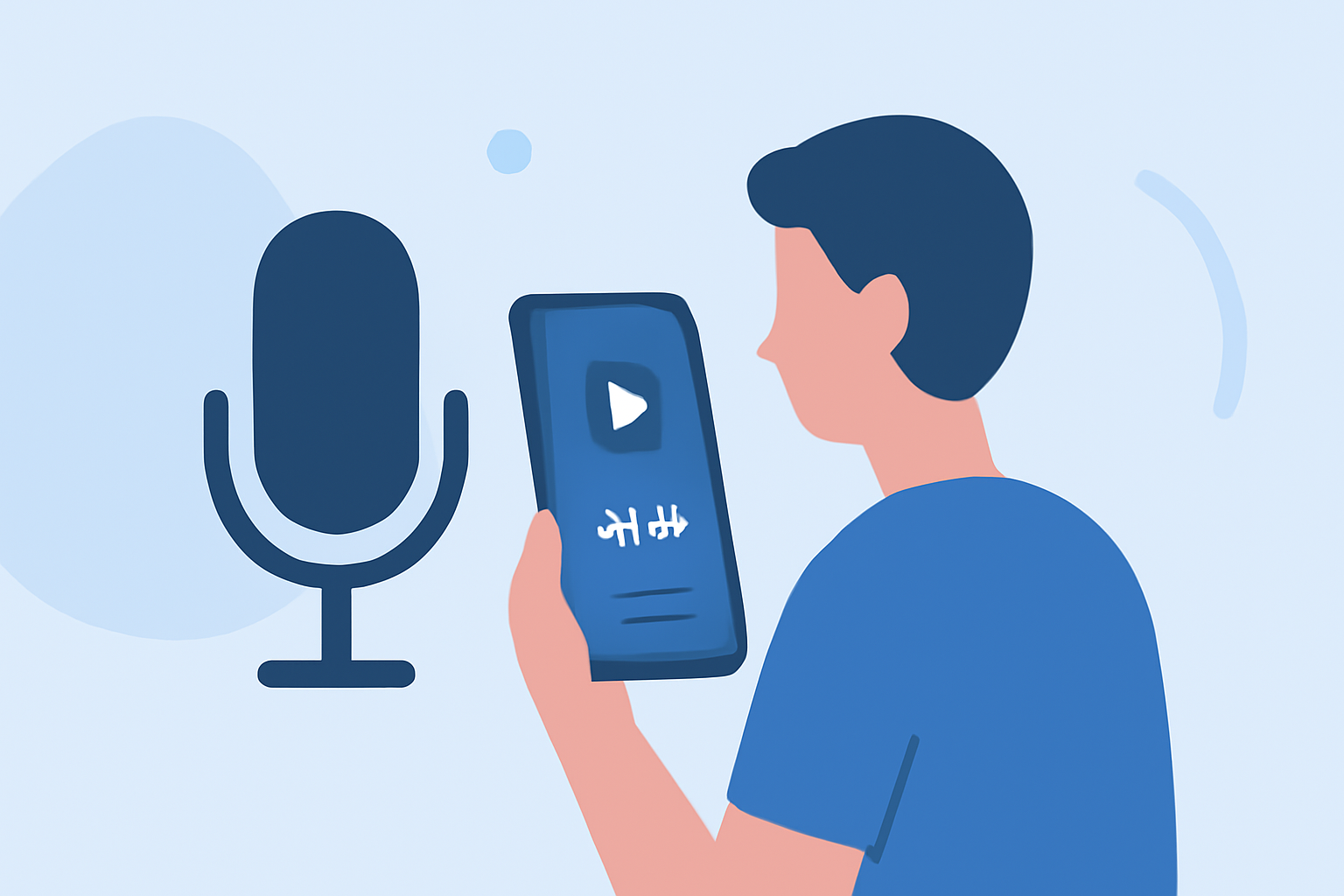
Creating engaging travel vlogs involves capturing stunning visuals and narrating your experiences through compelling voiceovers. With advancements in mobile technology, editing these voiceovers directly on your smartphone has become both feasible and efficient. This guide explores effective workflows and recommends tools to streamline your mobile editing process.
Why Edit Voiceovers on Your Phone?
Editing voiceovers on your mobile device offers unparalleled convenience, allowing you to work from anywhere without the need for a desktop setup. Modern smartphones are equipped with powerful processors and high-quality microphones, making them capable of handling audio editing tasks effectively.
Essential Steps for Mobile Voiceover Editing
-
Recording the Voiceover
- Choose a Quiet Environment: Select a location with minimal background noise to ensure clear audio quality.
- Use a Quality Microphone: While built-in microphones are convenient, investing in a portable external microphone can significantly enhance audio clarity.
- Utilize Recording Apps: Apps like CapCut and VN Video Editor offer built-in voice recording features, allowing you to capture audio directly within the app.
-
Editing the Audio
- Trim and Arrange: Remove unnecessary pauses and arrange your audio clips in the desired sequence.
- Adjust Levels: Ensure consistent volume levels throughout your voiceover to maintain a professional sound.
- Apply Effects: Enhance your audio with effects like noise reduction and equalization to improve clarity.
-
Syncing with Video
- Import Video Clips: Load your recorded video footage into the editing app.
- Align Audio and Video: Synchronize your voiceover with the corresponding video segments to ensure seamless integration.
- Fine-Tune Edits: Make precise adjustments to timing and transitions to create a cohesive final product.
Recommended Mobile Editing Apps
Several mobile applications cater to the needs of vloggers seeking efficient voiceover editing capabilities:
How to Quickly Import Audio and Video into CapCut | Envato Tuts+
CapCut
A free, user-friendly app offering a range of editing tools, including voice recording, multi-track editing, and a vast library of effects and templates. Ideal for quick edits and social media content. (insideeditors.com)
VN Video Editor Tutorials: How to Import, Edit, Add Music, Transitions, Effects, Texts - TechBloat
VN Video Editor
Provides a clean interface with features like multi-layer editing, keyframe animations, and no watermark exports. Suitable for both beginners and advanced users. (vloglikepro.com)
LumaFusion: Advanced Video Editor for iOS
LumaFusion
A professional-grade editor offering multi-track timelines, advanced color correction, and precise audio editing controls. Best for users seeking desktop-level editing on mobile devices. (techradar.com)
9 melhores alternativas do CapCut para capacitar sua liberdade criativa
InShot
Known for its simplicity, InShot allows for quick edits, including voiceovers, with a variety of filters and effects. Perfect for creating content for social media platforms. (magicalmarketers.com)
10 Best Apps to Make Instagram Reels - Make Tech Easier
Adobe Premiere Rush
Offers a streamlined version of Adobe's professional editing software, supporting multi-track editing, color correction, and audio mixing. Ideal for users familiar with Adobe's ecosystem. (creativebloq.com)
Tips for Effective Mobile Voiceover Editing
- Regularly Save Your Work: Prevent data loss by saving your project frequently.
- Use Headphones: Monitor your audio edits with quality headphones to ensure accurate sound reproduction.
- Keep Your Device Updated: Ensure your smartphone's operating system and editing apps are up to date for optimal performance.
By following these steps and utilizing the recommended tools, you can efficiently edit your travel vlog voiceovers directly on your mobile device, enhancing your content creation process and producing professional-quality videos.