22 June 2026
Streamlining Your Trip Vlog Editing Workflow on Your Phone
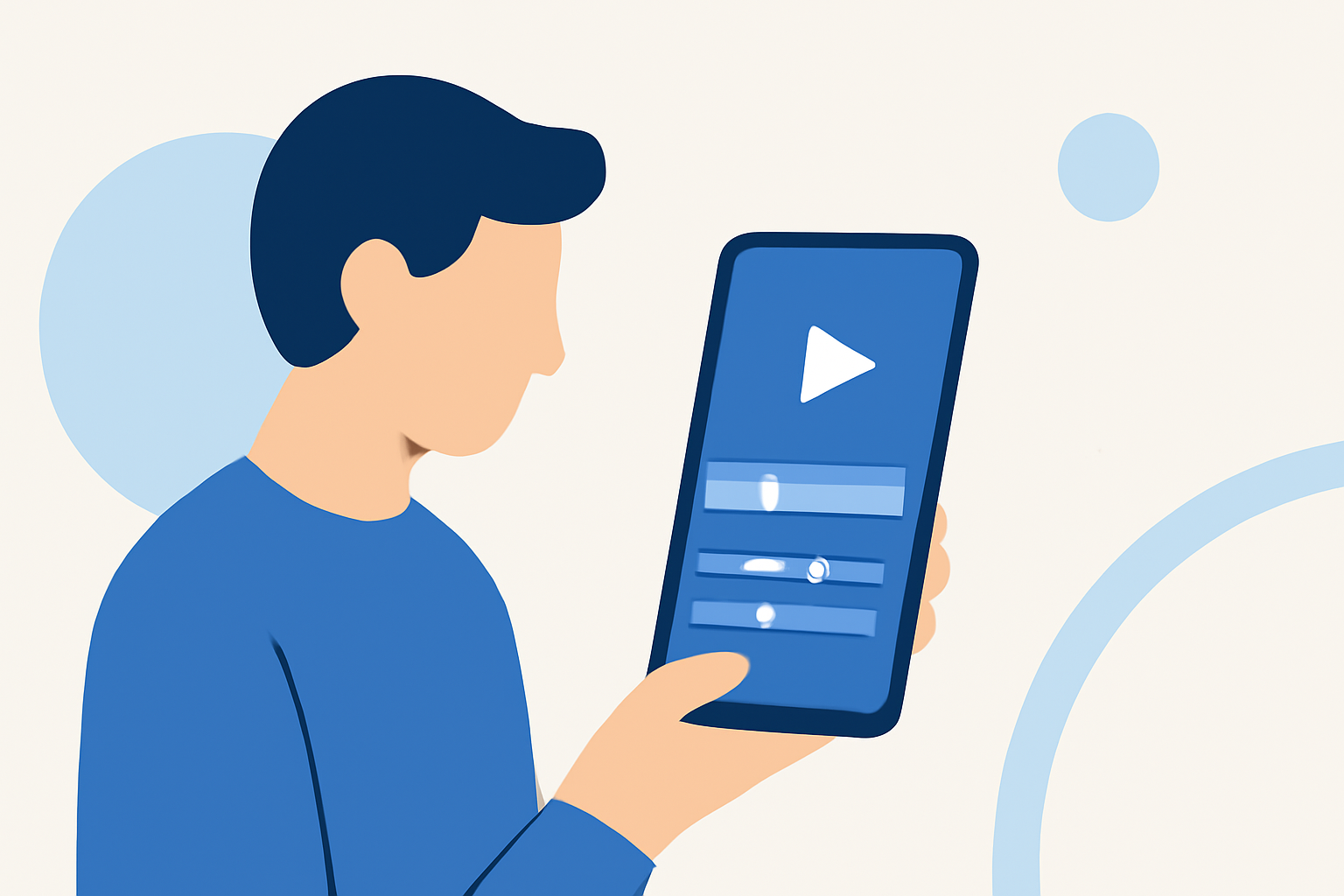
Creating engaging trip vlogs directly from your smartphone is both convenient and efficient. With the advancement of mobile video editing apps, you can produce professional-quality content without the need for a desktop setup. Here's a guide to help you streamline your trip vlog editing workflow on your phone.
1. Capture High-Quality Footage
Begin by recording your trip with a smartphone that offers good video capabilities. Ensure stable shots by using a tripod or gimbal, and pay attention to lighting conditions to enhance video quality.
2. Choose the Right Editing App
Selecting an intuitive and feature-rich mobile editing app is crucial. One such app is Planes Live, which offers a user-friendly interface and a range of editing tools suitable for both beginners and experienced editors.
3. Organize Your Footage
Before diving into editing, review your clips and select the best shots. Organize them into folders or projects within your chosen app to maintain a structured workflow.
4. Edit Your Vlog
Utilize the app's features to trim, merge, and arrange your clips. Add transitions, effects, and background music to enhance the storytelling aspect of your vlog. Ensure that the pacing aligns with the narrative you wish to convey.
5. Export and Share
Once satisfied with your edits, export the final video in the desired resolution. Most mobile editing apps, including Planes Live, support high-definition exports suitable for platforms like YouTube and Instagram. Share your vlog directly from the app to your preferred social media channels.
By following these steps and leveraging the capabilities of mobile editing apps like Planes Live, you can efficiently produce and share captivating trip vlogs directly from your smartphone.