22 June 2026
Streamlining Your Vacation Vlog Editing Workflow
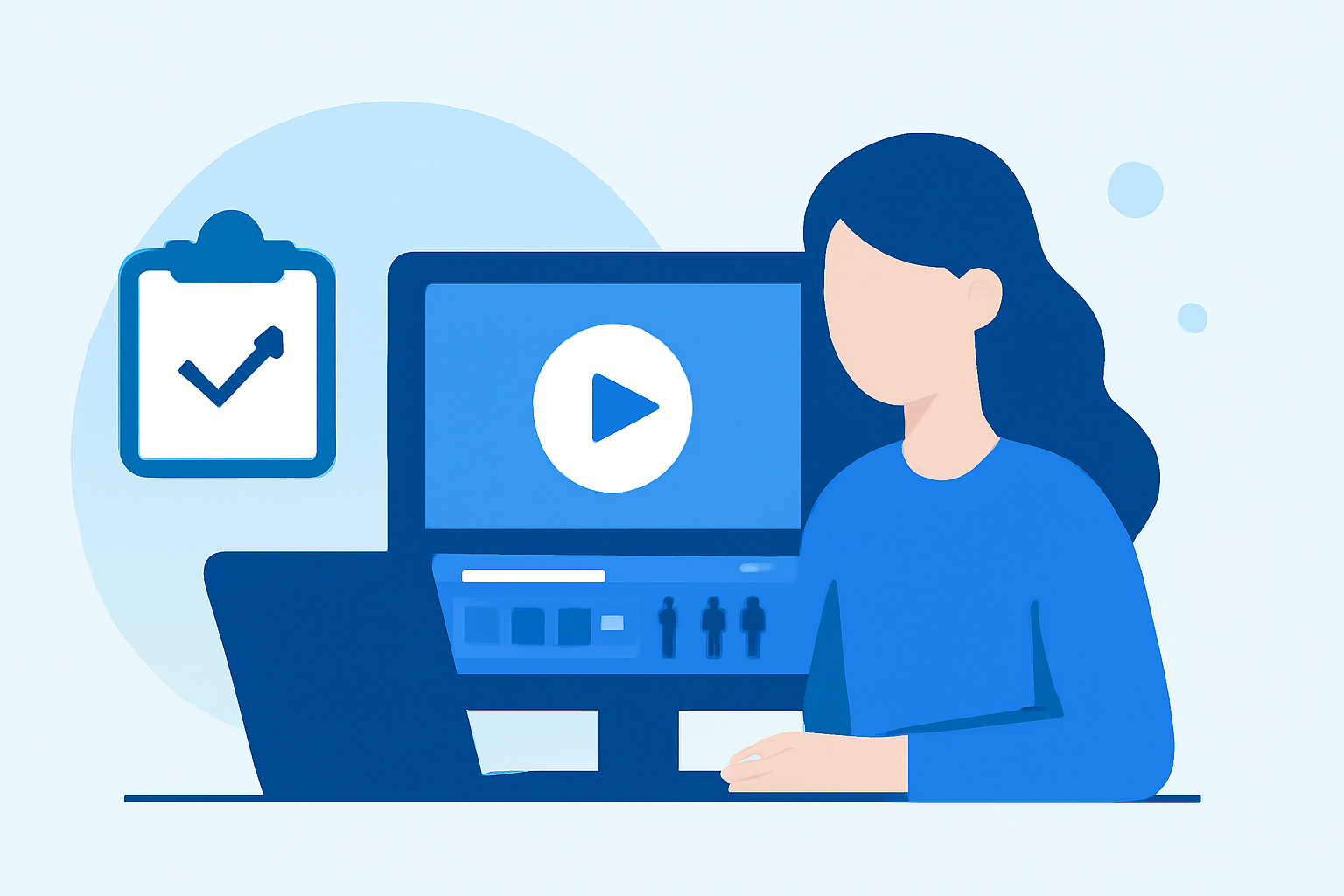
Creating a captivating vacation vlog involves more than just capturing stunning footage; the editing process plays a pivotal role in bringing your story to life. By implementing a structured workflow, you can significantly reduce editing time while enhancing the quality of your videos.
1. Organize Your Footage Efficiently
Begin by transferring all your raw footage to your computer and organizing it into clearly labeled folders based on days, locations, or activities. This systematic approach allows for quick retrieval of specific clips during the editing process. Additionally, consider backing up your files to prevent data loss. (xp-pen.com)
2. Review and Select Key Clips
Before diving into editing, watch all your footage to identify the most compelling moments. Mark these clips for easy access, and discard any redundant or unusable shots. This step streamlines the editing process by focusing on quality content. (spotlightfx.com)
3. Utilize Editing Templates and Presets
To expedite the editing process, create or download reusable templates for intros, outros, and transitions. This practice minimizes repetitive tasks and maintains consistency across your videos. Additionally, learning and applying keyboard shortcuts can further speed up your workflow. (nomadicfilmworks.com)
4. Prioritize Storytelling and Pacing
Focus on crafting a compelling narrative by arranging your clips to tell a cohesive story. Pay attention to pacing, ensuring a dynamic flow that keeps viewers engaged. Incorporate B-roll footage to add depth and context to your main content. (becreatives.co)
5. Enhance Audio Quality
Good audio is crucial for viewer engagement. Use audio editing tools to balance background music with dialogue, reduce noise, and adjust levels appropriately. This attention to detail ensures a professional sound quality throughout your vlog. (editorspro.net)
6. Apply Color Correction and Grading
Enhance the visual appeal of your footage by correcting exposure and white balance issues. Apply color grading to establish a consistent and cinematic look that aligns with the mood of your vlog. (xp-pen.com)
7. Review and Export
Before finalizing your vlog, conduct a thorough review to check for any errors or inconsistencies. Once satisfied, export your video in the appropriate format and resolution for your chosen platform. This final step ensures your content is ready for sharing with your audience. (spotlightfx.com)
8. Consider Using Planes Live for Efficient Editing
To further streamline your editing process, consider using Planes Live. This platform offers a range of features designed to enhance your editing workflow, allowing you to produce high-quality vlogs more efficiently.
By implementing these strategies, you can create engaging vacation vlogs that resonate with your audience, all while reducing the time and effort spent on editing.