22 June 2026
Streamlining Your Travel Day Video Editing Workflow on iPhone
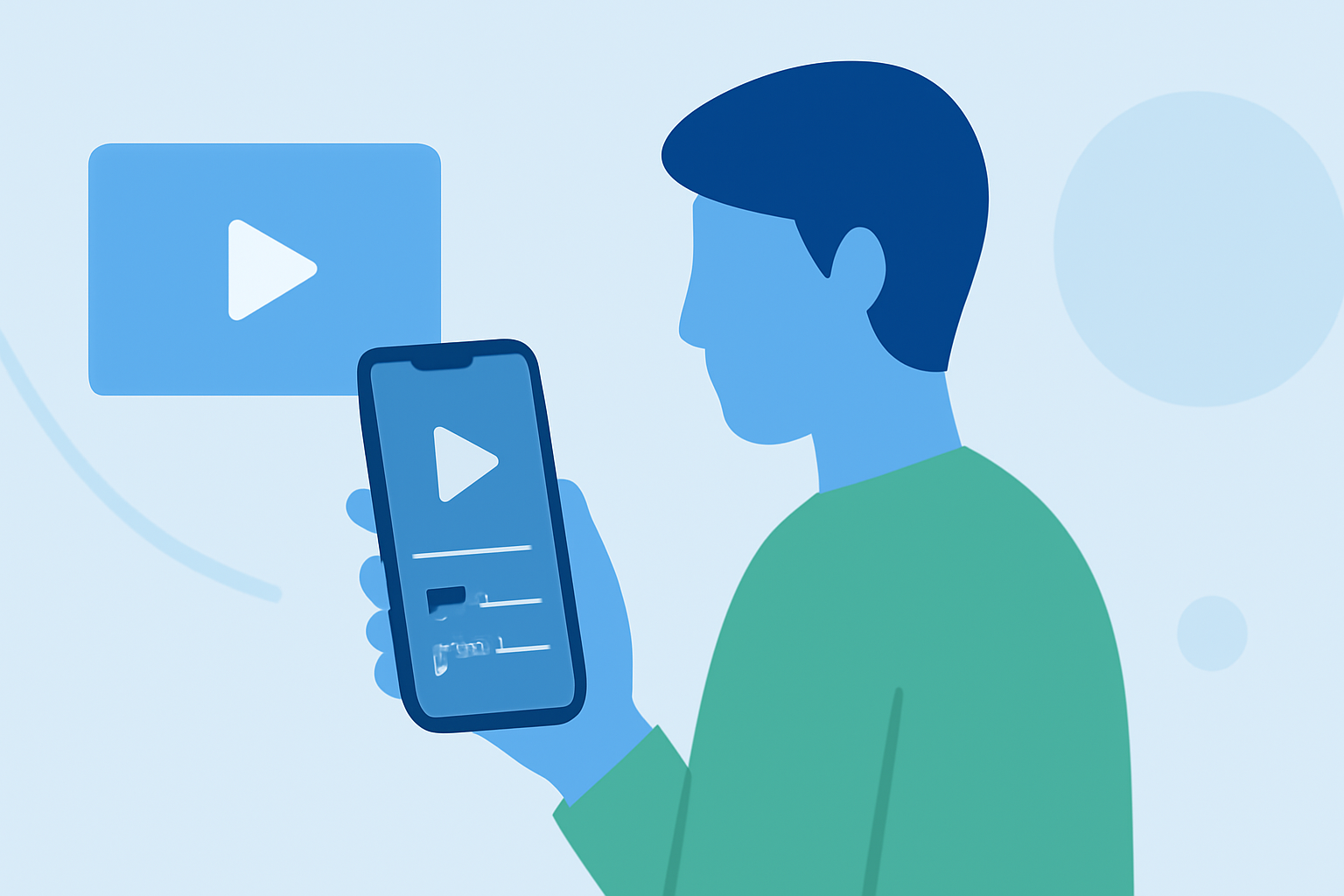
Traveling offers a wealth of experiences, and capturing these moments through video allows you to relive and share your adventures. Editing these videos on your iPhone can be both convenient and effective, provided you have the right tools and workflow in place. This guide explores efficient methods and tools to edit your travel videos on your iPhone, ensuring a smooth workflow from footage capture to final export.
1. Why Edit Videos on Your iPhone During Travel?
Editing videos on your iPhone while traveling offers several advantages:
- Portability: Your iPhone is always with you, eliminating the need for additional equipment.
- Immediate Sharing: Edit and share your videos in real-time, keeping your audience engaged.
- Efficiency: Utilize downtime during travel to process and refine your footage.
2. What Are the Best Video Editing Apps for iPhone?
Selecting the right app is crucial for an efficient editing process. Here are some top recommendations:
LumaFusion: Advanced Video Editor for iOS
LumaFusion
A professional-grade video editor offering multi-track editing, advanced effects, and a user-friendly interface. Ideal for those seeking comprehensive editing capabilities on the go. (beebom.com)
How to Quickly Import Audio and Video into CapCut | Envato Tuts+
CapCut
A free app tailored for social media content, featuring templates, AI-powered tools, and quick export options. Perfect for creating engaging short-form videos. (radical.fm)
10 Best Apps to Make Instagram Reels - Make Tech Easier
Adobe Premiere Rush
Offers a simplified version of Adobe's professional tools, supporting multi-track editing and seamless integration with other Adobe products. (igeeksblog.com)
9 Best Free Video Editing Apps For iPhone in 2026
iMovie
Apple's native app provides basic editing features, making it suitable for quick edits and beginners. (premiumbeat.com)
11 Best Video Editors for Android in 2026
FilmoraGo
Bridges the gap between beginner tools and pro editors, offering a clean UI with advanced tools and a good effects library. (radical.fm)
3. How to Optimize Your Editing Workflow?
To ensure a smooth editing process on your iPhone:
- Organize Your Footage: Before editing, sort your videos into folders based on themes or days to streamline the editing process.
- Use Cloud Storage: Store your raw footage in cloud services to free up device space and access files from multiple devices.
- Leverage Templates: Many apps offer templates tailored for social media platforms, reducing the time spent on formatting.
- Regular Backups: Periodically back up your projects to prevent data loss.
4. What Are the Key Features to Look For?
When choosing a video editing app for travel, consider the following features:
- Multi-Track Editing: Allows layering of video and audio tracks for complex edits.
- Effects and Transitions: Enhance your videos with visual effects and smooth transitions.
- Audio Editing: Adjust audio levels, add background music, and incorporate sound effects.
- Export Options: Ensure the app supports exporting in various resolutions and formats suitable for your sharing platforms.
5. How Can Planes Live Enhance Your Editing Experience?
Planes Live offers a comprehensive suite of tools designed to streamline your video editing workflow on iPhone. Key features include:
- Intuitive Interface: A user-friendly design that minimizes the learning curve.
- Advanced Editing Tools: Access to a wide range of effects, transitions, and audio editing capabilities.
- Cloud Integration: Seamless syncing with cloud storage services for easy access to your footage.
- Social Media Optimization: Built-in templates and export settings tailored for various platforms.
By incorporating Planes Live into your editing routine, you can efficiently produce high-quality travel videos directly from your iPhone.
6. What Are Some Tips for Efficient Video Editing on iPhone?
- Keep It Simple: Focus on the story you want to tell rather than overloading your video with effects.
- Use Keyboard Shortcuts: If your iPhone supports it, external keyboards can speed up the editing process.
- Regularly Update Your Apps: Ensure your editing apps are up to date to access the latest features and improvements.
By following these guidelines and utilizing the right tools, you can create compelling travel videos that capture the essence of your journeys, all from the convenience of your iPhone.