22 June 2026
Streamlining Your Travel Vlog Editing Workflow for Daily Posting
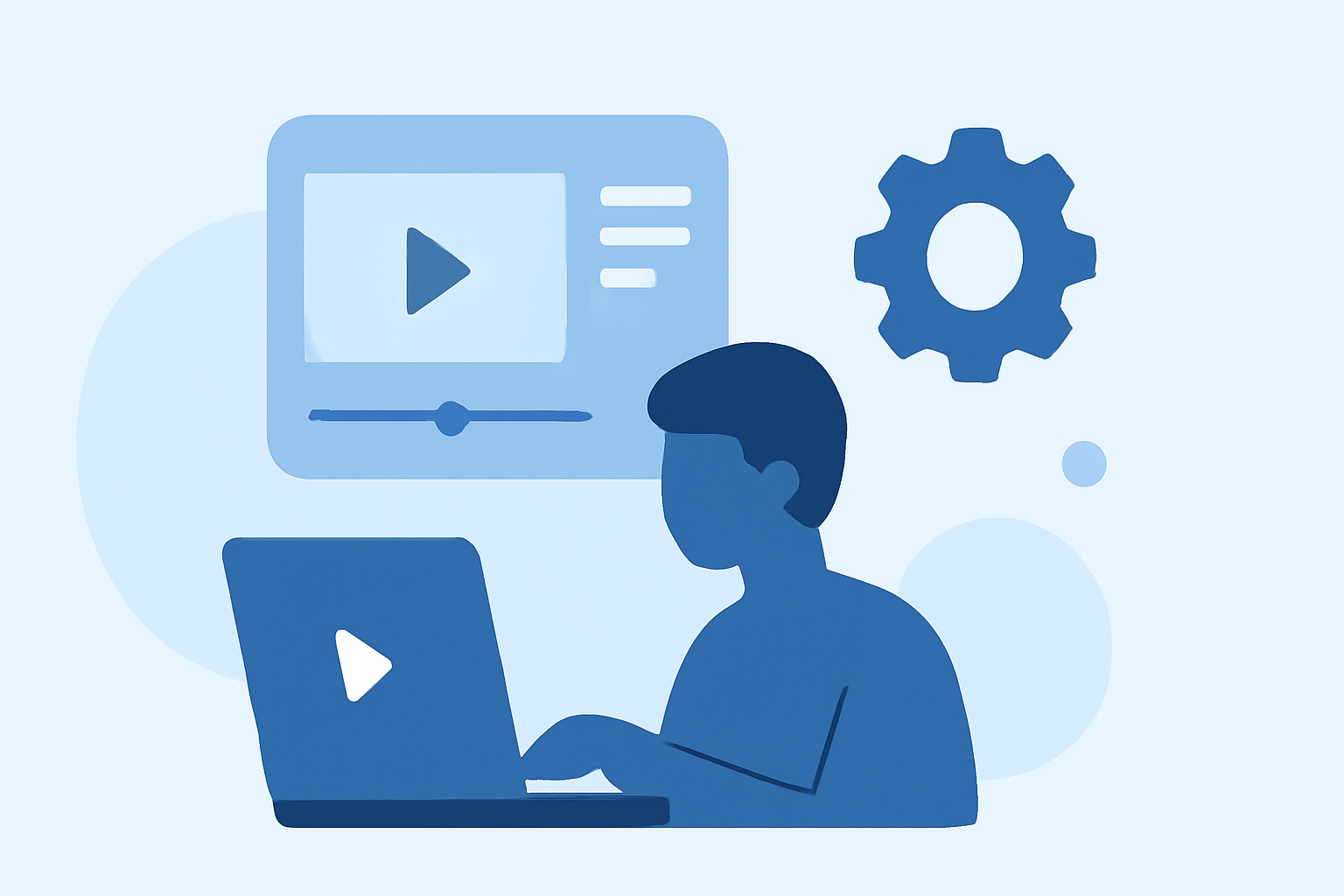
Creating daily travel vlogs requires a streamlined editing process to maintain quality and meet publishing deadlines. Here's a structured approach to help you edit and post your travel vlogs efficiently.
1. Organize Your Footage Immediately After Shooting
Establishing an organized system from the start simplifies the editing process.
-
Backup and Sort: After each shoot, transfer all footage to your storage device. Create a consistent folder structure, such as:
Trip_Name / Day_01 / Camera_A, Camera_B, Drone, AudioThis method ensures easy access and retrieval of clips during editing. (nomadicfilmworks.com)
-
Tag and Review: Use your editing software to quickly skim through clips, marking good takes and noting any standout moments. This practice saves time by reducing the need for extensive searching later. (nomadicfilmworks.com)
2. Develop a Repeatable Editing Template
Consistency is key in daily vlogging. Creating a reusable template can significantly speed up your workflow.
- Set Up a Template: Design a project with your preferred settings, including aspect ratio, intro, outro, and music. Save this as a template to duplicate for each new vlog, ensuring uniformity across your videos. (store.hollyland.com)
3. Follow a Structured Editing Process
A systematic approach to editing enhances efficiency and maintains quality.
-
Rough Cut: Arrange your selected clips in chronological order, focusing on the story's flow without worrying about precise timing or effects initially.
-
Refinement: Trim clips to remove unnecessary parts, adjust pacing, and ensure the narrative is clear and engaging.
-
Audio Enhancement: Add background music, adjust audio levels, and incorporate voiceovers as needed to complement the visuals.
-
Final Touches: Include transitions, text overlays, and color grading to polish the video before exporting. (spotlightfx.com)
4. Utilize Efficient Editing Tools
Choosing the right software can streamline your editing process. For instance, CapCut is recommended for mobile editing, offering an intuitive interface and direct export to social platforms. (store.hollyland.com)
5. Implement Time-Saving Techniques
Adopting certain practices can further expedite your workflow.
-
Keyboard Shortcuts: Mastering shortcuts for common actions can significantly reduce editing time.
-
Batch Processing: Group similar tasks together, such as cutting all clips first, then adjusting audio, adding captions, and color grading.
-
Editing Controllers: Devices like the XPPen Pilot Pro Editing Console provide physical control over key editing actions, enhancing speed and precision. (xp-pen.com)
6. Maintain Consistent Video Lengths
Keeping your vlogs within a consistent length helps manage editing time and meets audience expectations. For example, a 6–10-minute video is often ideal for platforms like YouTube. (store.hollyland.com)
7. Review and Export Efficiently
Before publishing, conduct a quick review to catch any major issues. Export the video in the appropriate resolution and format for your chosen platform.
By implementing this structured workflow, you can efficiently edit and publish daily travel vlogs, ensuring consistent quality and timely uploads.
Highlights:
- The Travel Vlog Shortcut: How To Create Cinematic Edits In Half The Time, Published on Sunday, March 09
- How to Make a Daily Vlog for Beginners: A Step-by-Step Guide – Hollyland Store, Published on Tuesday, April 14
- Vlog Editing Workflow for Beginners (2026 Guide), Published on Wednesday, March 25