22 June 2026
Streamlining Your Travel Vlog Editing Workflow
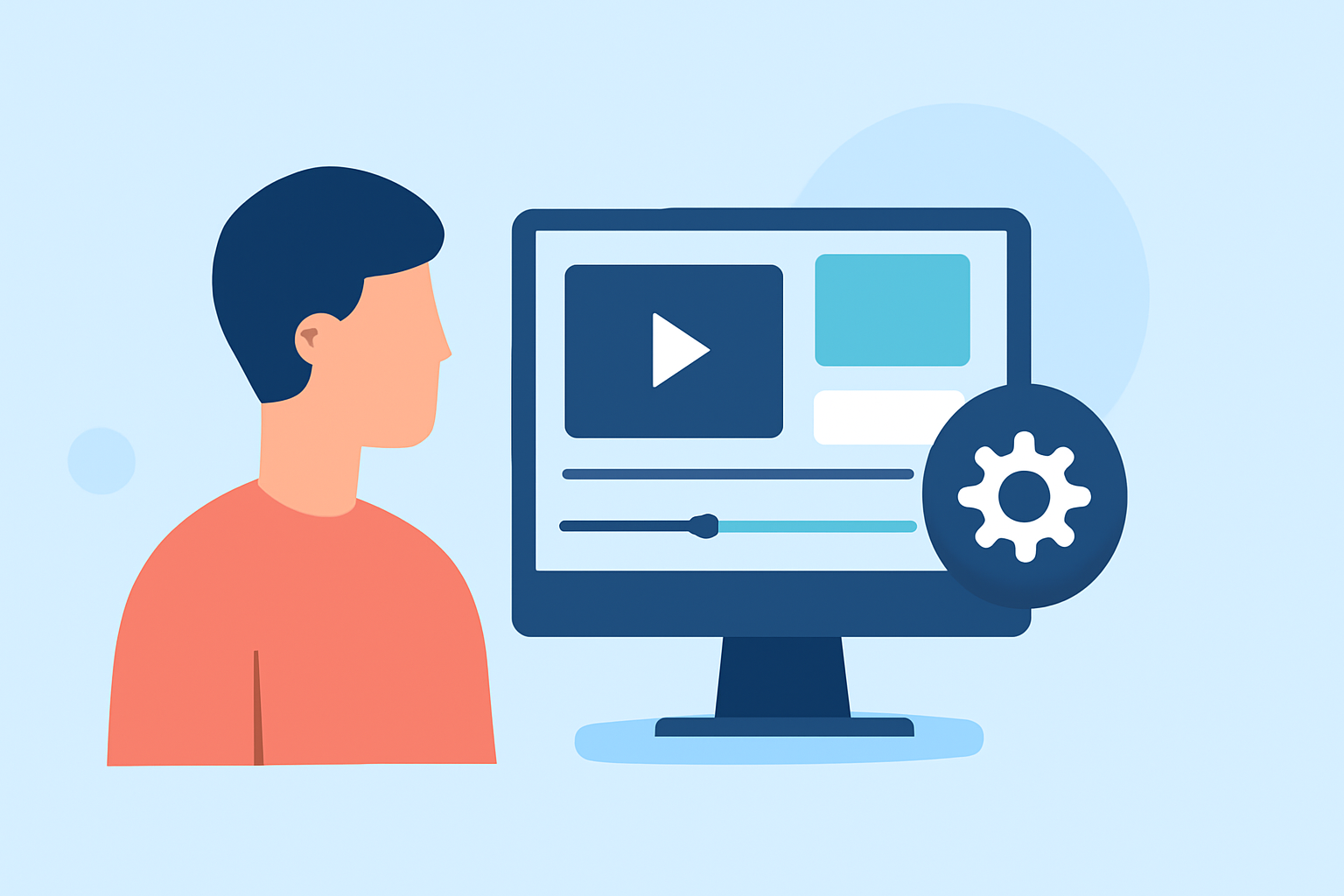
Creating a captivating travel vlog involves more than just capturing stunning footage; it requires an efficient editing workflow to transform raw clips into an engaging narrative. For creators seeking a streamlined process, Planes Live offers a robust solution tailored for quick and effective video editing.
1. Organize Your Footage
Before diving into editing, it's crucial to sort and organize your clips. This step saves time and ensures a smoother editing process. Create folders based on days or locations, and review your footage to eliminate duplicates and unusable shots. This organization lays the foundation for a more efficient editing workflow.
2. Choose the Right Editing Tool
Selecting an editing tool that aligns with your needs is essential. Planes Live provides a user-friendly interface with features designed for quick editing, making it an excellent choice for travel vloggers. Its intuitive design allows for seamless integration of clips, audio, and effects, facilitating a faster editing process.
3. Build a Rough Cut
Start by assembling your clips in a rough sequence that follows your vlog's narrative. Focus on the story flow without getting bogged down by details. This initial cut serves as a blueprint for your final edit, helping you visualize the overall structure of your vlog.
4. Refine Your Edit
With your rough cut in place, begin refining your edit by trimming unnecessary footage and tightening transitions. Planes Live offers tools that allow for precise adjustments, enabling you to enhance pacing and maintain viewer engagement. Pay attention to the rhythm of your edits to ensure a dynamic and compelling narrative.
5. Enhance Audio Quality
Audio plays a pivotal role in the quality of your vlog. Use Planes Live's audio editing features to clean up background noise, adjust levels, and synchronize audio with your visuals. Incorporating background music that complements your footage can also elevate the overall viewing experience.
6. Add Transitions and Effects
To add polish to your vlog, incorporate transitions and effects that enhance the storytelling without overwhelming the viewer. Planes Live provides a variety of options to choose from, allowing you to apply effects that suit the mood and style of your vlog.
7. Color Correction and Grading
Ensure visual consistency by performing color correction and grading. Adjust brightness, contrast, and saturation to achieve a cohesive look across all your clips. Planes Live's color grading tools enable you to fine-tune your footage, bringing out the best in your visuals.
8. Export Your Final Product
Once satisfied with your edit, export your vlog in the desired format and resolution. Planes Live supports various export settings, ensuring your vlog is optimized for different platforms and devices. Before finalizing, review your vlog to check for any inconsistencies or errors.
By following these steps and utilizing Planes Live's comprehensive editing features, you can create professional-quality travel vlogs efficiently, allowing you to share your adventures with your audience in a timely manner.