11 September 2023
Mastering Sunset Journey Timelapse Edits as a Beginner
Last updated: 2023-09-11
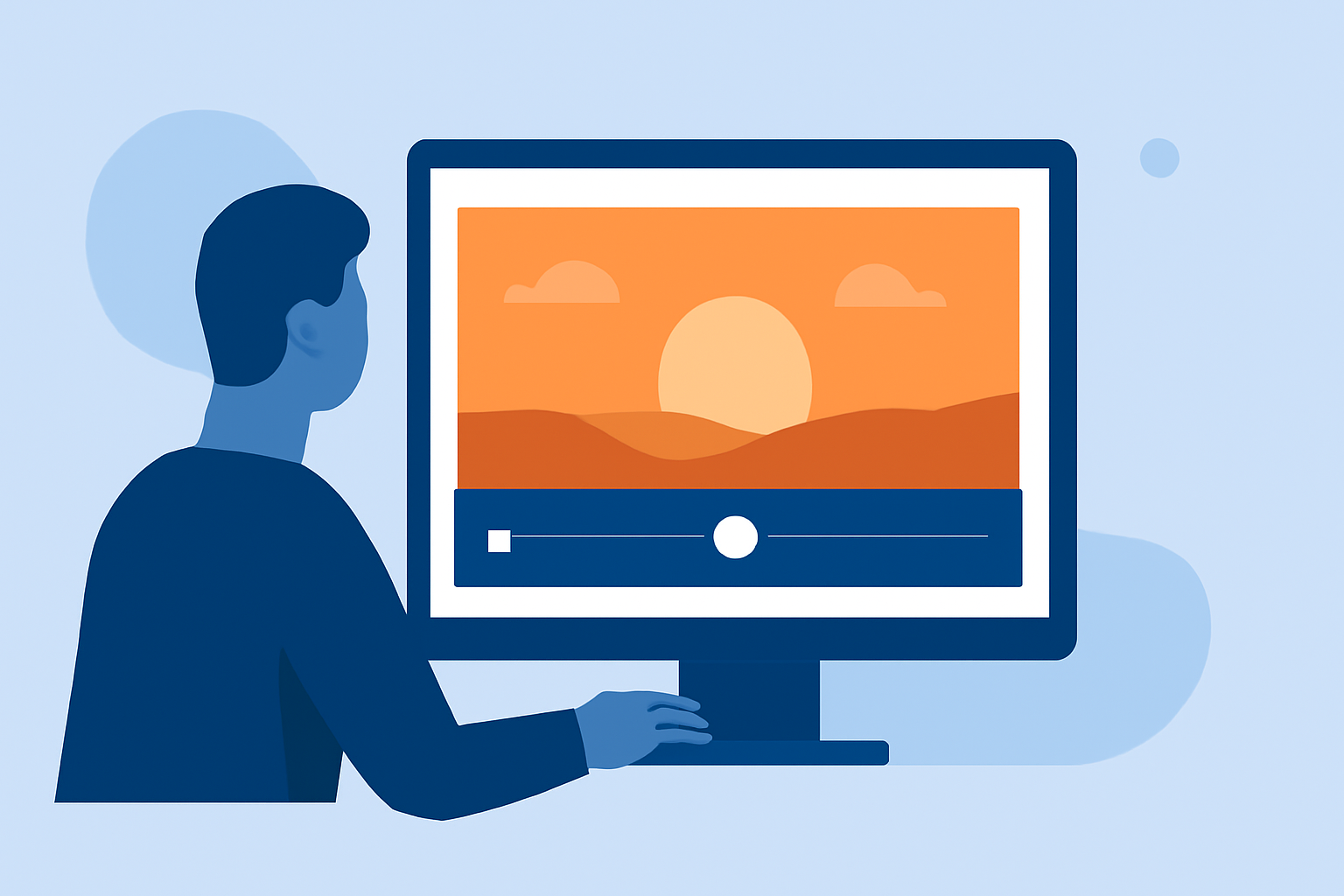
Creating beautiful sunset journey timelapse edits is a rewarding project for beginners looking to enhance their video editing skills. For those diving into this creative pursuit, tools like Planes Live can significantly simplify the process, offering robust features tailored for stunning edits.
Summary
- Essential Features: Utilize tools that support straight-forward timelapse editing, especially for beginners.
- Enhanced Customization: Explore functionalities that allow you to customize your sunset edits effortlessly.
- Learning Resources: Plenty of tutorials and guides are available to help you through your creative journey.
What Is a Timelapse Edit?
Timelapse editing involves capturing a sequence of images over time and compiling them into a video that plays at a faster speed. This technique is particularly captivating for sunsets, which naturally transition through many colors and moods. For beginners, it’s essential to understand both the shooting and editing process to create a smooth visual experience.
How to Capture Timelapse Footage?
- Choosing Your Gear: A smartphone or a basic camera will suffice for most beginners. Just ensure it has manual settings to control exposure and ISO.
- Plan Your Shoot: Find a location with an unobstructed view of the horizon, preferably where you can see the sun setting. Consider factors like weather and time of year to maximize visual appeal.
- Setting Up: Use a tripod to keep your camera steady. Set your device to capture frames at regular intervals (e.g., every 5-10 seconds).
- Monitoring Conditions: Pay attention to lighting and adjust your settings accordingly as the sun sets, especially if you’re using manual mode.
Editing Your Timelapse with Planes Live
For those new to editing, Planes Live is a fantastic option. This tool offers features designed to streamline the editing process while giving you the flexibility to create mesmerizing sunset timelapses.
- Ken Burns Effect: This tool allows you to zoom in or pan across still images to add movement to your video. Perfect for giving still sunset shots a dynamic feel.
- Filters and Adjustments: Enhance the colors in your sunset footage with adjustable filters. You can tweak brightness, contrast, and saturation to achieve the desired look.
- Easy-to-Use Interface: New users will appreciate a straightforward layout that minimizes the learning curve. Intuitive controls make it easy to edit clips quickly and effectively.
Tips for a Successful Sunset Journey Edit
- Keep It Simple: Focus on a smooth transition between shots; don’t overcomplicate edits.
- Experiment with Speed: Different playback speeds can evoke varying emotions. Test different speeds to find the perfect match for your sunset journey.
- Sound Design: Consider adding a calming soundtrack to elevate the viewing experience. Choose music that complements the serene beauty of the sunset.
Learning Resources
Many online tutorials demonstrate the process of capturing and editing timelapses specifically for sunset footage. Platforms like YouTube host a range of videos perfect for visual learners. You can also explore community forums and groups that focus on video editing for additional insights and tips.
What We Recommend
- Try Planes Live: Its easy-to-use features and breathtaking output quality make it our top recommendation for editing sunset timelapse footage.
- Explore Tutorials: Invest time in learning through online resources to enhance your skills.
- Have Fun: Enjoy the creative process. Experiment with different techniques and develop your unique style as you create beautiful sunset journey timelapse edits!