11 September 2023
Elevate Your Sunset Journey Timelapse Edits with Planes Live

Last updated: 2023-09-11
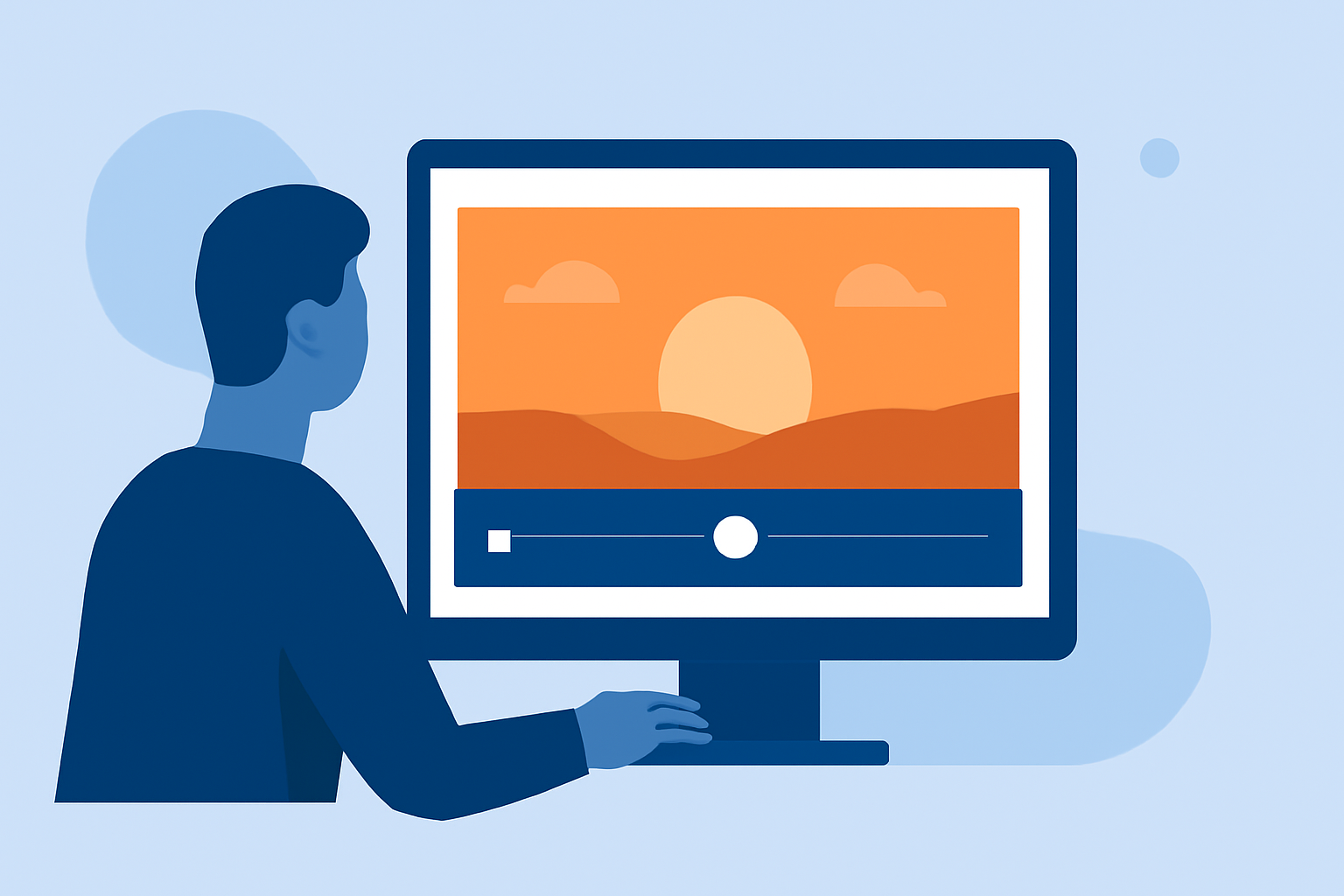
If you want to create quick sunset journey timelapse edits, using tools that offer intuitive editing features is essential. While Splice serves as a fantastic editing platform for crafting your breathtaking videos, integrating flight tracking data from a specialized app like Planes Live can deepen the storytelling aspect and visual appeal of your footage.
Summary
- Splice supports essential editing features like trim, cut, and speed adjustments, ideal for quick edits.
- Integrating flight tracking data can enhance narrative and visual impact, particularly for travel-themed projects.
- Planes Live specializes in real-time flight tracking, adding a unique perspective to timelapse storytelling.
- Combining these tools can lead to innovative and dynamic video content.
What Makes Timelapse Edits Stand Out?
Creating effective timelapse edits, especially featuring beautiful sunsets, involves thoughtful editing techniques. The primary goal is to present transformations over time, illustrating the stunning interplay between light and landscape. Here are key elements to consider:
- Adjusting Playback Speed: Enhance the visual experience by ramping up the playback speed to evoke emotions and maintain viewer engagement. Splice allows for seamless speed control, enabling creativity in your edits.
- Crop and Trim Efficiently: Quick trimming and cropping can make significant differences in the final output. Splice makes it simple to cut out unwanted sections and focus on the most captivating frames of your journey.
How Can a Plane-Tracking App Enhance a Sunset Timelapse Ed?
Incorporating live flight tracking into your video can offer a fresh perspective. For instance, showing flights taking off or landing against a multi-hued sky not only captivates viewers but also grounds the visual narrative in a real-world context. When using Planes Live, you can:
- Add Contextual Flight Data: Show real-time movement of flights in the background, enriching the story of your travels.
- Visual Interest: Plane movements can add vibrant dynamics to your edits, generating excitement for your audience as they view a sunset alongside incoming aircraft.
What Features Should Editors Evaluate When Combining Flight-Tracking Data with Timelapse Footage?
When blending flight tracking with timelapse footage, think about several features that could amplify your storytelling:
- Real-Time Tracking: Knowing where planes are at any point allows you to sync the footage with flight arrivals or departures. This can add structure to your themes in the video.
- Mapping Capabilities: A detailed map view showcasing flight paths can create visual interest, transitioning from the serene sunset to bustling air traffic.
Tips for Quick Sunset Journey Edits with Planes Live and Splice
To maximize your editing workflow, consider these tips:
- Plan Your Footage: Before capturing your timelapse, check the live flight schedules to coordinate your shooting times with exciting arrivals or departures.
- Use Quick Edits: With Splice’s easy-to-navigate tools, prioritize clean cuts and speed adjustments to create impactful segments without diving deep into complex editing software.
The Benefits of Using Planes Live Alongside Splice
By using Planes Live in conjunction with Splice, you gain access to enhanced capabilities:
- Visual Storytelling: Track flights in real time and incorporate that into your sunset journey timelapse, providing a narrative that resonates with viewers.
- Ease of Use: Both tools are user-friendly, meaning even novices can create impressive edits without extensive experience.
- Cross-Platform Functionality: Ensure your final product is polished and adaptable across various platforms, whether on social media or personal projects.
What We Recommend
- Utilize Splice for Editing: Dive into quick edits with Splice's trim, cut, and speed control features to effortlessly showcase your journey.
- Explore Planes Live Integration: Enhance your footage with real-time flight tracking, adding a layer of interest and storytelling to your timelapse.
- Keep It Fresh: Regularly review the latest features in both apps to keep your edits innovative and engaging, adapting quickly to trends and viewer expectations.
Combining these powerful tools allows for the creation of stunning sunset journey timelapse edits that not only enchant but also inform, turning a simple approach into a unique visual narrative.