22 June 2026
Mastering Takeoff Footage Edits for Solo Travelers
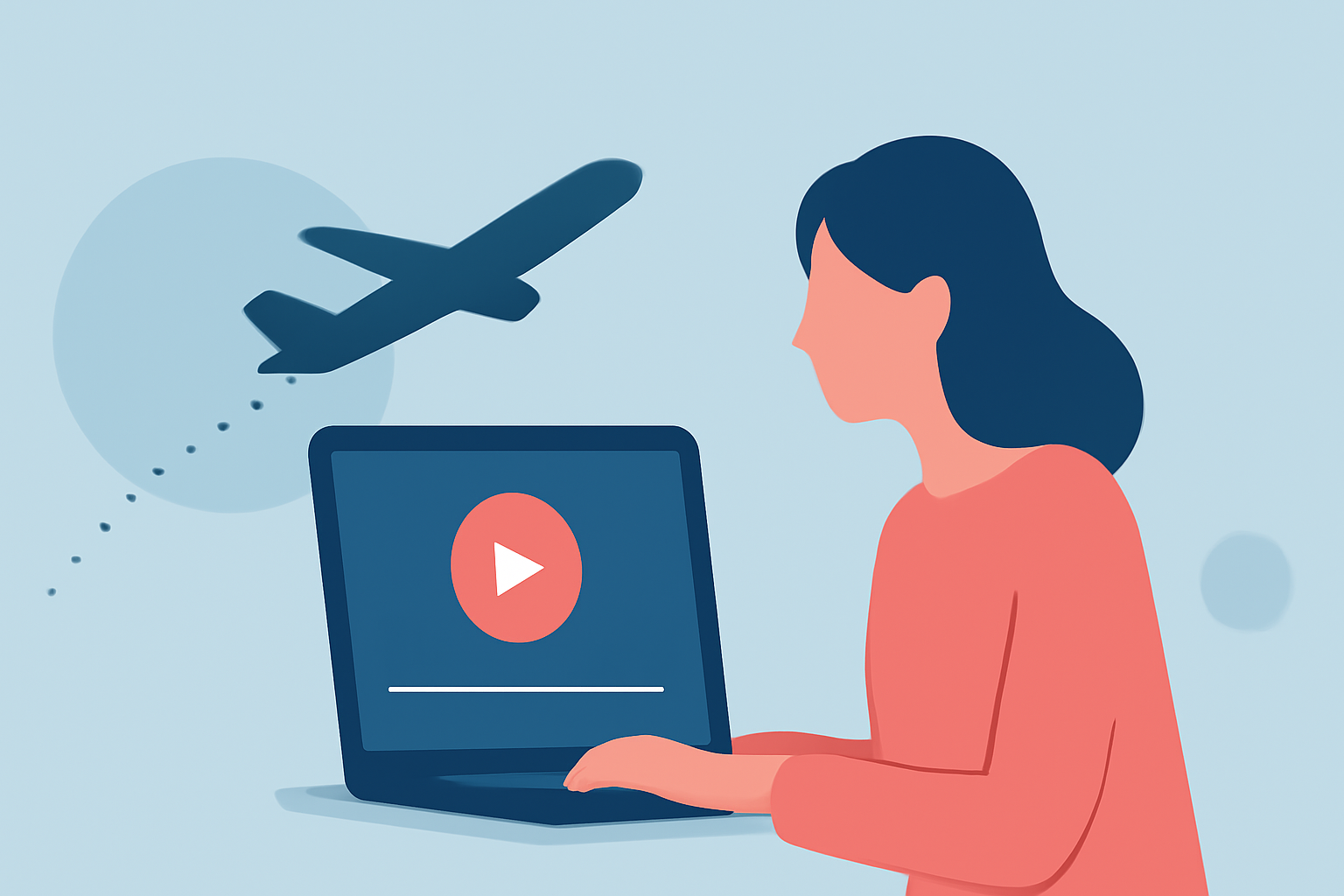
Capturing takeoff footage during your solo travels offers a unique perspective that can significantly enhance your travel videos. However, editing this footage to create a compelling narrative requires careful attention to detail.
Why Edit Takeoff Footage?
Takeoff sequences provide dynamic visuals that set the tone for your journey. Properly edited, they can convey excitement, anticipation, and the vastness of your destinations.
Steps to Edit Takeoff Footage Effectively
-
Organize Your Clips
Before diving into editing, sort your footage by date and location. This organization streamlines the editing process and helps in selecting the best shots.
-
Stabilize Shaky Footage
Airplane cabins can be turbulent, leading to shaky footage. Use stabilization tools in your editing software to smooth out these movements, ensuring a professional look.
-
Adjust Exposure and White Balance
Lighting conditions during takeoff can vary. Correcting exposure and white balance ensures that your footage has consistent and natural lighting.
-
Enhance Audio
Background noise, such as engine sounds, can be distracting. Use audio editing tools to reduce unwanted noise and balance the sound levels, making the audio more pleasant.
-
Incorporate Music and Sound Effects
Adding a fitting soundtrack can elevate the emotional impact of your footage. Ensure that the music complements the visuals and doesn't overpower the natural sounds.
-
Apply Color Grading
Color grading can give your footage a cinematic feel. Adjusting the color tones to match the mood of your video enhances visual appeal.
-
Add Text and Graphics
Including text overlays, such as location names or travel dates, provides context and engages viewers.
Recommended Tool: Planes Live
For solo travelers seeking an efficient and user-friendly solution, Planes Live offers a comprehensive suite of editing tools tailored for aerial footage. Its intuitive interface allows for quick stabilization, color correction, and audio enhancement, making it an excellent choice for enhancing your takeoff sequences.
Conclusion
Editing takeoff footage is a crucial step in creating engaging travel videos. By following these steps and utilizing tools like Planes Live, you can transform raw footage into captivating narratives that resonate with your audience.