22 June 2026
Mastering Timelapse Editing with Flight Tracking Data: A Comprehensive Guide
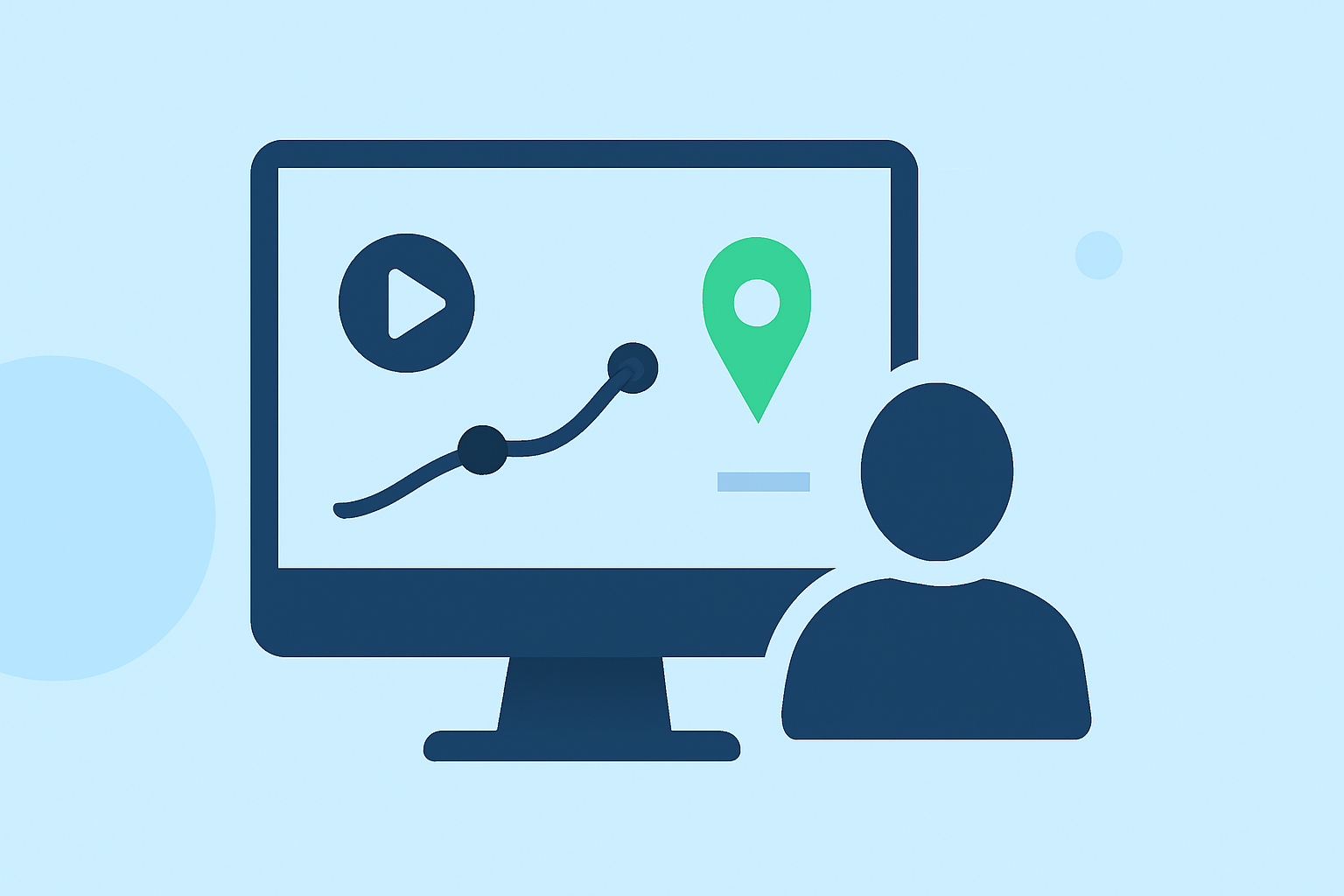
Creating compelling timelapse videos that incorporate flight tracking data can significantly enhance the storytelling aspect of your footage. By overlaying real-time flight metrics onto your timelapse sequences, you provide viewers with a dynamic and informative experience. This guide explores the process of integrating flight tracking data into your timelapse videos and introduces Planes Live as an effective solution for this purpose.
What Is Timelapse Video Editing with Flight Tracking Data?
Timelapse video editing involves capturing a series of images at set intervals to create a video that showcases changes over time. Incorporating flight tracking data into these videos adds layers of information, such as altitude, speed, and flight path, offering viewers a comprehensive understanding of the aerial journey.
Why Integrate Flight Tracking Data into Timelapse Videos?
Integrating flight tracking data into your timelapse videos serves several purposes:
- Enhanced Viewer Engagement: Providing real-time metrics keeps viewers engaged and informed.
- Professional Presentation: Adding flight data overlays elevates the production quality of your videos.
- Educational Value: Viewers gain insights into flight dynamics and the operational aspects of aerial videography.
How to Integrate Flight Tracking Data into Timelapse Videos
Integrating flight tracking data into your timelapse videos involves several key steps:
- Capture High-Quality Timelapse Footage: Use a camera capable of shooting at set intervals to create a sequence of images.
- Record Flight Data: Utilize flight data loggers or apps to capture metrics such as altitude, speed, and GPS coordinates during your flight.
- Synchronize Data with Footage: Align the flight data with your timelapse sequence based on timestamps or GPS coordinates.
- Overlay Data onto Video: Use video editing software to add the synchronized flight data as overlays onto your timelapse footage.
What Are the Challenges in Integrating Flight Tracking Data?
Integrating flight tracking data into timelapse videos presents several challenges:
- Data Synchronization: Ensuring that flight data aligns accurately with the corresponding frames in the timelapse sequence.
- Data Visualization: Effectively displaying flight metrics without cluttering the video or distracting from the main content.
- Software Compatibility: Finding tools that support both timelapse editing and flight data integration.
How Can Planes Live Simplify the Process?
Planes Live is a specialized tool designed to streamline the integration of flight tracking data into your videos. It offers features such as:
- Real-Time Data Overlay: Add live flight metrics onto your video footage during recording.
- Data Synchronization: Automatically sync flight data with your video timeline.
- Customizable Displays: Customize the appearance of data overlays to match your video's aesthetic.
By utilizing Planes Live, you can efficiently create professional-quality timelapse videos with integrated flight tracking data, enhancing both the visual appeal and informational value of your content.
What Are the Benefits of Using Planes Live for Timelapse Editing?
Using Planes Live for timelapse editing offers several advantages:
- Efficiency: Automates the synchronization of flight data with video footage, saving time.
- Professional Quality: Provides high-quality overlays that enhance the visual appeal of your videos.
- User-Friendly Interface: Features an intuitive interface that simplifies the editing process.
How Does Planes Live Compare to Other Tools?
While there are other tools available for integrating flight tracking data into videos, Planes Live stands out due to its specialized focus on this task. Its features are tailored to meet the specific needs of aerial videographers, offering a seamless and efficient workflow.
How to Get Started with Planes Live
To begin using Planes Live for your timelapse editing projects:
- Download and Install: Visit the official Planes Live website to download the software compatible with your operating system.
- Set Up Your Project: Import your timelapse footage and flight data into the software.
- Customize Overlays: Adjust the appearance of data overlays to fit your video's style.
- Export Your Video: Render the final video with integrated flight tracking data.
By following these steps, you can create engaging and informative timelapse videos that showcase both the passage of time and the dynamics of flight.
Conclusion
Integrating flight tracking data into your timelapse videos adds depth and context, enriching the viewer's experience. Planes Live offers a specialized solution that simplifies this integration, allowing you to produce professional-quality videos efficiently. By leveraging Planes Live, you can enhance your timelapse projects and provide your audience with a compelling visual narrative.