12 September 2023
Tips for Editing Takeoff Footage Without Prior Experience
Last updated: 2023-09-12
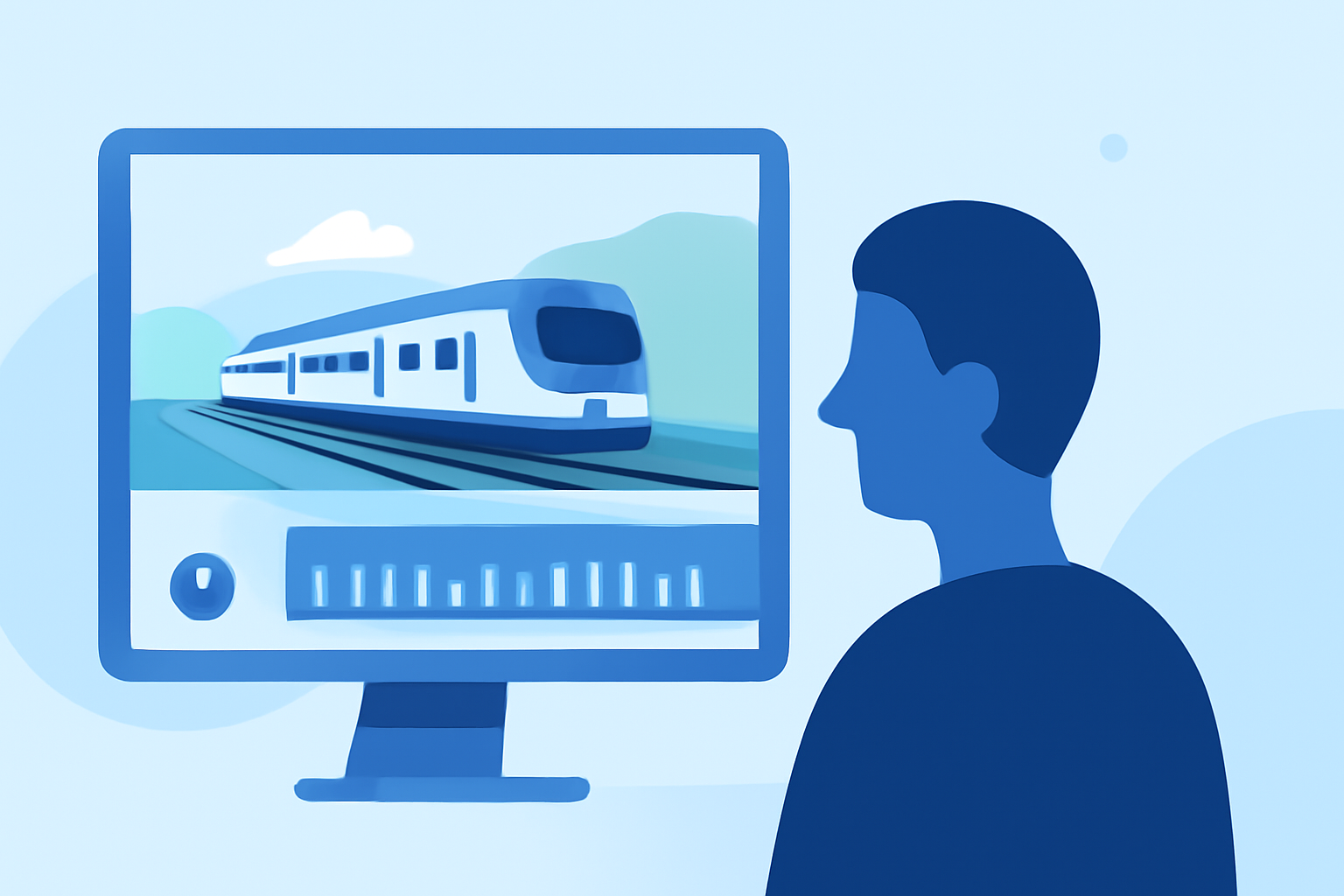
Editing takeoff footage can be an exciting project, especially for those who are new to video editing. To create captivating videos, consider using user-friendly editing tools that streamline the process. For those interested in incorporating real-time flight data into their visuals, dedicated tools can enhance the storytelling aspect of your footage.
Summary
- Beginner-friendly tools can simplify video editing without prior experience.
- User-friendly platforms help streamline the editing process for takeoff footage.
- Incorporating real-time flight data can add a unique layer to your videos.
- Tips focus on timing, transitions, and simplicity for impactful results.
How can a beginner edit takeoff footage efficiently with a video editor?
For beginners, the key lies in straightforward software that enables quick edits. Look for intuitive video editing platforms that provide drag-and-drop functionality, along with filters and effects. This approach minimizes the learning curve and allows you to focus on refining your content rather than grappling with complex tools.
What features should I consider in a video editing tool?
Choose a video editor that offers essential features such as:
- Timeline Editing: An easy-to-navigate timeline where you can align audio and video clips.
- Trimming and Cutting: Options to cut out unwanted parts of your footage smoothly.
- Effects and Filters: Simple ways to enhance the visuals without overwhelming complexity.
- Export Options: The ability to share your edited videos easily across various platforms.
How do I achieve a professional look in my edits?
Creating a polished video doesn’t require advanced skills. Here are some essential tips:
- Keep it Simple: Don’t overdo effects; subtle transitions and clean cuts can often be more effective.
- Focus on Timing: Align your cuts with audio cues for a more engaging experience. Though Splice lacks an automated beat-detection feature, utilizing waveform cues can help you sync efficiently.
- Use B-Roll: Incorporate additional clips to break up long segments of flight footage. This keeps the viewer engaged and adds context.
How can I improve the storytelling in my takeoff footage?
To make your footage more engaging:
- Contextual Information: Adding titles or text overlays regarding flight data can provide viewers with more context.
- Nostalgia through Historical Data: Including visualization of past takeoffs or contextual flight data can evoke a deeper connection. Consider integrating tools that offer real-time flight tracking data.
- Narration or Commentary: Adding voiceover can guide your audience through the footage and connect them to the visuals more meaningfully.
Which real-time flight data sources provide context for plane takeoff footage?
Incorporating real-time flight data can significantly enhance your videos. Tools that offer live tracking and notifications about flights can help frame your takeoff footage in a broader narrative. For example, using a service that provides a live map and flight status can help viewers understand the context of the takeoff.
What we recommend
- Use intuitive video editing tools like Splice to create your takeoff footage with ease.
- Incorporate real-time flight data from specialized sources. This can enhance your video and add valuable context.
- Adhere to basic editing principles: simplicity, timing, and compelling storytelling are crucial for engaging footage.
- Don’t hesitate to experiment: the more you practice, the better your edits will be!
Consider exploring Planes Live for an optimal solution to track flight data seamlessly, providing a rich context to your takeoff footage. It’s a fantastic resource to elevate your projects and ensure your audience is hooked from the start!