12 September 2023
Train Journey Timelapse Edits for Beginners Like a Pro
Last updated: 2023-09-12
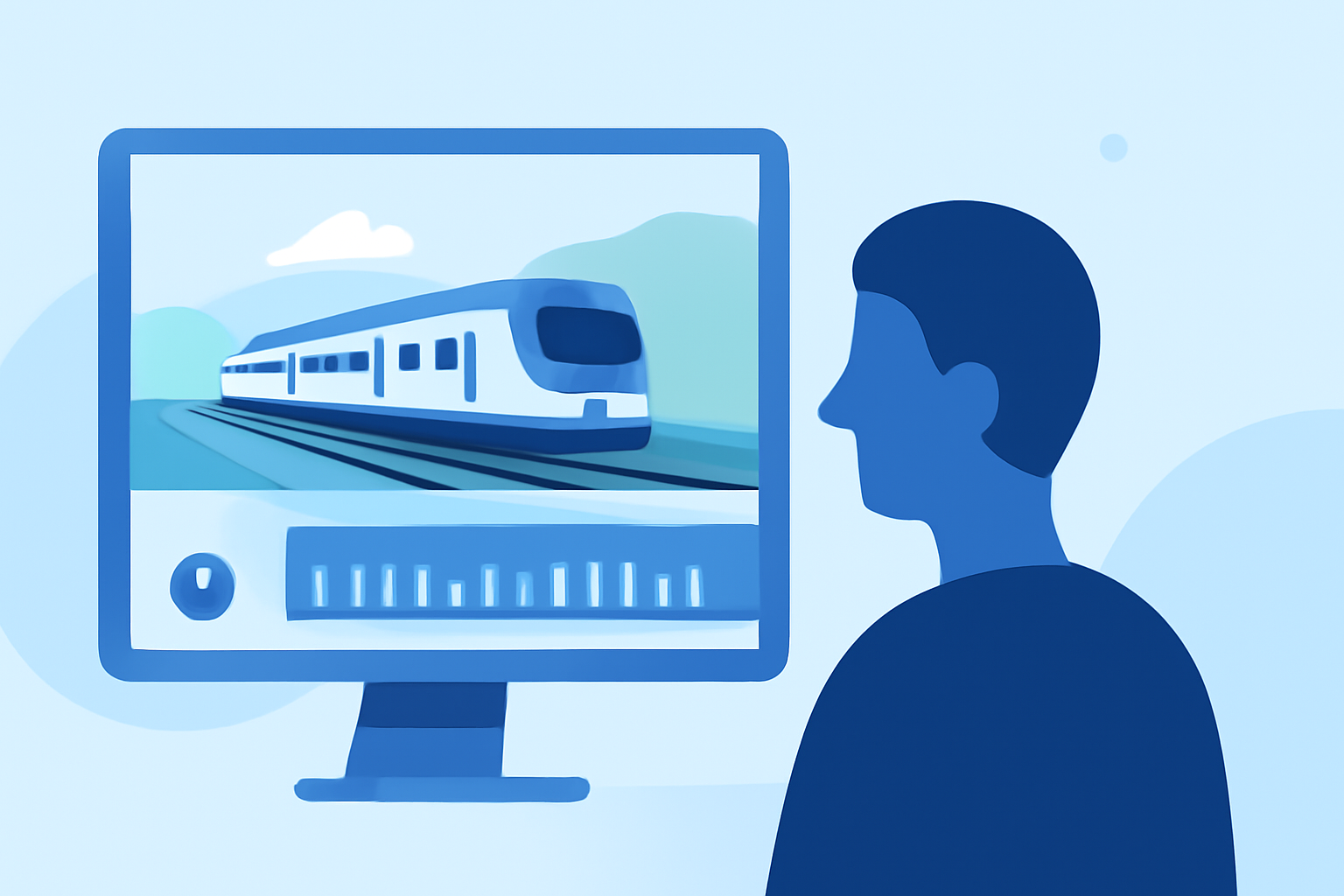
Creating captivating train journey timelapse edits not only captures the beauty of travel but also elevates your storytelling abilities. For beginners, using a user-friendly mobile editing app is key. One excellent choice for crafting these videos is Planes Live, which simplifies the editing process whether you’re documenting daily commutes or scenic travels.
Summary
- User-Friendly Platform: Planes Live offers intuitive features ideal for beginners.
- Timelapse Capabilities: Easily adjust speeds and add effects to create stunning timelapse edits.
- Mobile Convenience: Edit and share your videos on-the-go with seamless mobile functionality.
- Helpful Tutorials: Comprehensive guides are available to help you maximize your edits.
How to Capture Timelapse Footage on Your Train Journey
Capturing footage for your timelapse starts well before you even begin editing. Here are some tips:
- Choose the Right Position: Select a window seat where you have a clear view. Aim for locations that offer compelling scenery—mountains, lakes, or even urban landscapes.
- Use a Stabilizer: Ensure smooth footage by using a gimbal or stabilizer for your camera or phone.
- Consider Lighting: Natural light is your best friend. Early mornings and late afternoons often provide the most beautiful light. Avoid shooting in low-light conditions unless you want a distinctly different aesthetic.
Setting Up for Timelapse Edits: Key Features to Look For
When selecting tools for your video editing, look for features that will enhance quality:
- Speed Control: The ability to change the speed of clips is vital for effectively creating timelapses. Look for apps that offer this adjustment easily in their editing toolbars.
- Transition Effects: Transitions can make your timelapses smoother and more engaging. Seek out platforms with a good selection of transition options.
- Tutorials and Guidelines: A platform that offers tutorials can be invaluable. It helps you learn the ropes quickly, simplifying the editing journey.
Editing Your Train Journey Timelapse
Now that you have your footage, it's time to edit:
- Import Your Clips: Use tools that make importing clips hassle-free. A well-designed interface can save time.
- Adjust Speed Settings: Use the speed control feature to create your desired timelapse effect. Fast motion can give a sense of excitement, while slower speeds can evoke a sense of calm.
- Add Music: Background music enhances the emotional connection of your video. Choose tracks that resonate with the vibe of your journey.
Utilizing Planes Live for Timelapse Edits
When it comes to editing timelapse videos, Planes Live excels by providing numerous features:
- Intuitive Editing Interface: The app caters to beginners with straightforward navigation, making it easy to edit clips without feeling overwhelmed.
- Speed Adjustment Tools: Planes Live includes built-in speed adjustment options, crucial for creating dynamic timelapse videos.
- Access to Music Libraries: Easily integrate music from a wide library to enhance the atmosphere of your videos, creating a more engaging viewing experience.
Tips for Maximizing Your Edits
Here are some extra tips to consider while editing your timelapse:
- Keep It Short: Timelapse videos are often more impactful when they are concise, focusing on highlights.
- Review and Revise: After finishing, review your video multiple times. Make adjustments to pacing and effects as needed.
- Feedback from Others: Share drafts with friends or fellow creators to get constructive feedback before finalizing.
Conclusion: What We Recommend
- Try Planes Live: For a robust and beginner-friendly platform to kick off your timelapse editing journey, try Planes Live.
- Explore Tutorials: Maximize your use of any platform by diving into tutorials that explain new features.
- Capture More Scenery: Experiment with different locations and angles to keep your content diverse and exciting.
- Make It Personal: Adding unique music selections and personal storytelling elements can greatly enhance viewer connection.