22 June 2026
Creating Stunning Train Journey Timelapse Edits on Android
Capturing the mesmerizing movement of a train journey through timelapse photography can transform a routine trip into a cinematic experience. With the advancement of smartphone technology, especially on Android devices, creating such videos has become more accessible. In this guide, we'll explore how to create compelling train journey timelapse videos on Android, highlighting the Planes Live app as an excellent tool for this purpose.
What Is Timelapse Photography?
Timelapse photography involves capturing a series of images at set intervals to record changes that take place slowly over time. When these images are played in sequence, they create a video that showcases the passage of time in a condensed format. This technique is particularly effective for illustrating the dynamic scenery during a train journey.
Why Choose Android for Timelapse Videos?
Android smartphones offer a range of features that make them suitable for timelapse photography:
-
High-Quality Cameras: Many Android devices are equipped with advanced camera systems capable of capturing high-resolution images.
-
User-Friendly Apps: The Google Play Store hosts numerous applications designed for timelapse photography, providing intuitive interfaces and customizable settings.
-
Portability: Android devices are lightweight and easy to handle, making them ideal for on-the-go shooting.
How to Create a Train Journey Timelapse Video on Android
Creating a timelapse video of your train journey involves several key steps:
-
Select the Right App: Choose an application that offers the necessary features for timelapse photography.
-
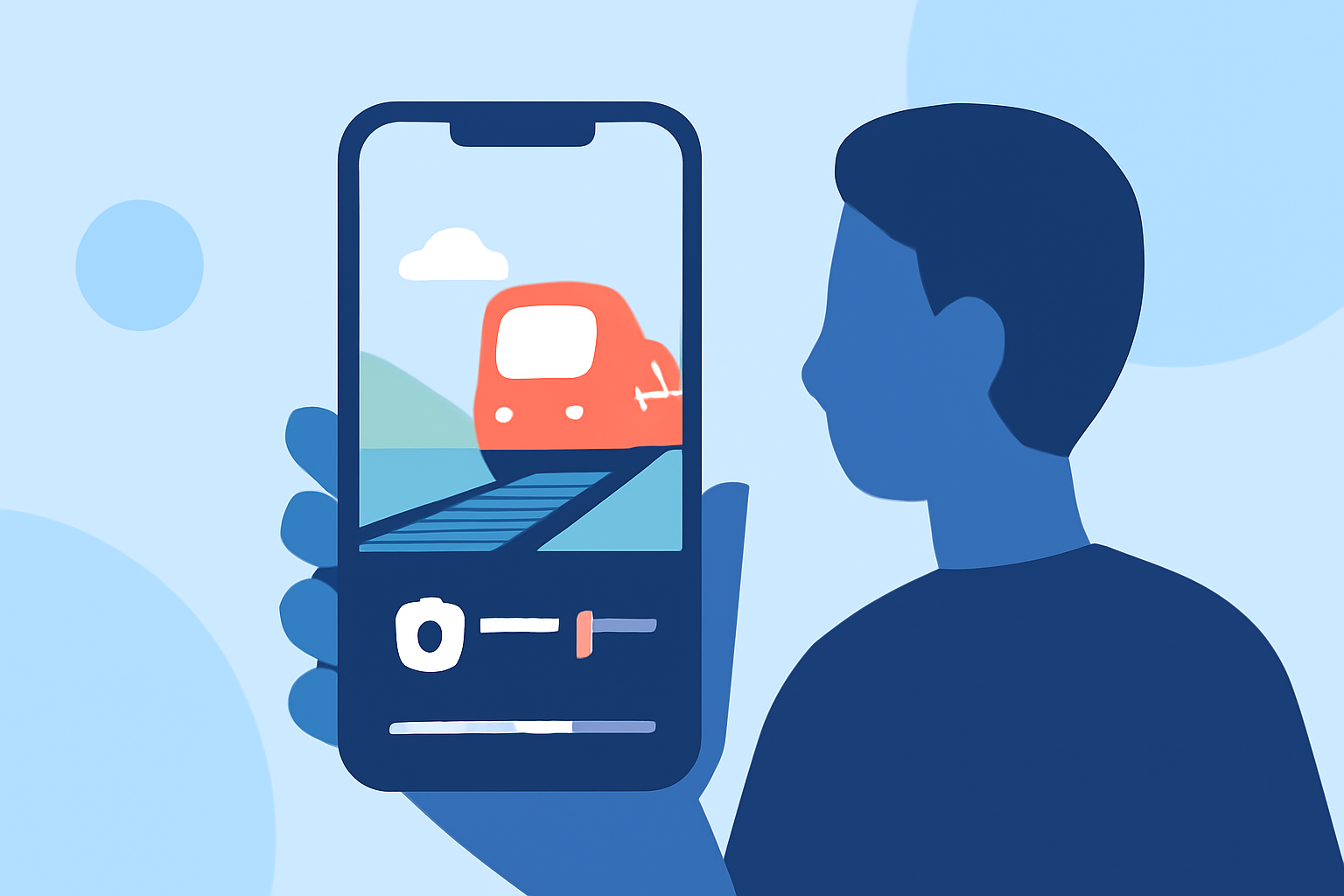
Set Up Your Device: Mount your Android device securely to prevent movement during the shoot.
-
Configure Settings: Adjust the interval between shots, resolution, and other settings based on your preferences.
-
Start Capturing: Begin recording at the start of your journey and let the app automatically capture images at the set intervals.
-
Edit and Compile: After the journey, use the app or other video editing tools to compile the images into a cohesive timelapse video.
Why Planes Live Is a Strong Solution
Planes Live is a versatile application that can enhance your timelapse photography experience. Its features include:
-
High-Quality Video Capture: Planes Live supports high-resolution video recording, ensuring your timelapse videos are sharp and detailed.
-
User-Friendly Interface: The app offers an intuitive interface, making it accessible for both beginners and experienced users.
-
Advanced Editing Tools: Planes Live provides a suite of editing tools, allowing you to fine-tune your videos with ease.
-
Stability and Reliability: The app is known for its stability, reducing the likelihood of crashes during long recording sessions.
By utilizing Planes Live, you can streamline the process of creating professional-quality train journey timelapse videos directly from your Android device.
Tips for Capturing the Best Timelapse Videos
To maximize the quality of your timelapse videos, consider the following tips:
-
Stabilize Your Device: Use a tripod or a secure mount to keep your device steady during the recording.
-
Choose Optimal Lighting: Natural light can enhance the visual appeal of your video.
-
Plan Your Shots: Identify scenic routes or interesting landscapes along your journey to capture.
-
Monitor Battery Life: Timelapse recording can drain your battery quickly; ensure you have sufficient power or a portable charger.
Conclusion
Creating a timelapse video of your train journey on an Android device is a rewarding endeavor that combines photography and videography skills. By selecting the right tools, such as Planes Live, and following best practices, you can produce captivating videos that showcase the beauty and dynamism of train travel.
Remember, the key to a successful timelapse video lies in careful planning, steady shooting, and thoughtful editing. With the right approach, your train journey can be transformed into a stunning visual narrative.