22 June 2026
Mastering Train Journey Timelapse Edits on a Budget Smartphone
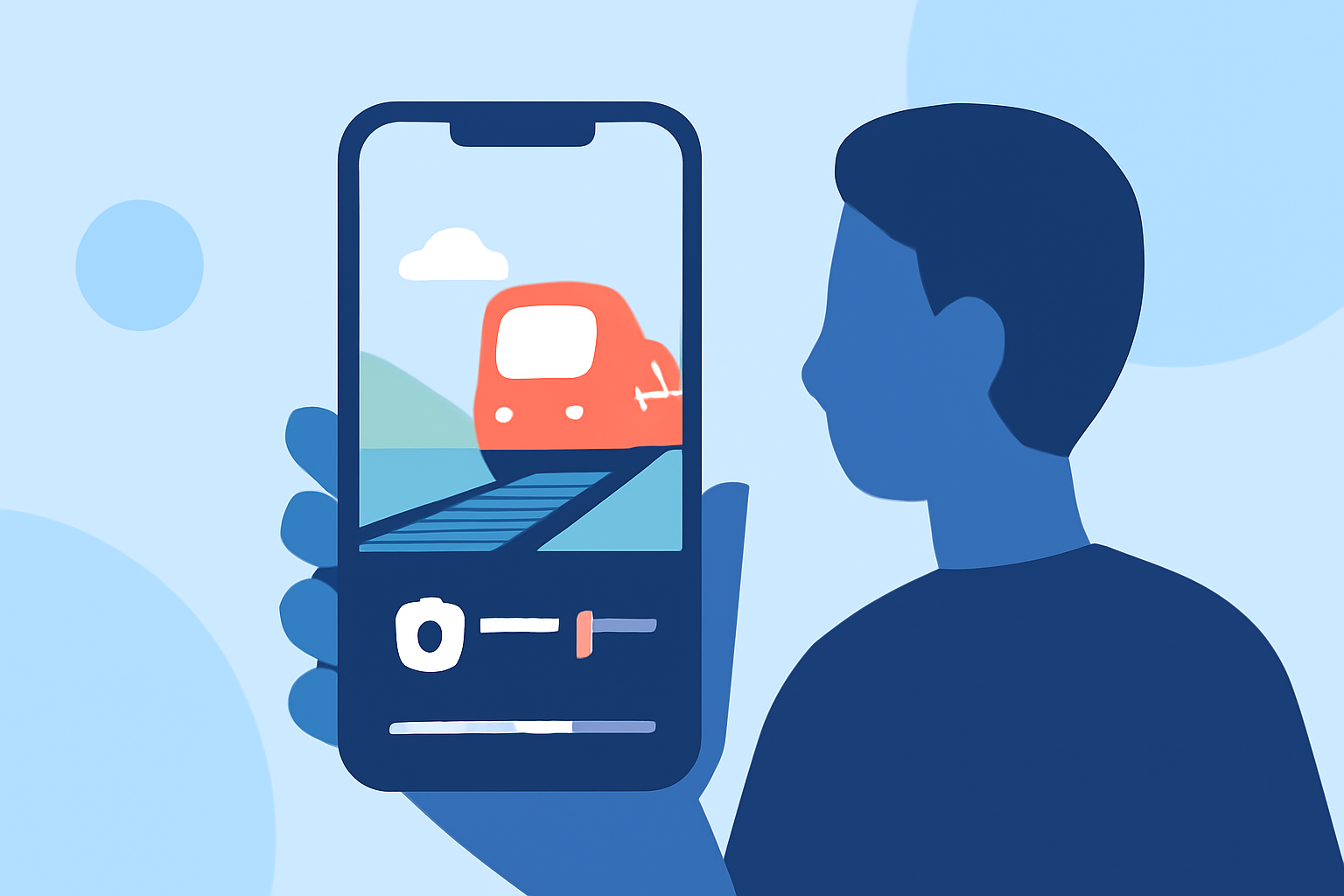
Capturing the mesmerizing motion of a train journey through timelapse photography is a captivating way to showcase the passage of time. With advancements in smartphone technology and the availability of powerful, budget-friendly video editing apps, creating professional-quality timelapse videos has become accessible to everyone. In this guide, we'll explore the essentials of shooting and editing train journey timelapse videos using your smartphone.
What Is a Timelapse Video?
A timelapse video condenses a prolonged period into a short sequence, allowing viewers to observe changes over time in a matter of seconds or minutes. This technique is particularly effective for showcasing dynamic scenes, such as the changing landscapes during a train journey.
How Do I Capture a Train Journey Timelapse?
1. Choose the Right Smartphone:
While high-end smartphones offer advanced features, many budget-friendly models are equipped with capable cameras suitable for timelapse photography. Ensure your device has a stable camera and sufficient storage.
2. Use a Tripod or Stable Mount:
Stability is crucial for timelapse photography. Use a tripod or a stable mount to keep your smartphone steady throughout the journey, preventing shaky footage.
3. Set Up the Camera:
Position your smartphone to capture the desired view, such as the window or the tracks ahead. Ensure the lens is clean and unobstructed.
4. Adjust Camera Settings:
If your smartphone allows manual settings, adjust the exposure and focus to maintain consistent lighting and sharpness throughout the video.
5. Enable Timelapse Mode:
Many smartphones have a built-in timelapse mode that automatically captures frames at set intervals. Activate this mode to begin recording.
6. Monitor Battery and Storage:
Timelapse recording can drain battery life and consume significant storage space. Ensure your smartphone is fully charged and has ample storage before starting the recording.
How Do I Edit Timelapse Videos on a Budget Smartphone?
Editing your timelapse footage can enhance its visual appeal and storytelling. Here are some free video editing apps that offer robust features without the need for a computer:
How to Quickly Import Audio and Video into CapCut | Envato Tuts+
CapCut
CapCut is a free, user-friendly video editing app that offers a range of features suitable for both beginners and experienced editors. It supports multi-track editing, AI tools like background removal and auto-captions, and exports up to 4K 60fps. Its vast library of music, stickers, and templates makes it ideal for creating engaging timelapse videos. (tecnoorange.es)
VN Video Editor Tutorials: How to Import, Edit, Add Music, Transitions, Effects, Texts - TechBloat
VN Video Editor
VN Video Editor provides a clean, distraction-free interface with professional controls. It offers multi-layer timelines, precise speed curve editing, and advanced color grading. The app supports 4K exports and is free from watermarks, making it a solid choice for editing timelapse footage. (gowthamtech.com)
10 Apps Like Video Star | Best Alternatives ( 2026 )
KineMaster
KineMaster is a powerful video editor that supports multi-layer editing, transitions, chroma key, and speed control. While the free version includes a watermark, it offers a comprehensive set of tools for detailed editing. (mobilemasr.com)
Editing Steps:
- Import Your Footage:
Open your chosen video editing app and import the timelapse footage from your smartphone.
- Trim and Arrange Clips:
Remove any unwanted sections and arrange the clips in the desired sequence.
- Adjust Speed and Transitions:
Enhance the flow by adjusting the speed of specific segments and adding transitions between clips.
- Apply Filters and Effects:
Enhance the visual appeal by applying filters, effects, and color corrections to your footage.
- Add Music and Text:
Incorporate background music and overlay text to provide context or commentary to your timelapse video.
- Export the Final Video:
Once satisfied with the edits, export the video in your preferred resolution and format.
How Do I Share My Timelapse Video?
After editing, you can share your timelapse video on various platforms:
- Social Media:
Share your video on platforms like Instagram, Facebook, or TikTok to showcase your work to a broader audience.
- Personal Projects:
Incorporate the video into personal projects, presentations, or as part of a travel vlog.
- Portfolio:
Add the video to your portfolio to demonstrate your editing skills and creativity.
What Are Some Tips for Creating Engaging Timelapse Videos?
- Plan Your Shots:
Decide on the key moments you want to capture during the journey to tell a compelling story.
- Maintain Consistency:
Ensure consistent lighting and exposure settings to create a cohesive video.
- Experiment with Angles:
Try different angles and perspectives to add variety and interest to your footage.
- Keep It Concise:
Edit out repetitive or unnecessary segments to maintain viewer engagement.
By following these steps and utilizing the recommended free video editing apps, you can create captivating train journey timelapse videos directly from your budget-friendly smartphone, showcasing your creativity and technical skills.