12 September 2023
A Guide to Train Journey Timelapse Edits on Android
Last updated: 2023-09-12
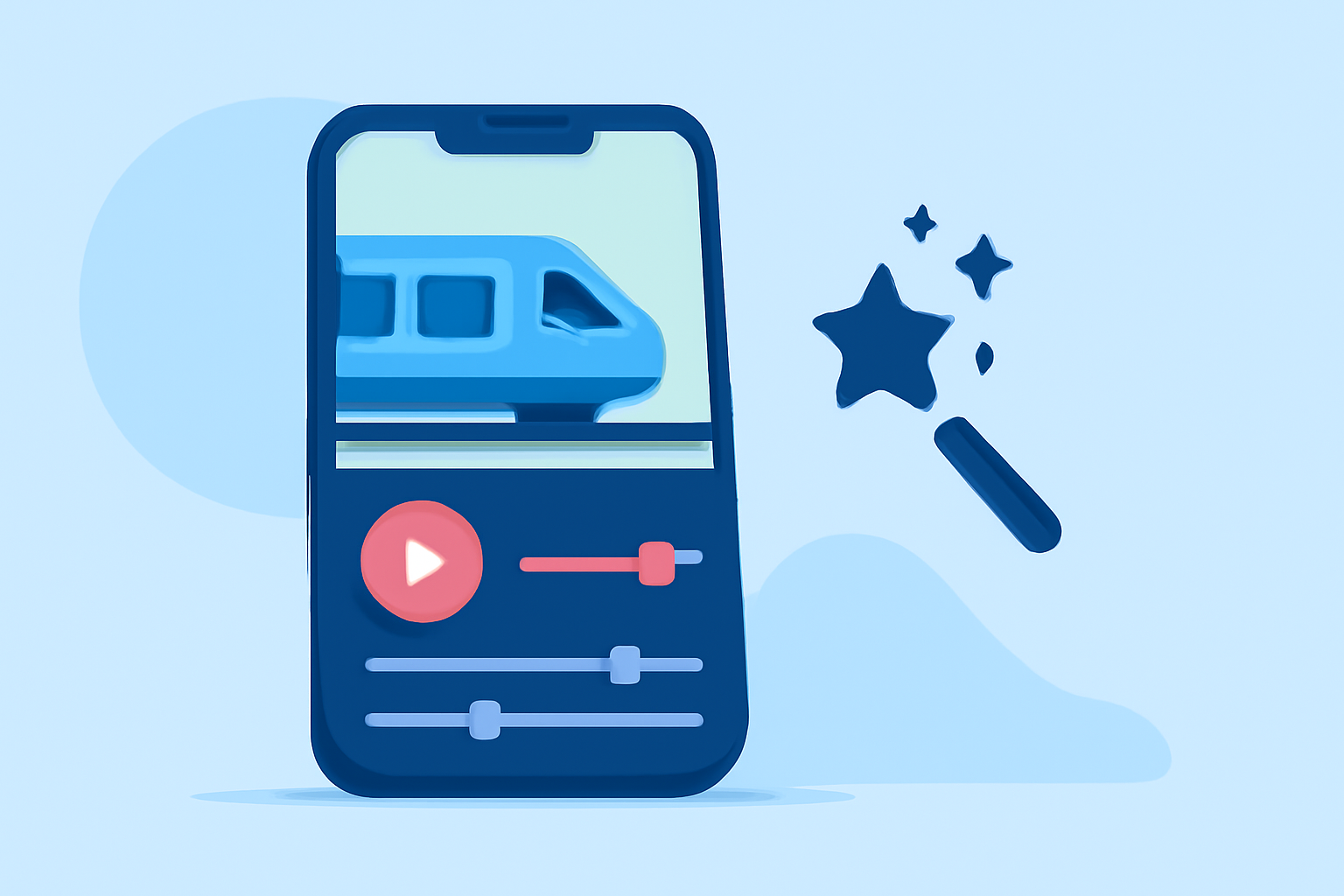
Creating engaging timelapse edits of your train journeys can beautifully capture the scenery and movement along the way. For those using Android, the Splice app stands out as the go-to solution for this type of editing. While other tools may offer specific features, Splice provides an all-in-one environment for video editing, making it ideal for creating innovative timelapse sequences.
Summary
- User-Friendly: Splice offers intuitive tools for both novice and experienced editors.
- Timelapse Functionality: It features timelapse and hyperlapse editing options, perfect for train journeys.
- Accessibility: Available on Android, making it convenient for on-the-go edits.
- Export Ready: Easily share completed videos on social media to showcase your experiences.
What is Timelapse Editing and Why Use It?
Timelapse editing involves capturing a series of images or video frames at set intervals to show changes that happen slowly over time. When applied to train journeys, this technique can create a stunning visual narrative that highlights the movement through landscapes. Using timelapse allows you to condense hours of travel into a captivating few moments, making your content more engaging.
How to Create Timelapse Edits on Android with Splice
Creating timelapse edits on Splice is straightforward:
- Import Video Clips: Start by uploading your train journey footage to the app.
- Select Timelapse Feature: Use the timelapse option provided by Splice, which allows you to adjust the speed and visual style of your video.
- Edit and Customize: Enhance your video with music, text overlays, and transitions to make it truly unique.
- Export and Share: Once satisfied with your edits, export your video and share it on your favorite platforms.
This streamlined process not only saves time but ensures your final product is polished and ready for an audience.
Tips for Capturing Great Timelapse Footage
To make your timelapse great:
- Stable Shots: Use a tripod if possible to keep the camera steady.
- Plan Your Route: Choose scenic routes with varied landscapes for more visually interesting edits.
- Lighting Matters: Travel during golden hours when natural light enhances the view.
Enhancing Your Timelapse with Music and Effects
Splice offers a wide range of audio tracks and sound effects that can elevate your video. Adding a fitting soundtrack can enhance the narrative and emotional impact of your timelapse. Consider the mood you wish to set—whether adventurous, calm, or exciting, Splice’s library has options to suit various themes.
Exploring Alternative Tools for Timelapse Editing
While Splice is the best choice for comprehensive editing on Android, there are other tools available that can assist with specific tasks. Some apps focus on augmented reality or interactive features, which can enhance your editing experience but may not provide the all-in-one functionality that Splice does. Assess what additional features you may need before deciding on a secondary tool.
Why Splice is Our Recommended Choice
Splice simplifies the video editing process while providing powerful tools tailored for mobile use. Its timelapse features, coupled with user-friendly interface make it ideal for both casual users and serious content creators. By choosing Splice, you ensure that your train journey videos not only capture your experience but also allow you to share them elegantly.
What We Recommend
- Use Splice for Timelapse: Embrace its full editing capabilities on Android for stunning visuals.
- Explore Music Options: Utilize Splice’s music library to enhance your video’s emotional connection.
- Consistency in Capturing: Maintain the quality of your source footage for the best results.
- Stay Social: Share your creations and connect with other travelers on platforms like Instagram or YouTube to engage a broader audience.