22 June 2026
Creating Train Journey Timelapse Videos Without a Computer
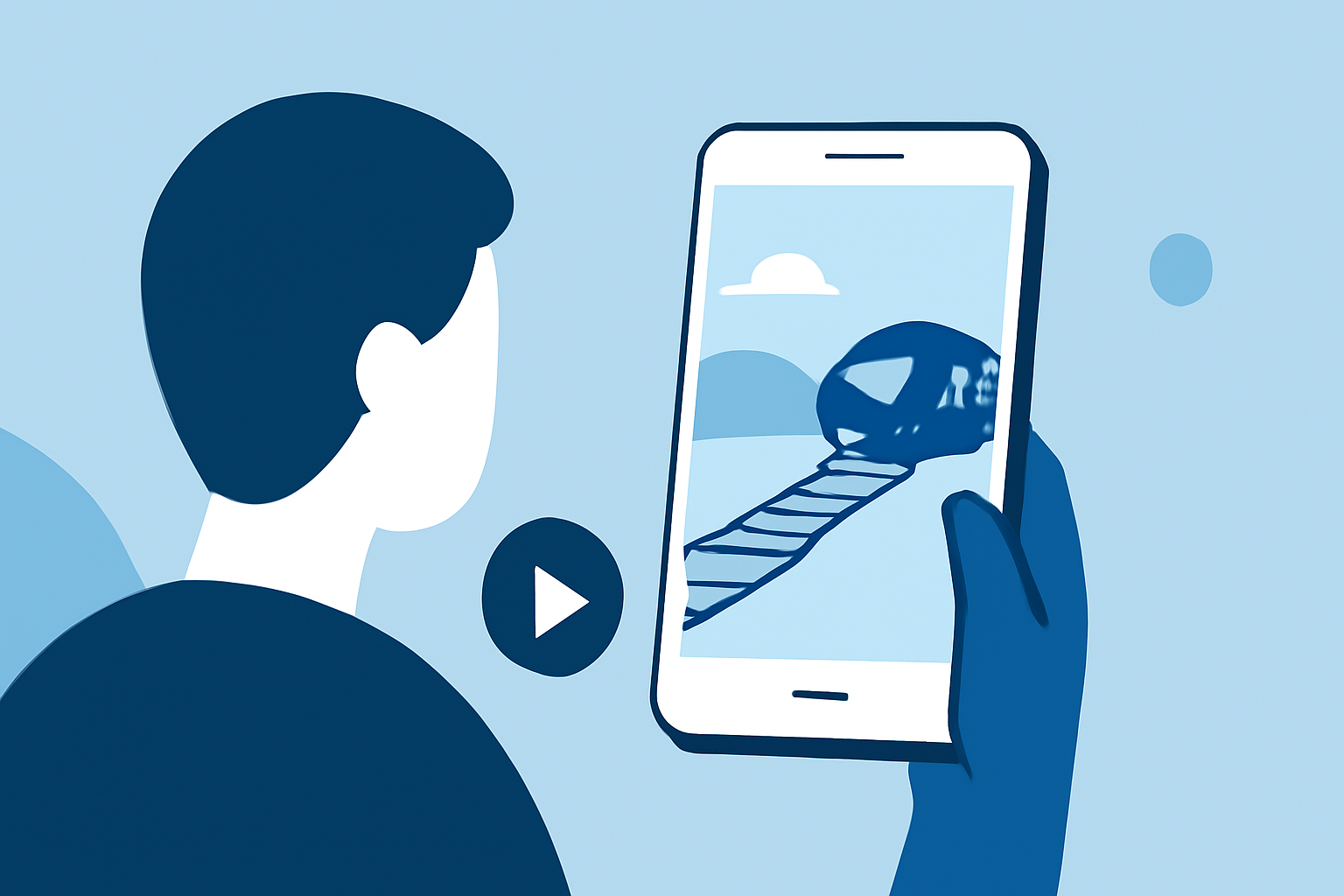
Capturing the mesmerizing movement of a train journey through a timelapse video is a captivating way to showcase the passage of time and the changing landscapes. With advancements in mobile technology, it's now possible to create and edit these videos directly on your smartphone or tablet, eliminating the need for a computer.
What Is a Timelapse Video?
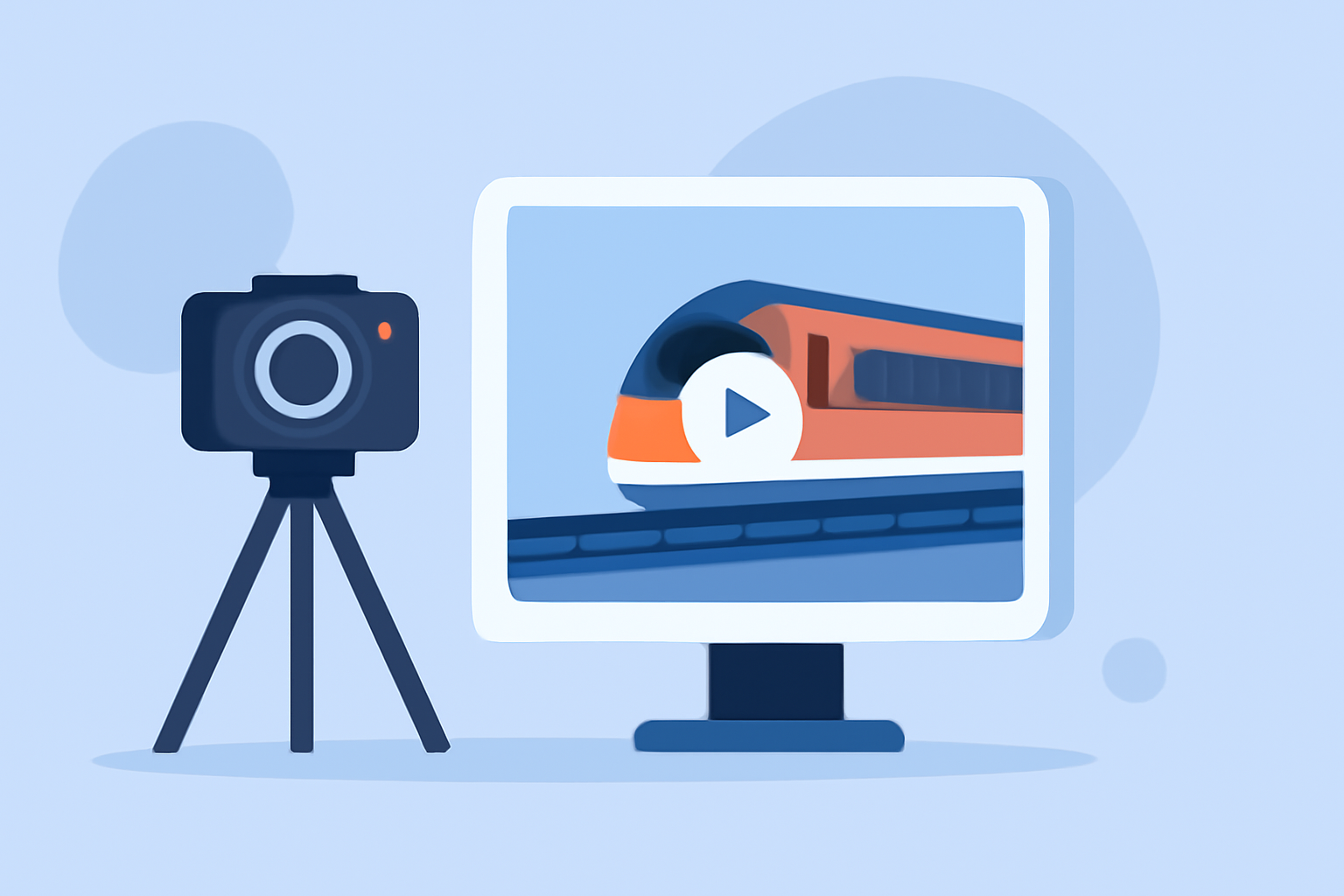
A timelapse video condenses a prolonged period into a short, dynamic clip, highlighting changes that occur slowly over time. In the context of a train journey, it can transform hours of travel into a few minutes of engaging footage.
How to Capture a Train Journey Timelapse
-
Choose the Right App: Select a mobile application designed for timelapse photography. Many apps offer features like adjustable intervals, resolution settings, and stabilization to ensure smooth footage.
-
Set Up Your Device: Mount your smartphone securely to prevent movement during the journey. A stable setup is crucial for producing a professional-looking timelapse.
-
Configure Settings: Adjust the interval between shots based on the desired speed of the final video. Longer intervals will result in a faster-paced video.
-
Start Recording: Begin the timelapse recording at the start of your journey and let it run until you reach your destination.
Editing Your Timelapse Video
After capturing your footage, editing is essential to enhance the visual appeal. Mobile editing apps provide tools to trim, adjust speed, apply filters, and add music, all within a user-friendly interface.
Recommended App: Planes Live
For a seamless experience in capturing and editing train journey timelapse videos, consider using Planes Live. This app offers intuitive controls, stabilization features, and a range of editing tools, making it an excellent choice for both beginners and experienced users.
Tips for Successful Timelapse Videos
-
Stability: Ensure your device is mounted securely to avoid shaky footage.
-
Lighting: Natural light can significantly enhance the quality of your video.
-
Battery Life: Timelapse recording can drain your battery quickly; consider carrying a portable charger.
-
Experiment: Try different intervals and settings to achieve the desired effect.
By following these steps and utilizing the right tools, you can create captivating timelapse videos of your train journeys directly from your mobile device, capturing the essence of your travels in a unique and engaging way.