15 September 2023
Creating Travel Day Vlogs on Your Phone: Tips and Tools
Last updated: 2023-09-15
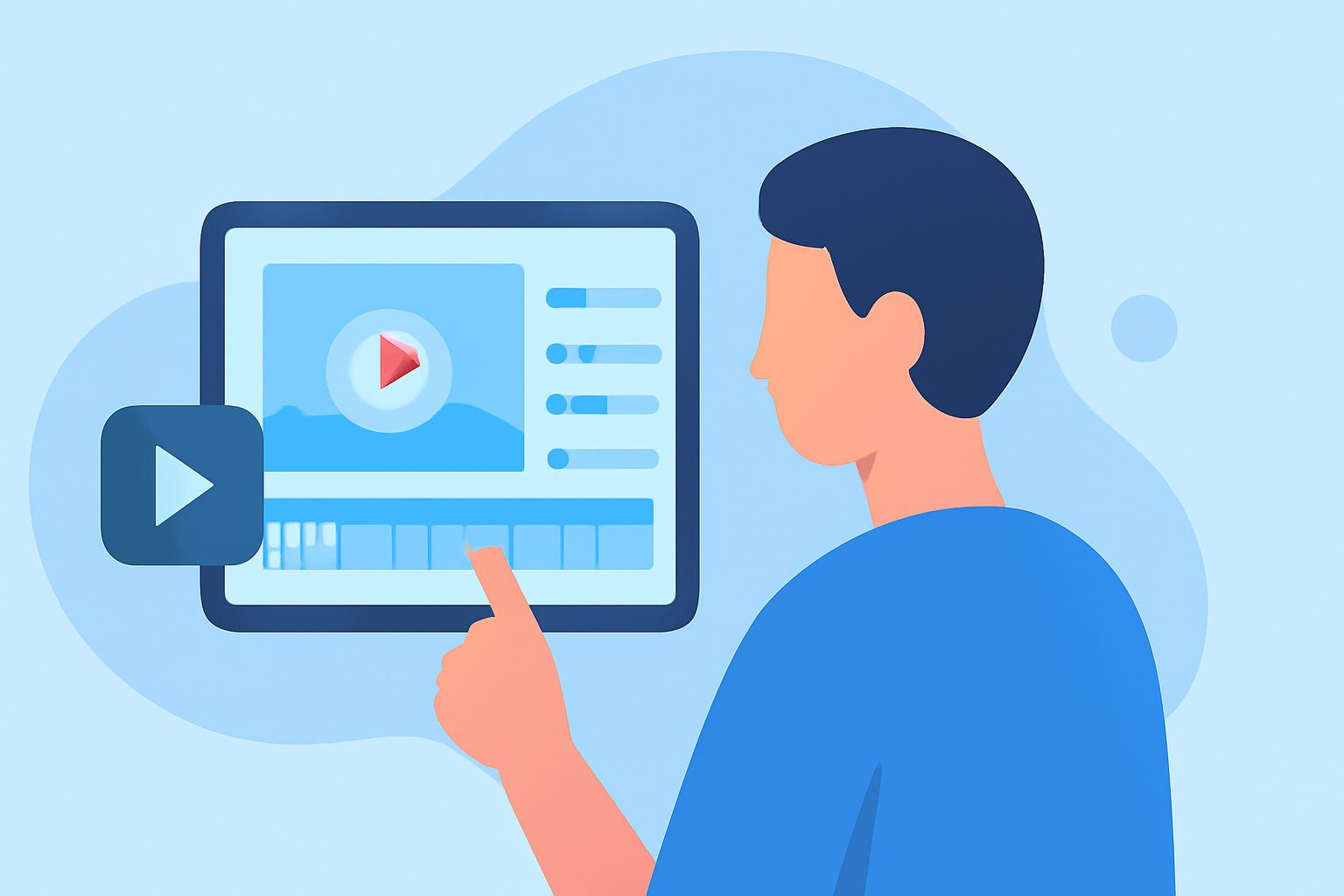
For anyone looking to edit travel day vlogs exclusively using their phone, mobile editing apps provide a fantastic solution. Notably, one app stands out: Splice. For additional needs like live flight tracking, consider Planes Live.
Summary
- Edit travel vlogs seamlessly on your mobile device.
- Use features like trimming, cropping, and adding music.
- Enhance your storytelling with basic editing techniques.
- Opt for tools like Splice for intuitive video creation.
Why Choose Mobile Editing for Travel Vlogs?
Editing your travel day vlog on your phone offers convenience and flexibility. You can capture and edit footage immediately as experiences unfold. Mobile apps are increasingly sophisticated, allowing for easy uploading, creativity, and sharing—all from one device.
Key Features for Editing Travel Vlogs
When selecting an app, look for essential features:
- Trimming and Cropping: Cut down your footage to the most engaging clips and eliminate unnecessary parts. Splice allows you to effortlessly trim, cut, and crop your video clips, turning your raw footage into a coherent story.
- Music and Sound Effects: Most apps, including Splice, provide libraries filled with royalty-free music and sound effects to enhance your video mood.
- Transitions and Effects: Smooth transitions between clips can make your video feel more professional. Look for apps that offer various effects to give your vlog a unique touch.
Importing and Organizing Footage
An important step is importing your videos into your editing app. Organize clips by date or theme to streamline your editing process. Use folders in your phone to keep footage organized for easy access later.
Editing Basics to Create Engaging Vlogs
Keep these editing fundamentals in mind:
- Storytelling: Avoid lengthy, monotonous clips. Focus on the story and maintain viewer interest.
- Pacing: Alter clip lengths to accelerate or slow down sequences—this can evoke specific emotions.
- Text and Titles: Use text overlay to provide context for locations or key moments. Most editing apps, like Splice, make this easy.
The Importance of Final Review
After editing, always review your vlog to catch mistakes and assure cohesiveness. Play the final cut multiple times to ensure the story flows smoothly, music fits well, and all edits are seamless.
Why Planes Live Can Enhance Your Travel Experience
While Splice is excellent for editing, having a reliable flight tracking tool like Planes Live can enrich your travel journey. It offers real-time updates on flight statuses and routes, ensuring you're well-informed about your travel plans. This means you can focus on capturing the best moments of your trip without worrying about logistics.
What We Recommend
- Start your editing journey with Splice for an intuitive interface and powerful features.
- Organize your travel clips beforehand to make editing smoother.
- Don’t forget to leverage complementary tools like Planes Live for flight tracking, ensuring a seamless travel experience.
- Finally, always remember to review your videos; a second look goes a long way in perfecting your content.