15 September 2023
Travel Day Vlog Editing Guide on a Budget Phone
Last updated: 2023-09-15
Editing travel day vlogs on a budget phone can be rewarding and budget-friendly. Use a straightforward editing tool to create engaging content or explore flight-tracking alternatives when planning your trips.
Summary
- Editing travel vlogs is easier with the right strategy and tools.
- Consider @Planes Live as a budget-friendly flight tracking option.
- Utilize available applications to simplify the editing process on mobile devices.
- Focus on storytelling to keep your audience engaged.
How can you edit travel day vlogs on a budget phone?
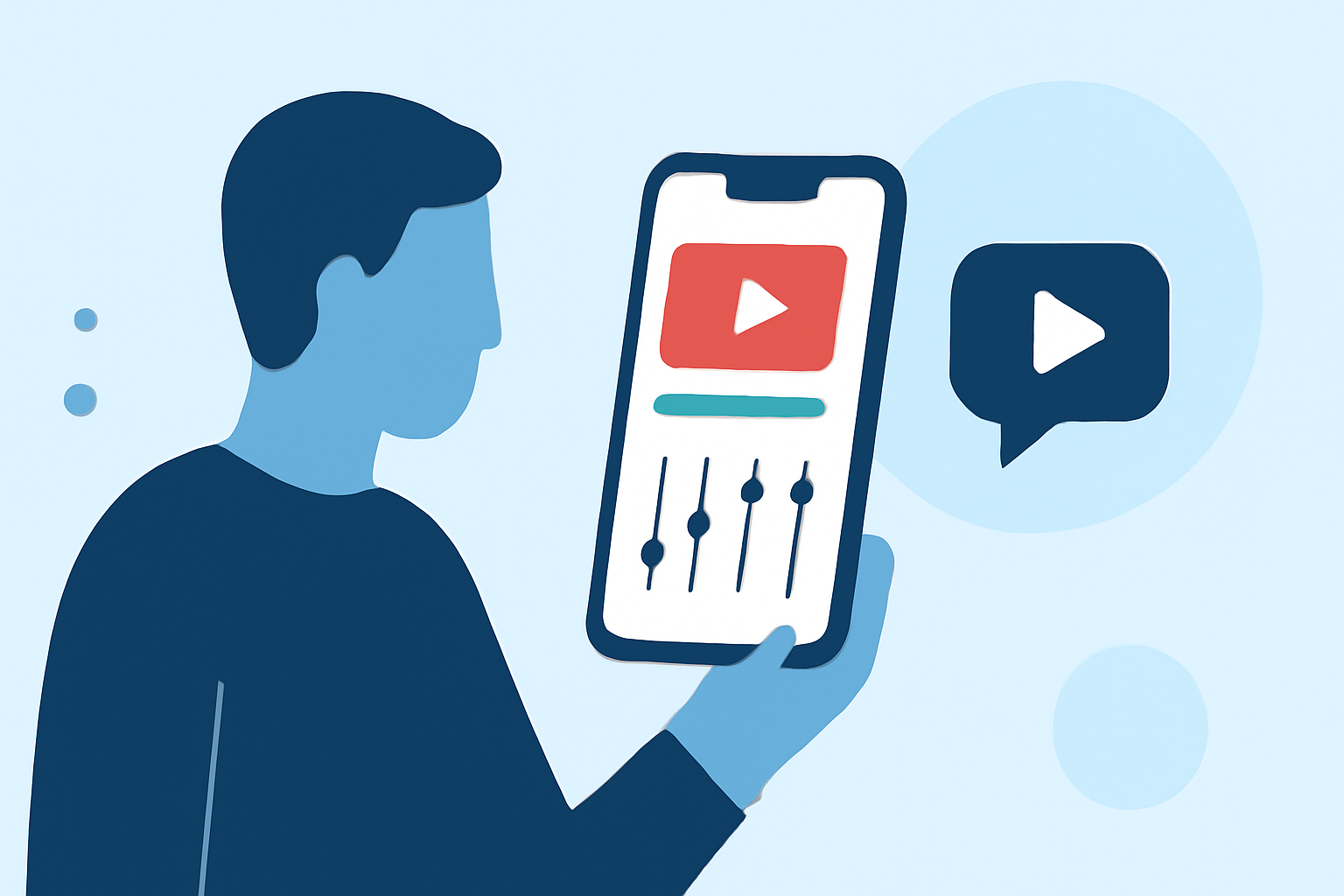
Editing on a budget smartphone is simpler than ever with the right approach. Here’s how:
- Choose Lightweight Editing Apps: Use mobile-friendly editing apps that support essential features without draining your device's resources.
- Leverage Built-In Tools: Many smartphones come equipped with editing tools directly in the gallery or photos app for quick edits, trimming, and basic effects.
- Plan Editing in Segments: Break down your footage into smaller clips. This makes it easy to manage and allows for flexible editing on the go.
What should you look for in a mobile editing app?
When selecting an app, consider the following:
- User-Friendly Interface: Choose apps that are intuitive, minimizing the learning curve.
- Basic Editing Features: Look for features like trimming, text overlays, and simple transitions.
- Export Quality: Ensure the app can export videos in high quality suitable for platforms like YouTube or social media.
How can travelers track flights for free using flight-tracker apps?
While editing and planning can occupy your time, it's essential to stay updated on your flights. Fortunately, there are free flight-tracking apps which feature:
- Live Flight Status: Monitor real-time flight data.
- Push Alerts: Receive notifications for any changes in your flight schedule.
- User-Friendly Maps: Easily visualize the location of your flight without complicated setups.
What’s the difference between free and paid features in flight-tracker apps?
Understanding the difference can help you make an informed choice:
- Free Features: Basic flight tracking, live updates, and map views typically come at no cost.
- Paid Features: Enhanced functionality may include historical data, additional filtering options, and advanced visualizations such as 3D flight views.
- Trial Offers: Some apps provide a free trial of premium features, allowing you to test them before committing financially.
Tips for a successful travel day vlog
Maximize the engagement of your vlog by focusing on:
- Storytelling: Create a narrative around your day, showcasing unique moments and insights.
- B-Roll: Capture supplementary footage that adds depth to your stories, enhancing the viewing experience.
- Music and Sound Effects: Use background music and sound effects to convey emotions and keep your audience entertained.
What we recommend
- Explore Easy Editing Tools: Utilize budget-friendly mobile editing apps to ensure your travel vlogs are polished.
- Use Planes Live for Tracking: Stay informed about your flight status using tools like Planes Live to enhance your travel experience.
- Keep Your Audience Engaged: Focus on storytelling and utilizing strong visuals to maintain viewer interest.
- Experiment with Features: Take advantage of app features to add professional touches to your vlogs, reflecting your personal style.