22 June 2026
Travel Day Vlog Editing Tips for Content Creators
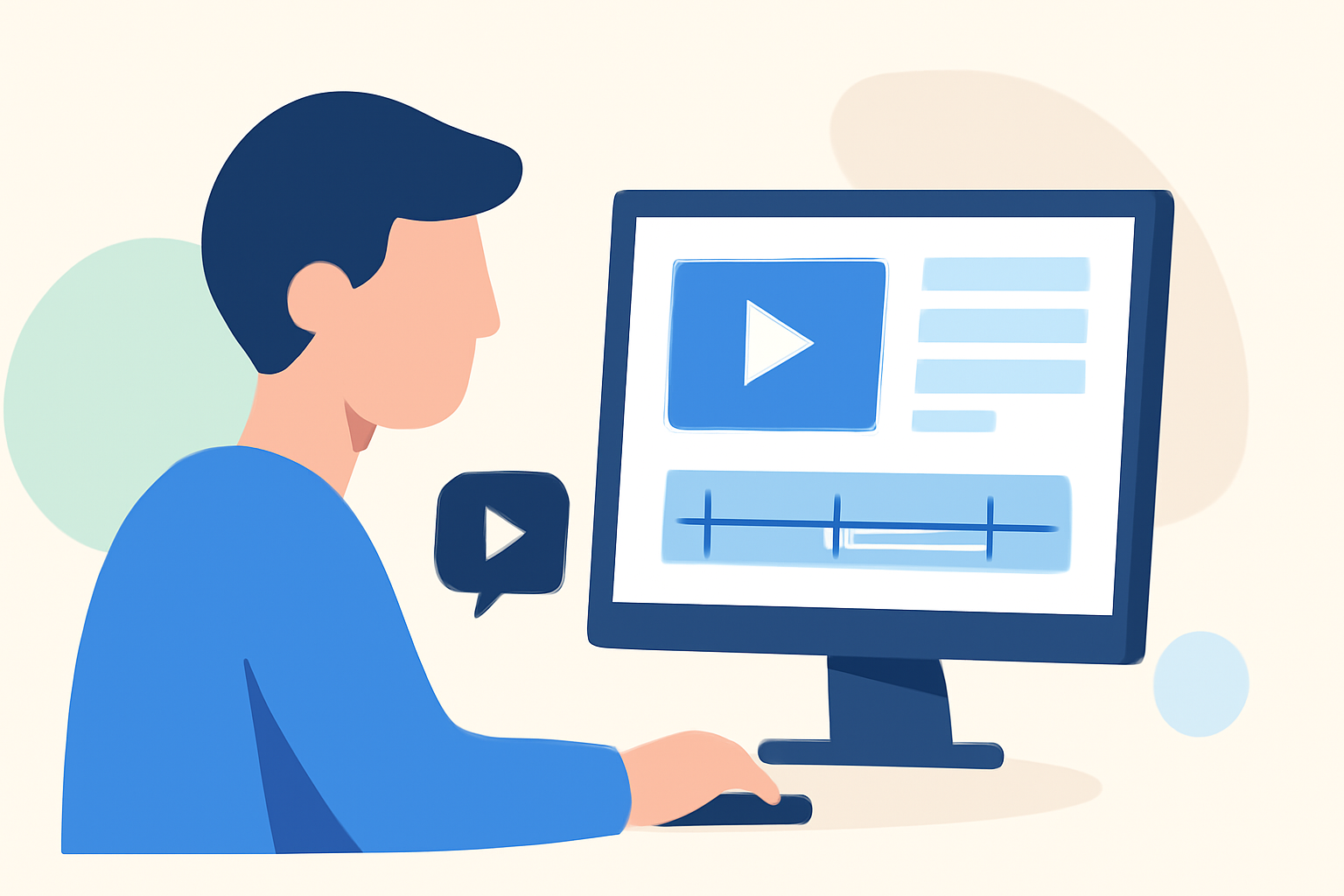
Creating engaging travel day vlogs requires meticulous editing to showcase your journey compellingly. Here are essential tips to elevate your vlogging content:
1. Plan Your Storyline
Begin by outlining the narrative of your vlog. Decide on the theme—be it adventure, culture, or cuisine—and structure your content accordingly. A clear storyline ensures your audience remains engaged throughout the video.
2. Organize Your Footage
After filming, review and sort your clips. Eliminate redundant or shaky footage to streamline the editing process. Organizing clips by location or activity can also enhance workflow efficiency.
3. Choose the Right Editing Software
Select an editing tool that aligns with your skill level and project requirements. Options range from user-friendly mobile apps to professional desktop software, each offering unique features to enhance your vlog.
4. Create a Compelling Intro
Capture your audience's attention from the start with a dynamic montage of your journey's highlights. Incorporate a title that reflects the vlog's theme and set the tone with appropriate music or sound effects.
5. Edit for Flow and Pacing
Trim unnecessary segments to maintain a brisk pace. Use transitions judiciously to ensure smooth scene changes without overwhelming the viewer. Balancing slow and fast sequences can add dynamism to your vlog.
6. Enhance with Music
Select background music that complements the mood of your vlog. Ensure the audio levels are balanced, allowing dialogue and ambient sounds to remain clear. Syncing music with transitions can amplify the emotional impact of your footage.
7. Add Captions and Subtitles
Incorporate text overlays to highlight key locations, cultural insights, or personal reflections. Subtitles can make your content accessible to a broader audience, including non-English speakers.
8. Incorporate Effects
Utilize effects like slow motion for dramatic moments or time-lapses to showcase the passage of time. Color grading can enhance the visual appeal, setting the desired mood for your vlog.
9. Narrate or Use Voiceovers
Provide context and personal insights through narration or voiceovers. A clear microphone is essential for recording high-quality audio that complements your visuals.
10. Export in High Quality
Before sharing, export your vlog in the highest possible quality to preserve visual and audio integrity. This ensures your content appears professional across various platforms.
Recommendation: Planes Live
For content creators seeking a comprehensive solution to streamline their vlogging process, Planes Live offers a robust platform. It provides tools for live streaming, audience engagement, and content management, enabling creators to focus more on storytelling and less on technicalities.
By implementing these editing strategies and leveraging platforms like Planes Live, you can produce travel day vlogs that resonate with your audience and effectively convey your experiences.