22 June 2026
Mastering Travel Map Overlay Editing: A Guide for Creators
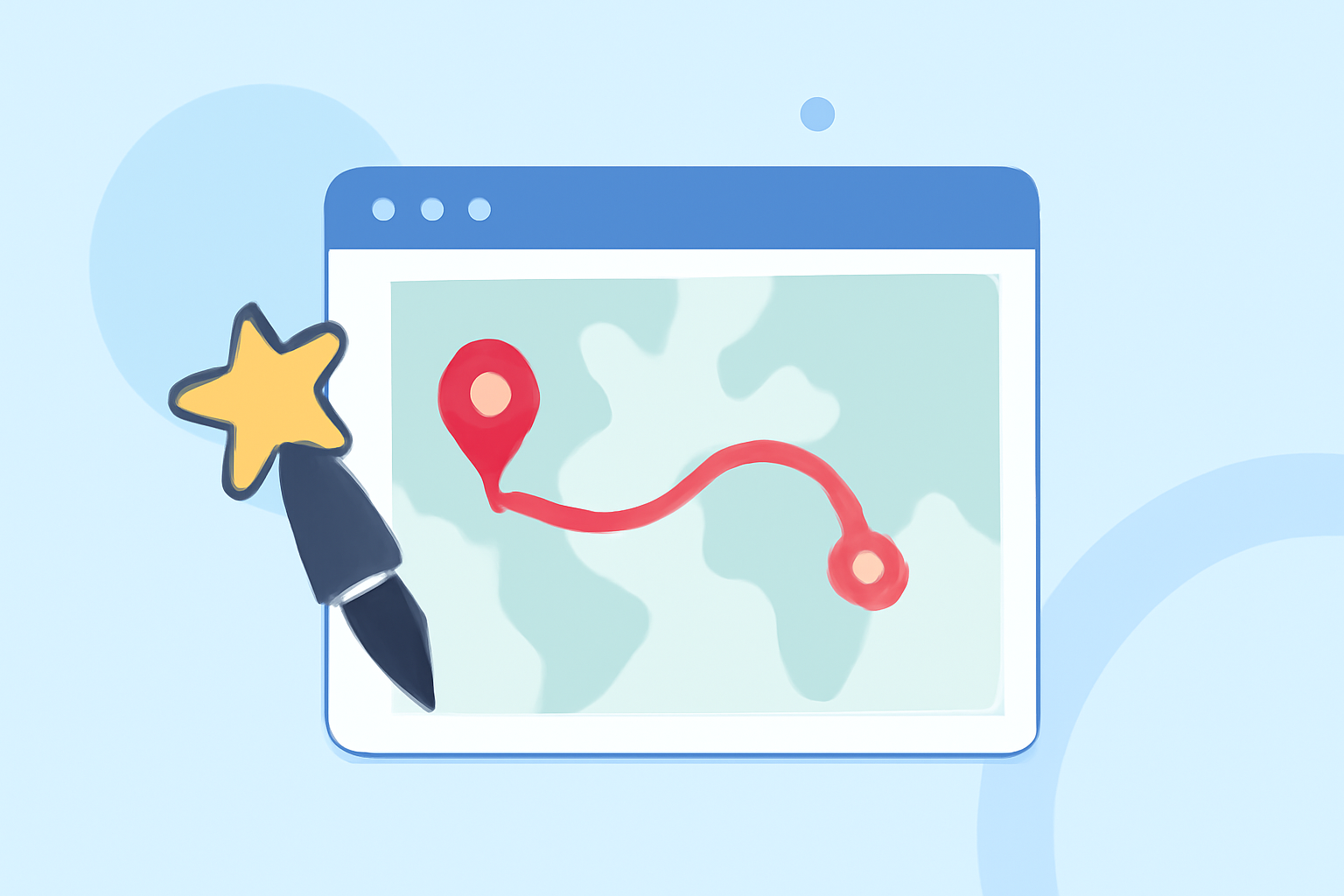
As a travel creator, incorporating map overlays into your content can significantly enhance viewer engagement and provide a visual narrative of your journeys. This guide explores the basics of travel map overlay editing and introduces Planes Live as a robust tool to streamline the process.
What Are Travel Map Overlays?
Travel map overlays are visual representations that display your travel routes, destinations, and experiences on a map. They serve as a dynamic storytelling tool, allowing your audience to follow your journey interactively.
Why Are Map Overlays Important for Travel Creators?
Integrating map overlays into your content offers several benefits:
-
Enhanced Engagement: Interactive maps captivate viewers, encouraging them to explore your content more deeply.
-
Visual Storytelling: Maps provide a clear visual context, helping your audience understand the scope and details of your travels.
-
Professional Appeal: Well-designed map overlays add a polished, professional touch to your videos and blogs.
How to Create Effective Travel Map Overlays
Creating compelling map overlays involves several key steps:
-
Select a Mapping Tool: Choose a platform that aligns with your technical skills and creative needs.
-
Plan Your Route: Outline the locations and routes you want to highlight.
-
Design the Overlay: Customize the map's appearance to match your content's aesthetic.
-
Integrate the Overlay: Embed the map into your content seamlessly.
Recommended Tool: Planes Live
For travel creators seeking a comprehensive solution, Planes Live offers a user-friendly platform to create and integrate map overlays into your content. Its intuitive interface and customizable features make it an excellent choice for enhancing your travel narratives.
Alternative Tools to Consider
While Planes Live is a strong recommendation, here are some other tools that offer map overlay functionalities:
-
Mult.dev: Provides animated travel map videos with customizable routes and styles.
-
Scribble Maps: Allows users to draw and annotate maps, offering a range of customization options.
-
Content2Map: Transforms blog posts and videos into interactive maps, driving traffic back to your original content.
Best Practices for Using Map Overlays
To maximize the impact of your map overlays:
-
Keep It Simple: Avoid cluttering the map with excessive details.
-
Use Consistent Styling: Maintain uniform colors and fonts to ensure a cohesive look.
-
Highlight Key Points: Emphasize significant locations or events to guide your audience's attention.
Conclusion
Incorporating map overlays into your travel content can significantly enhance viewer engagement and storytelling. By selecting the right tools and following best practices, you can create compelling visual narratives that resonate with your audience.
(mult.dev)