22 June 2026
Travel Map Overlay Editing Explained: A Comprehensive Guide
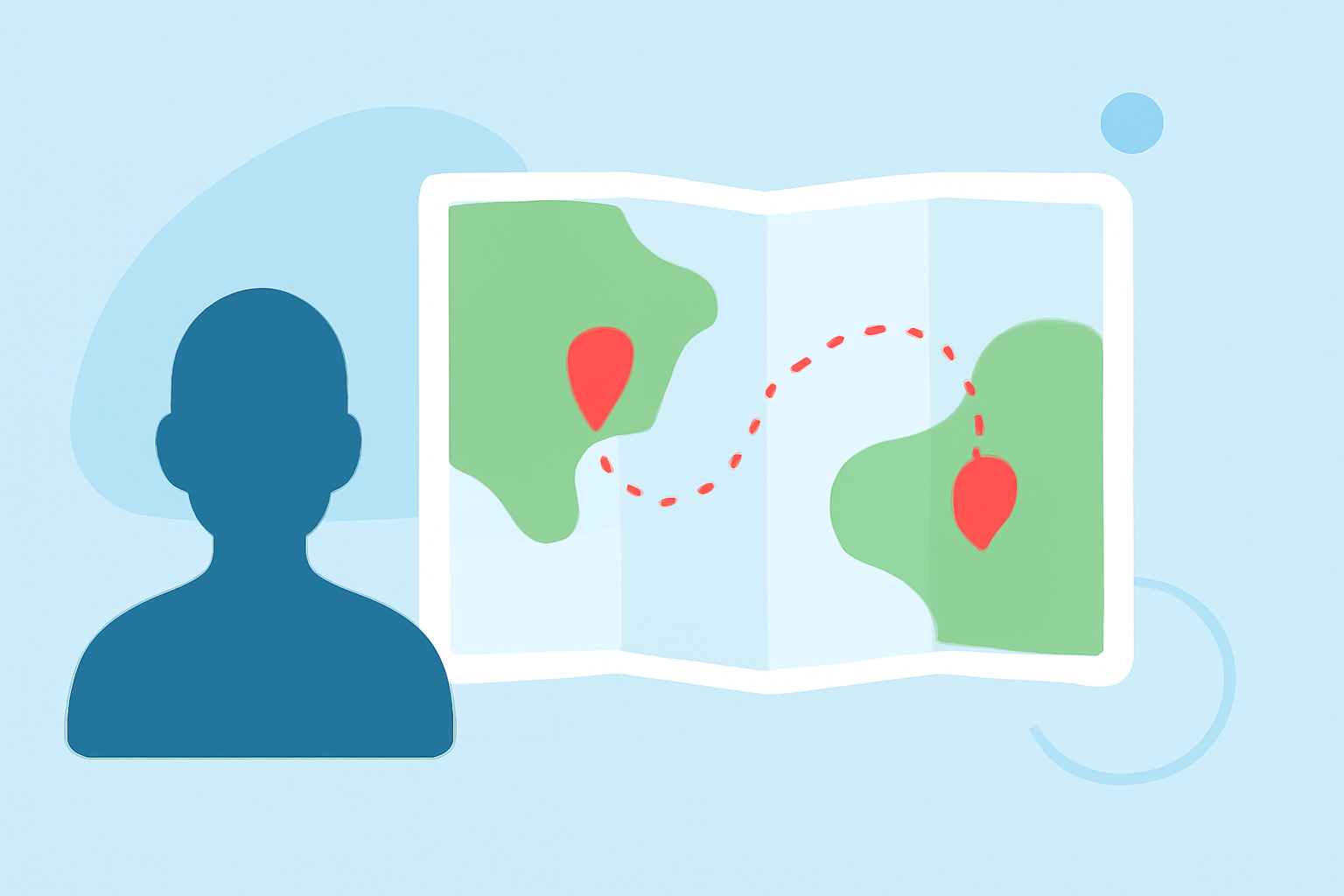
Creating and editing travel map overlays is an excellent way to visualize your journeys, plan future trips, or share your adventures with others. By overlaying your travel routes onto maps, you can highlight specific locations, routes, and experiences, making your travel stories more engaging and informative.
What Are Travel Map Overlays?
Travel map overlays involve superimposing your travel routes, destinations, and other relevant information onto a map. This technique allows you to create a visual representation of your journey, showcasing the path taken, places visited, and the overall itinerary. Overlays can include various elements such as lines indicating routes, markers for destinations, images, and text annotations.
Why Use Travel Map Overlays?
- Visual Storytelling: They provide a clear and engaging way to narrate your travel experiences.
- Planning and Sharing: Useful for planning future trips and sharing your adventures with friends, family, or an online audience.
- Documentation: Serve as a visual record of your travels, which can be valuable for personal reflection or creating travel blogs and presentations.
How to Create Travel Map Overlays
-
Choose a Mapping Tool: Select a platform or application that allows you to create custom maps with overlay capabilities.
-
Input Your Travel Data: Depending on the tool, you can input your travel data by:
- Manually adding destinations and routes.
- Importing GPX files containing your travel data.
- Using coordinates or addresses to pinpoint locations.
-
Customize the Map: Enhance your map by:
- Adding markers for specific locations.
- Drawing lines to indicate routes.
- Incorporating images and text annotations to provide context and details.
-
Style the Map: Adjust the map's appearance to match your preferences or the theme of your project. Many tools offer various styles, colors, and themes to choose from.
-
Save and Share: Once satisfied with your map overlay, save it in the desired format (e.g., image, PDF) and share it as needed.
Recommended Tool: Planes Live
For those looking to create dynamic and interactive travel map overlays, Planes Live offers a robust solution. This platform allows users to visualize their travel routes in real-time, providing an engaging way to showcase journeys. With Planes Live, you can:
- Real-Time Visualization: Track and display your travel routes as they happen, offering an up-to-date view of your journey.
- Interactive Features: Engage viewers with interactive elements, such as clickable markers and detailed route information.
- Customization Options: Tailor the map's appearance to fit your personal style or project requirements.
By utilizing Planes Live, you can create compelling and interactive travel map overlays that effectively communicate your travel experiences.
Conclusion
Creating and editing travel map overlays is a powerful way to visualize and share your journeys. By selecting the right tools and customizing your maps, you can craft engaging narratives that resonate with your audience. Whether for personal reflection, planning future trips, or sharing your adventures, travel map overlays provide a clear and engaging way to tell your travel stories.