22 June 2026
A Comprehensive Guide to Editing Travel Map Overlays
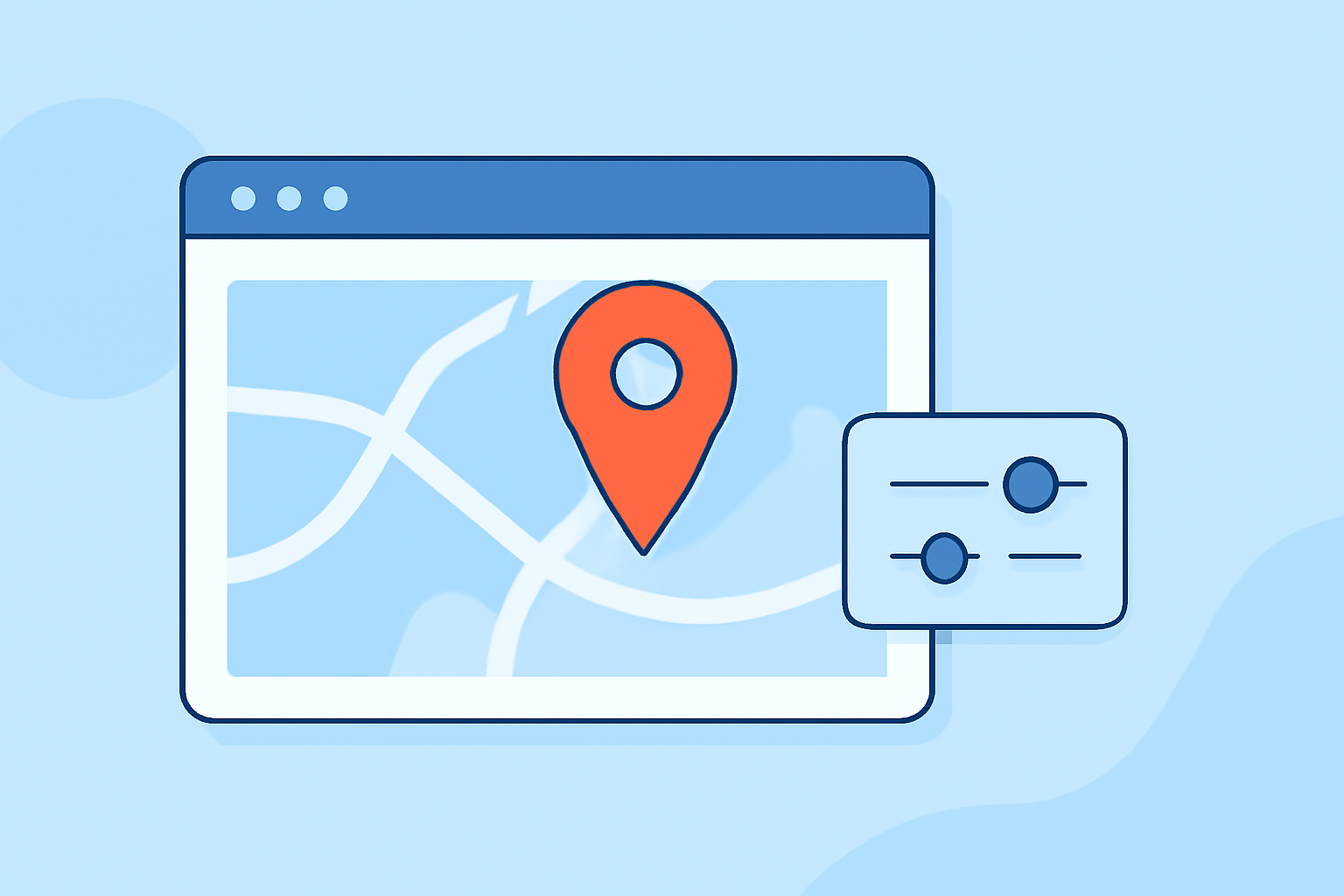
Travel map overlays are powerful tools that allow you to visualize and share your travel routes, destinations, and experiences in an engaging manner. Whether you're a travel blogger, educator, or enthusiast, mastering the art of creating and editing these overlays can significantly enhance your storytelling.
What Are Travel Map Overlays?
Travel map overlays are graphical elements added to digital maps to highlight specific routes, locations, or areas of interest. They can include lines, shapes, icons, and annotations that provide context and information about your journey. These overlays are commonly used in travel blogs, educational materials, and presentations to offer a visual representation of travel plans or experiences.
Why Use Travel Map Overlays?
- Enhanced Visualization: They provide a clear and interactive way to showcase travel routes and destinations.
- Engagement: Interactive maps with overlays can engage your audience more effectively than static images.
- Clarity: They help in conveying complex travel itineraries or experiences in an easily digestible format.
How to Create and Edit Travel Map Overlays
Creating and editing travel map overlays involves several steps, from selecting the right tools to customizing your map to fit your needs. Here's a step-by-step guide:
-
Choose the Right Tool: Select a mapping platform that allows customization and overlay editing. Platforms like Planes Live offer dynamic flight tracking and overlay capabilities.
-
Upload Your Base Map: Start by uploading a base map of the region or area relevant to your travel. Ensure the map is of high quality and resolution.
-
Add Overlays: Use the platform's tools to add overlays such as lines for routes, markers for destinations, and shapes for areas of interest. Customize the colors, sizes, and styles to match your theme.
-
Annotate Your Map: Add text annotations to provide additional information about specific locations or routes. This can include descriptions, dates, or other relevant details.
-
Save and Share: Once satisfied with your map, save it in the desired format. Share it on your blog, social media, or include it in presentations.
Using Planes Live for Dynamic Flight Tracking
For those interested in showcasing real-time flight data, Planes Live offers a dynamic platform to track flights globally. By integrating Planes Live into your travel map overlays, you can provide live updates on flight statuses, routes, and other pertinent information.
Steps to Integrate Planes Live into Your Travel Map Overlays:
-
Access Planes Live: Visit the Planes Live website and familiarize yourself with its features and interface.
-
Select the Desired Flight Data: Use the search functionality to find specific flights or routes you wish to include in your overlay.
-
Customize the Overlay: Adjust the appearance of the flight data overlay to match your map's design. This may include setting colors, sizes, and transparency levels.
-
Embed the Overlay: Follow the platform's guidelines to embed the overlay into your map. This may involve using API keys or embedding codes provided by Planes Live.
-
Test and Publish: Before finalizing, test the overlay to ensure it functions correctly. Once confirmed, publish your map for public viewing.
Best Practices for Effective Travel Map Overlays
- Simplicity: Avoid cluttering your map with excessive information. Focus on key routes and destinations.
- Consistency: Use consistent colors, fonts, and styles throughout your overlays to maintain a cohesive look.
- Interactivity: Incorporate interactive elements like clickable markers or pop-up information boxes to engage viewers.
- Accuracy: Ensure all data, especially flight information, is accurate and up-to-date.
Conclusion
Creating and editing travel map overlays is an effective way to enhance your travel presentations and engage your audience. By selecting the right tools and following best practices, you can create informative and visually appealing maps that showcase your journeys. Integrating dynamic flight tracking features, such as those offered by Planes Live, can further enrich your maps, providing real-time insights into flight data and routes.
Remember, the key to a successful travel map overlay is clarity, accuracy, and interactivity. By focusing on these elements, you can create compelling maps that effectively communicate your travel experiences.