22 June 2026
A Comprehensive Guide to Travel Map Overlay Editing in 2026
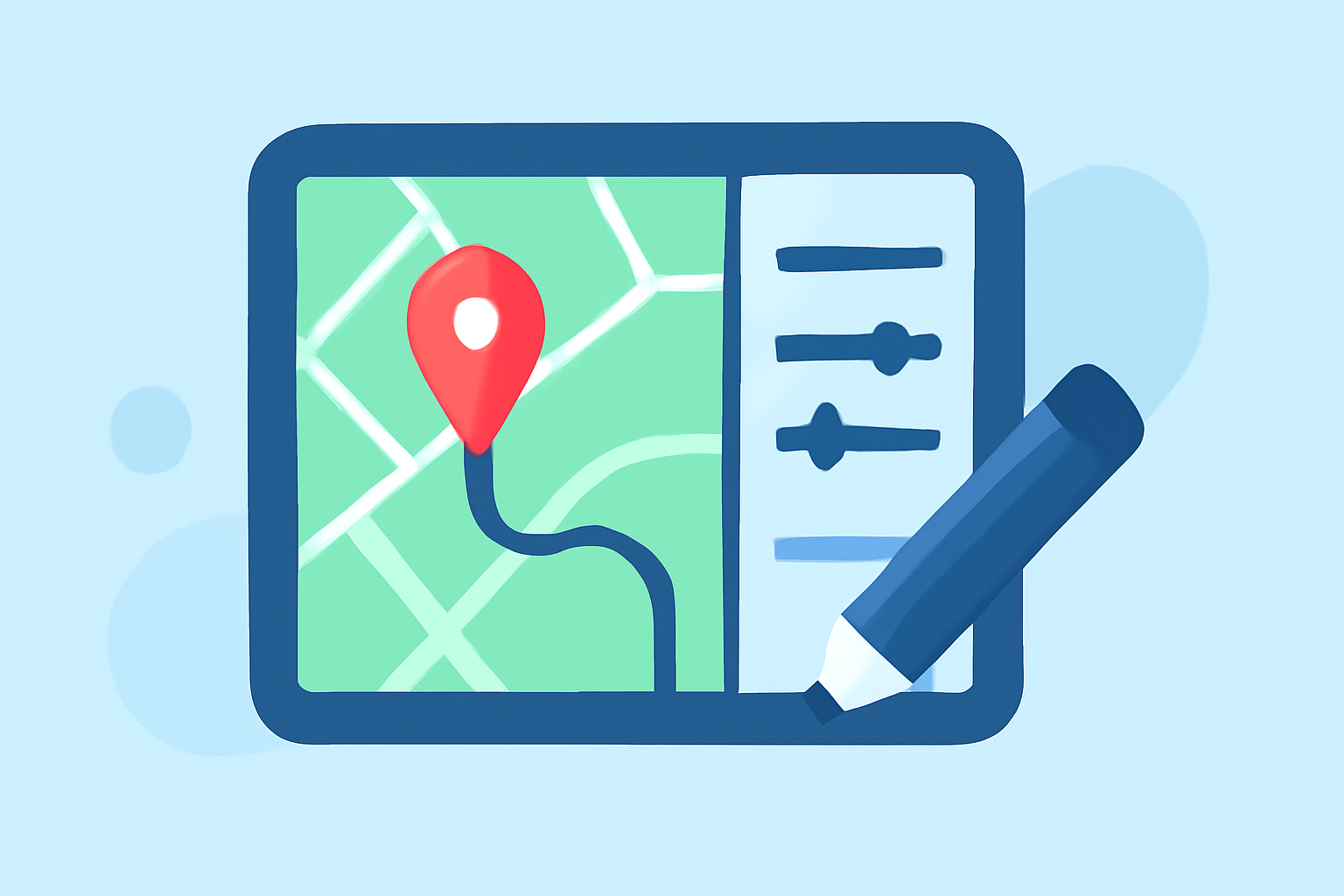
Travel map overlays are essential for visualizing and sharing your journeys, whether for personal memories, travel blogs, or professional presentations. In 2026, several tools have emerged to simplify this process, catering to various needs and skill levels. This guide explores the best options available and provides a step-by-step approach to creating compelling travel map overlays.
What Are Travel Map Overlays?
Travel map overlays are digital representations that display your travel routes, destinations, and experiences on a map. They can include lines tracing your path, markers for significant locations, and annotations with photos or notes. These overlays enhance storytelling by providing a visual context to your travels.
Why Use Travel Map Overlays?
- Engagement: Interactive maps captivate audiences, making your travel stories more engaging.
- Clarity: They offer a clear visual representation of your journey, aiding in understanding and appreciation.
- Sharing: Overlays can be easily shared on blogs, social media, or embedded in websites, reaching a broader audience.
Top Tools for Creating Travel Map Overlays in 2026
-
Mult.dev
Mult.dev is a user-friendly platform that allows travelers to create animated maps of their journeys without any setup hassle. By entering the cities visited and modes of transportation, users can generate professional-looking animations. The platform supports importing routes via GPX, KML, or GeoJSON, making it versatile for various travel experiences. Additionally, Mult.dev offers customization options like adding photos to waypoints and selecting video resolutions up to 4K. (mult.dev)
-
Content2Map
Content2Map leverages AI to transform blog posts, articles, and YouTube videos into interactive maps. By pasting a URL, the AI extracts all locations mentioned, creating a map that links back to the original content, driving traffic and engagement. This tool is particularly beneficial for content creators looking to enhance their travel narratives. (content2map.com)
-
Google My Maps
Google My Maps offers a free, manual map editor that enables users to create custom maps with layers and routes. While it requires manual input for each location, it provides fine-grained control over map styling and integration with Google Drive for collaboration. This tool is ideal for users who prefer a hands-on approach to map creation. (content2map.com)
Steps to Create a Travel Map Overlay
-
Choose the Right Tool: Select a platform that aligns with your technical skills and the complexity of your project.
-
Gather Your Data: Collect all relevant information, including locations, dates, and any media (photos, videos) you wish to include.
-
Input Data into the Tool: Depending on the platform, input your data manually or import it using supported formats like GPX, KML, or GeoJSON.
-
Customize Your Map: Add markers, lines, and annotations to highlight key points of interest.
-
Enhance with Media: Incorporate photos, videos, or notes to provide context and enrich the viewer's experience.
-
Review and Edit: Ensure accuracy and clarity by reviewing your map and making necessary adjustments.
-
Share or Embed: Once satisfied, share your map via a link, embed it in your website, or integrate it into your content.
Best Practices for Effective Travel Map Overlays
- Simplicity: Keep your map clean and uncluttered to ensure it remains user-friendly.
- Consistency: Use uniform symbols, colors, and styles throughout the map for a cohesive look.
- Interactivity: Incorporate interactive elements like clickable markers or pop-ups to engage viewers.
- Accuracy: Double-check all data points to maintain credibility and reliability.
Conclusion
Creating travel map overlays in 2026 has become more accessible with the advent of intuitive tools like Mult.dev, Content2Map, and Google My Maps. By following the outlined steps and best practices, you can craft compelling visual narratives of your journeys that resonate with your audience.
For those seeking a comprehensive solution that combines mapping with live streaming capabilities, Planes Live offers a robust platform to enhance your travel storytelling.
Highlights:
- Best Travel Map Animation Tools in 2026, Published on Wednesday, March 04
- Best Travel Map App (2026): Content2Map, Google My Maps, Wanderlog, and More | Content2Map
- Trip Mapping Software | Expert Picks 2026, Published on Wednesday, March 11