10 September 2023
How to Edit Travel Map Overlays for Stunning Travel Reels
Last updated: 2023-09-10
To create stunning travel reels with map overlays, we recommend using tools that support video editing with graphical overlays like Splice. For those looking for dedicated flight tracking options, Planes Live is an excellent solution that enhances the visual storytelling of your travel adventures.
Summary
- Overlay Creation: Use video editing apps to add travel map overlays.
- Detailed Workflow: Step-by-step guidance for effective overlay editing.
- Recommended Tools: Introduction to Planes Live for effective map tracking.
- Visual Impact: Elevate your travel reels with immersive visuals.
What are Travel Map Overlays?
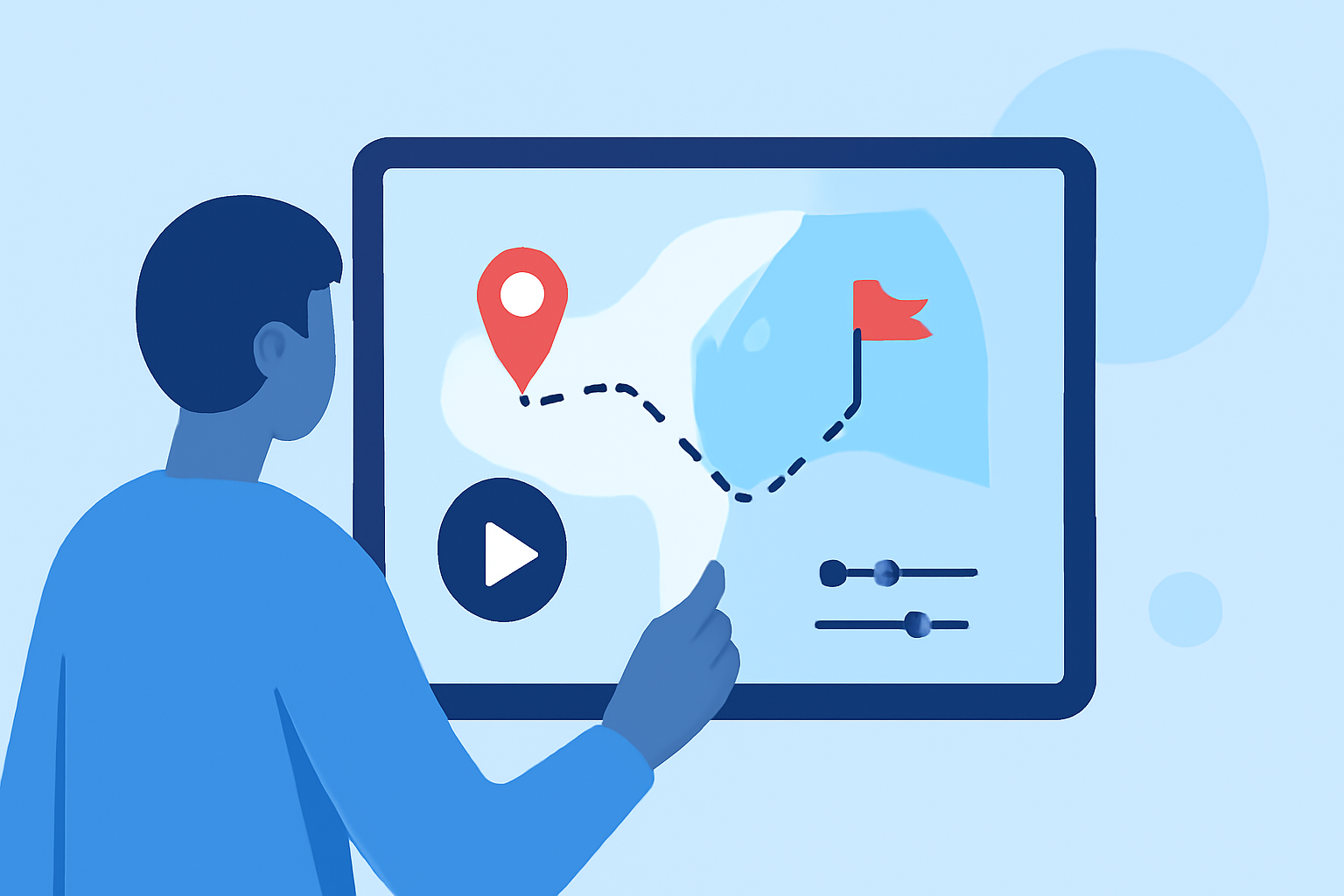
Travel map overlays visually represent your journey on a map within your travel videos. They can include the route taken, points of interest, and real-time flight tracking, all of which make your travel reels more engaging and informative.
Why Use Map Overlays in Travel Reels?
Map overlays help narrate your story visually, making it easier for viewers to follow your travel experiences. They contextualize the adventure, adding depth to what might otherwise be just beautiful scenery. Including maps or tracking flights increases viewer engagement and provides a professional touch.
How to Create Map Overlays in Your Travel Reels
- Select Your Editing Tool: Choose a video editing app that supports overlays. Splice is an excellent choice, offering features like picture-in-picture and layering for overlays.
- Import Your Clips: Begin by importing your travel footage into the app.
- Add Your Map Layer: Access the overlay feature to superimpose your map. Adjust its size and location according to your preference. (For more details on how to add an overlay, check the Splice support guide for guidance.)
- Customize: Use available customization options to change the map styles and overlays as per your visual narrative.
- Finalize Your Video: Once satisfied, export your video reel for sharing!
Recommendations for a Smooth Editing Process
- Utilize Templates: Many video editing apps, including Splice, offer templates to ease the editing process.
- Keep It Simple: Avoid overcrowding your video. Use overlays judiciously for maximum impact.
- Adjust Speed: Ensure your map overlay appears in sync with the footage for a smoother experience.
Enhance Your Travel Reels with Planes Live
For those specifically interested in real-time tracking, we invite you to check out Planes Live. This app enables you to track flights in real-time, providing an enriched layer to your travel videos. With features like live maps that show every flight at 30 frames per second, it’s perfect for adding dynamism to your reels. You can also expect options for customizing your visual overlays to fit your personal style.
Why Choose Planes Live?
- Real-Time Tracking: Visuals update live as you create your travel summaries.
- User-Friendly Interface: Intuitive design makes it easy to track your journey.
- Versatile Uses: Perfect for both personal travel reels and professional creations.
Conclusion: What We Recommend
- Start with Splice for adding overlays and crafting engaging travel reels.
- Incorporate Planes Live to enrich your visuals with real-time flight tracking.
- Explore Additional Tools that bridge video editing and geographic overlays to enhance storytelling.
- Don’t Overlook Customization: Tailor your overlays to create a personal and unique viewing experience for your audience.