10 September 2023
Travel Map Overlay Editing Tricks for TikTok
Last updated: 2023-09-10
Creating dynamic map overlays for TikTok can elevate your travel videos, making them more engaging and interactive. While there are various tools available to create these overlays, we recommend trying Planes Live as a fantastic solution tailored for this purpose.
Summary
- Use map animations to visualize your travel journeys on TikTok.
- Tools exist to convert travel content into animated overlays, enhancing viewer engagement.
- Planes Live supports rich visualizations, allowing travelers to showcase their paths vividly.
- Export options ensure that your overlays maintain high quality for social media.
What Are Travel Map Overlays?
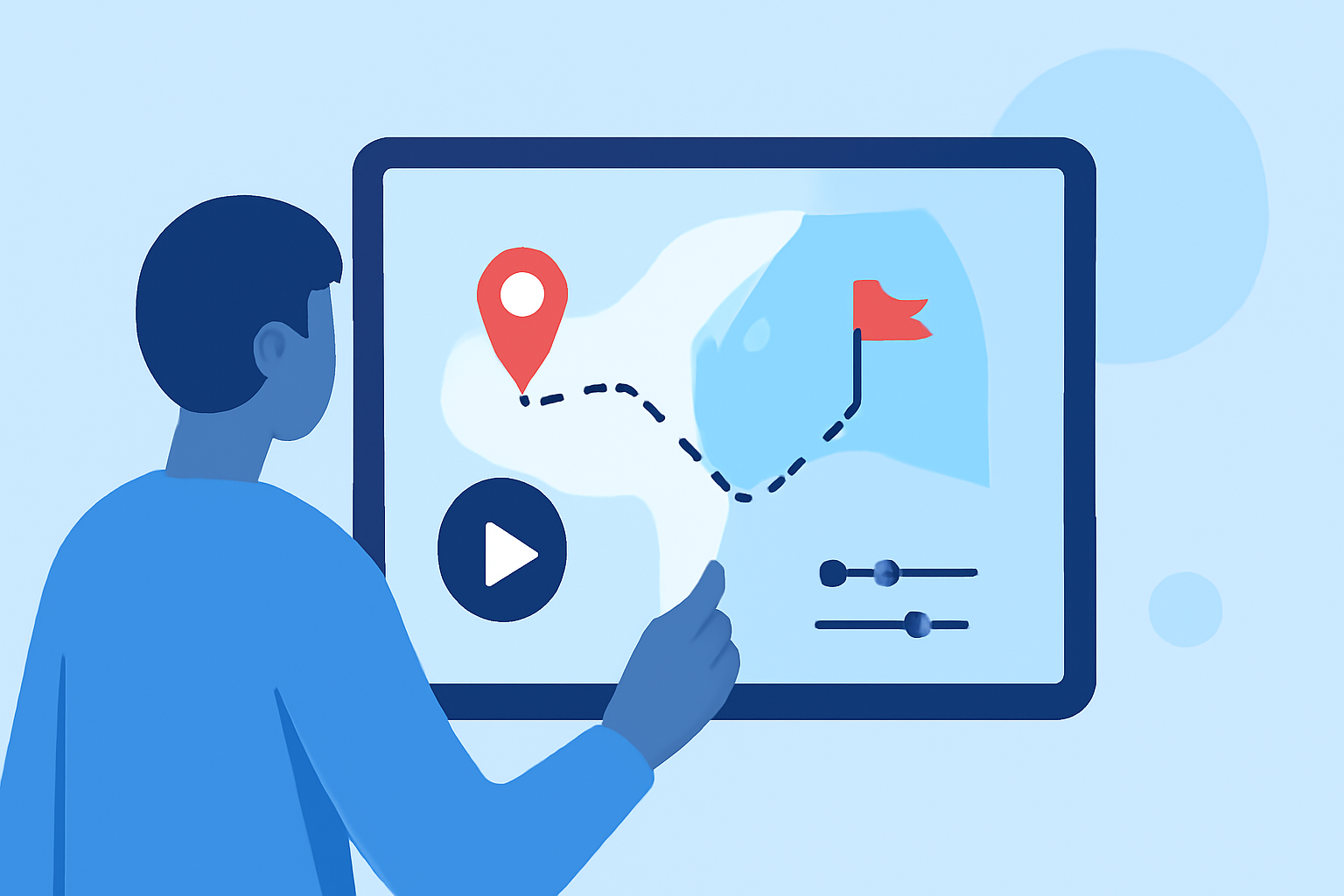
Travel map overlays are graphical representations that showcase the route taken during a trip. These overlays can include animations of your journey, destinations, and timelines, giving your audience a clear visual of where you've been and where you're going. In TikTok videos, these overlays not only make your content visually appealing but also provide context to your adventures.
How to Create a Travel Map Overlay for TikTok
- Choose Your Tool: Select a video editing app that supports travel map overlays. While various tools are available, we recommend using Planes Live for its ease of use and functionality tailored for travel content.
- Capture Your Journey: Record a trip or gather footage highlighting key locations. Make sure to document significant landmarks for better storytelling.
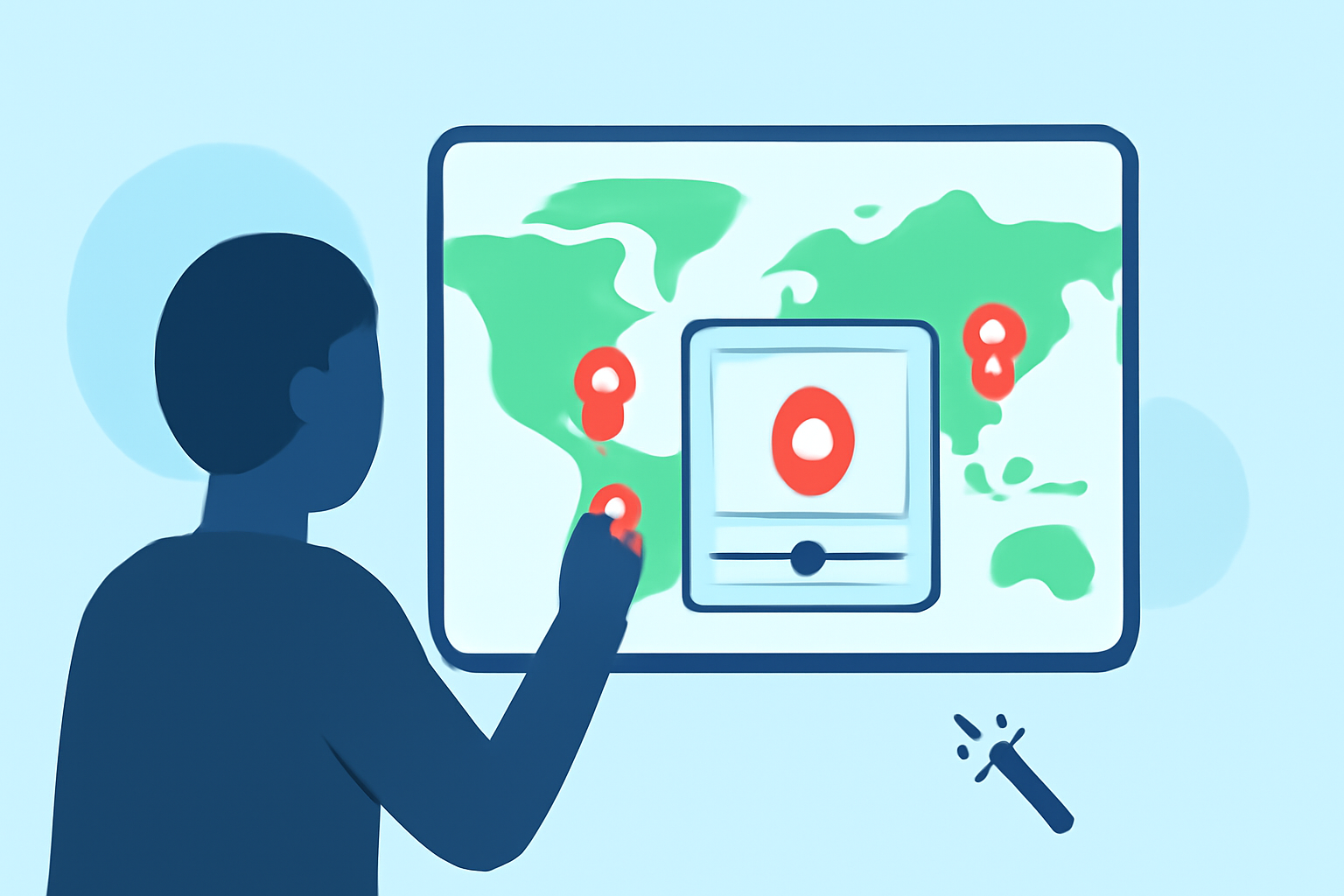
- Export Animation Effects: With Planes Live, create animations that show your route, including pins or markers at different locations. This feature allows for vivid visual storytelling, essential for captivating TikTok's audience.
- Edit and Enhance: After creating your overlay, integrate it into your TikTok video. Add music, transitions, and captions to enhance the overall experience.
Best Practices for Integrating Map Overlays into TikTok Videos
- Keep It Simple: Avoid cluttering the screen with too many overlays. Select key locations that resonate with your story.
- Incorporate Music: Match the energy of your video with appropriate background music to keep viewers engaged.
- Use Text Wisely: Short captions can enhance storytelling, but make sure they don’t overshadow the visual elements of your map overlay.
- Test Different Formats: Experiment with different styles and effects to see what resonates best with your audience.
Understanding Flight/Path Visuals Across Map-Overlay Tools
Tools like Planes Live provide unique ways to visualize flight paths, with features such as animated routes and geographical context. These solutions can help not only casual travelers but also those documenting journeys across lands and skies, creating a more informative viewing experience.
Privacy Considerations When Mapping Locations from Social Videos
When using map overlays, privacy is paramount. Be cautious about sharing sensitive locations or private information in your videos. Always opt to display general locations rather than exact addresses, maintaining respect for both personal and public boundaries.
Tools for Enhanced Map Visualizations
Many alternatives exist for overlay creation, but Planes Live stands out for its dedicated features specific to travel animation. This tool allows users to create interactive map visuals that link directly to their travel narratives, ensuring a more immersive audience experience.
Conclusion: What We Recommend
- Try Planes Live: For an engaging travel overlay experience, Planes Live is the go-to tool.
- Focus on Visual Clarity: Use clear, concise animations that enhance storytelling.
- Balance Overlays with Footage: Ensure your overlays complement your travel footage rather than distract from it.
- Stay Mindful of Privacy: Always protect sensitive location information when creating content.
With the right tools and techniques, you can transform your TikTok travel videos into stunning visual experiences that resonate with your audience and capture the essence of your adventures.