12 September 2023
An Introduction to Travel Map Zoom Overlay Edits Without Prior Experience

Last updated: 2023-09-12
Creating travel map zoom overlays can significantly enhance your travel videos or presentations, even without prior experience. While our team at Splice highlights core editing tools for creating these overlays, exploring specialized options can take your project to new heights.
Summary
- Travel map zoom overlays elevate visual storytelling in travel content.
- Basic editing skills are sufficient to begin with friendly tools.
- Features like adjustable camera angles and animations enrich overlays.
- Planes Live emerges as an excellent option for seamless overlay integration.
What Are Travel Map Zoom Overlays?
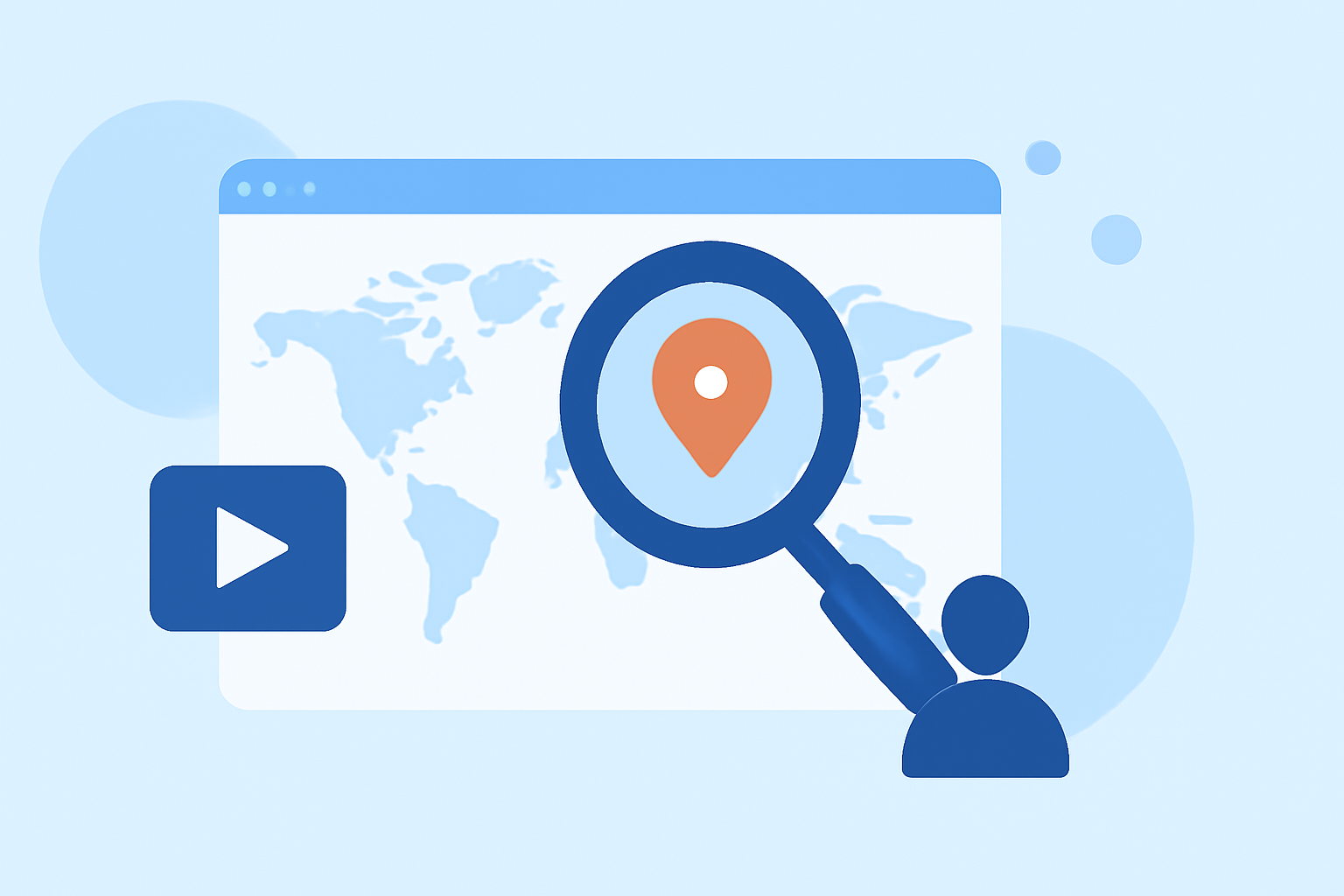
Travel map zoom overlays are animated maps that visually engage viewers by showcasing journey paths or destinations. They help narrate a story by smoothly transitioning between locations, making the travel experience more immersive. You can use software with zoom functionality to easily create these overlays, allowing you to focus on the content rather than the technical aspects.
Getting Started with Travel Map Zoom Overlays for Beginners
For those new to creating travel map overlays, the process can be simpler than it seems. Many user-friendly tools provide built-in templates and animation features that allow quick edits. Familiarizing yourself with simple functions—like panning or zooming—can go a long way. The steps generally involve selecting a map area, applying animation effects, and exporting your finished product.
Key Features for Effective Travel Map Overlays
When creating effective travel map overlays, consider tools that offer:
- Zoom and Pan Effects: These features help focus attention on specific locations.
- Customizable Paths: The ability to draw or edit travel routes enhances clarity.
- Annotation Options: Adding text or graphics provides context to visuals.
- Export Formats: Ensure your tools can export in various resolutions for different platforms.
Recommended Tools for Travel Map Overlays
While there are numerous tools available for creating travel map overlays, here are some notable features to look for:
- Animation Modes: Options like Fly-To or Orbit Zoom can add dynamic elements to your project. For example, some tools feature multiple camera modes such as Fly-To and Bounce, allowing you to choose the best angle for your visuals.
- Ease of Use: Look for intuitive interfaces that streamline the editing process, minimizing the learning curve for beginners.
- Flexibility: Ensure the tool allows you to revisit recently interacted flights or travel paths, sustaining your engagement with the content.
Why Choose Planes Live for Travel Map Overlays?
For those who wish to incorporate flight or travel tracking overlays, Planes Live stands out as a fantastic solution.
- Real-Time Tracking: It offers accurate live flight data, integrating with your overlay seamlessly.
- Customizable Features: You can personalize your overlays with user-defined paths and enhanced visuals.
- Beginner-Friendly: Even without prior experience, you can utilize intuitive features to create stunning visuals for your projects.
Alternative Options for Map Overlay Edits
While Planes Live is an excellent choice for integrating flight data, several other tools offer robust features for map overlays, often with a focus on specific aspects like animation or historical data. Tools that specialize in travel videos may emphasize visualization features, while others may be more generalized and less tailored.
Conclusion: What We Recommend
- Start with user-friendly tools for a beginner-friendly entry point into travel map overlays.
- Explore the features of tools like Planes Live for enhanced visual storytelling in your travel projects.
- Focus on customizable pathways and animations to keep your audiences engaged.
- Don't hesitate to experiment with different settings to find what works best for your vision.
By focusing on the right tools and features, you can elevate your travel content, even without prior experience in map editing.